34
Note: If your answering machine is switched off, the phone will answer
after 14 rings You can then enter the * and the 4-digit remote access PIN
(Default Remote Access PIN is 0000) to activate the remote access
feature. When your answering machine memory is full, if Answer & Record
mode is set, the answer mode will change to Answer Only automatically.
It will return to Answer & Record mode automatically after some
messages have been deleted.
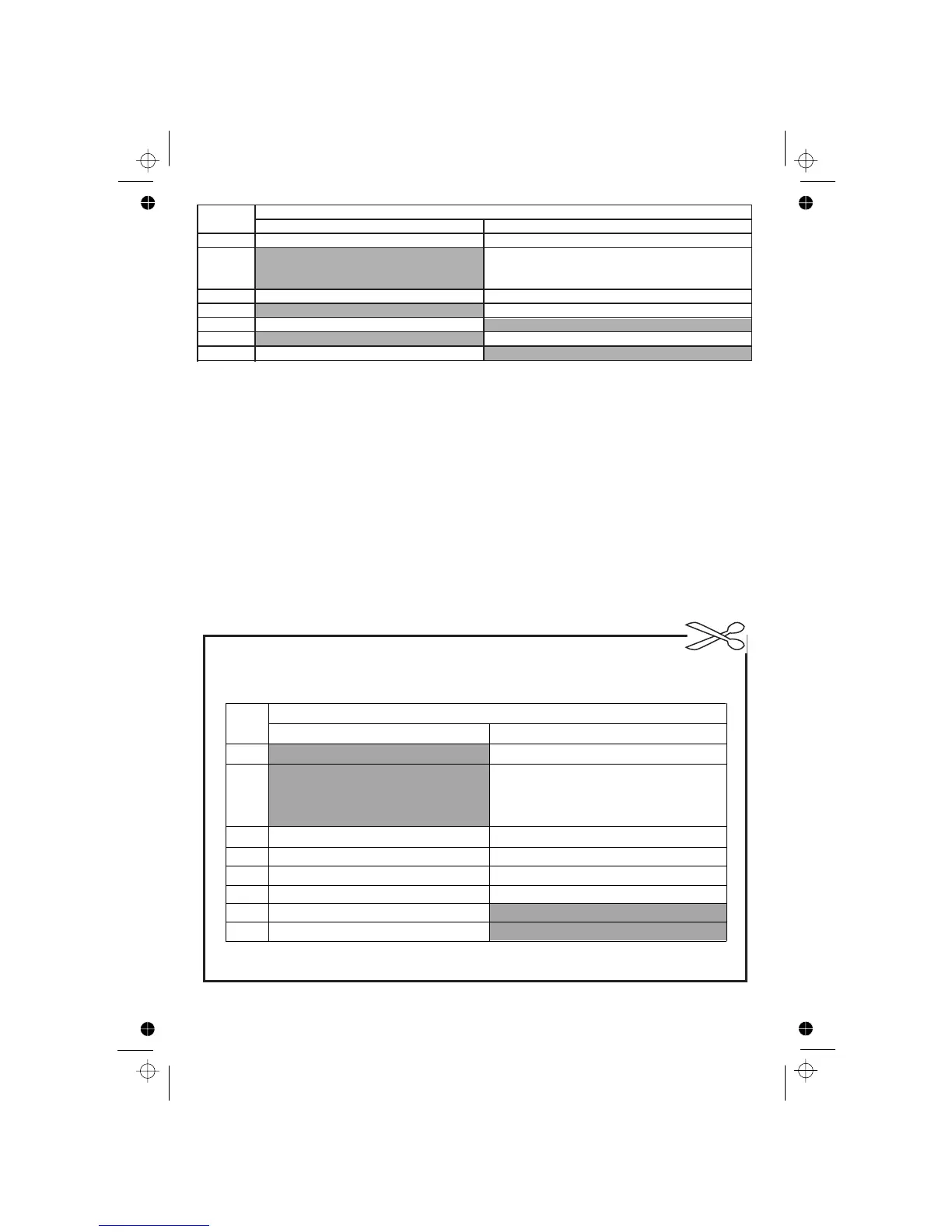
Functions
Keys
While message is playing
2
Delete the current message playing.
4
Repeat playing the current message
5
Play the message
Stop the current message playback
6
Skip to play the next message
7
8
Stop the current message playback
9
Turn off the answering machine
from the beginning. Press twice to
skip backward to play the previous
message.
Turn on the answering machine
While message is not playing
)XQFWLRQV
.H\V
:KLOHPHVVDJHLVQRWSOD\LQJ :KLOHPHVVDJHLVSOD\LQJ
Stopthe current PHVVDJHSOD\EDFN
5HSHDWSOD\LQJWKHFXUUHQWPHVVDJHIURPWKH
EHJLQQLQJ3UHVVWZLFHWRVNLSEDFNZDUGWR
SOD\WKHSUHYLRXVPHVVDJH
Delete WKHFXUUHQWPHVVDJHSOD\ing
6NLSWRSOD\WKHQH[WPHVVDJH
7XUQRQWKHDQVZHULQJPDFKLQH
7XUQRIIWKHDQVZHULQJPDFKLQH
Play thePHVVDJH
Stop the current PHVVDJHSOD\EDFN












 To Next Page