KB (E4 + E6) 02/2017 page 65/148
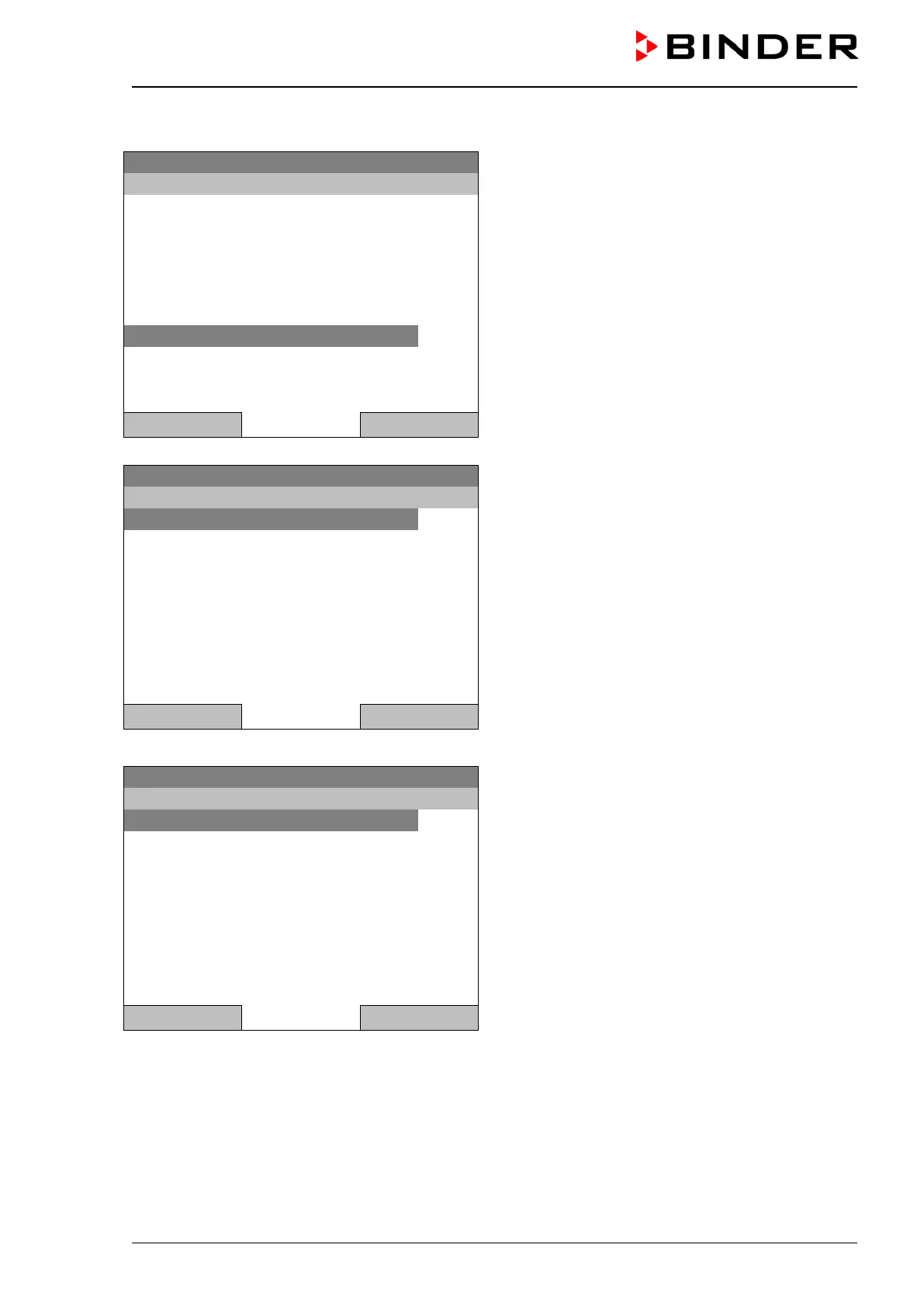
To start a week program, you can also go to Quick menu > Week program > Start
08.03.2015 05:05:06
“Quick menu”.
Select “Week program”
and press the operating button
Safety controller setpoint
Close Home
08.03.2015 05:05:06
Submenu “Week program”.
Select “Start” to start an existing program
and press the operating button.
Close Home
The further procedure is equal to that described for the general menu.
08.03.2015 05:05:06
Submenu “Select program” (example).
Select one of the programs
and press the operating button to start the program
Close Home







 To Next Page