KB (E4 + E6) 02/2017 page 71/148
08.03.2015 05:05:06
Submenu “Settings” (next page).
Select the desired function
and press the operating button.
Close
10.3.4 Time of the day
08.03.2015 05:05:06
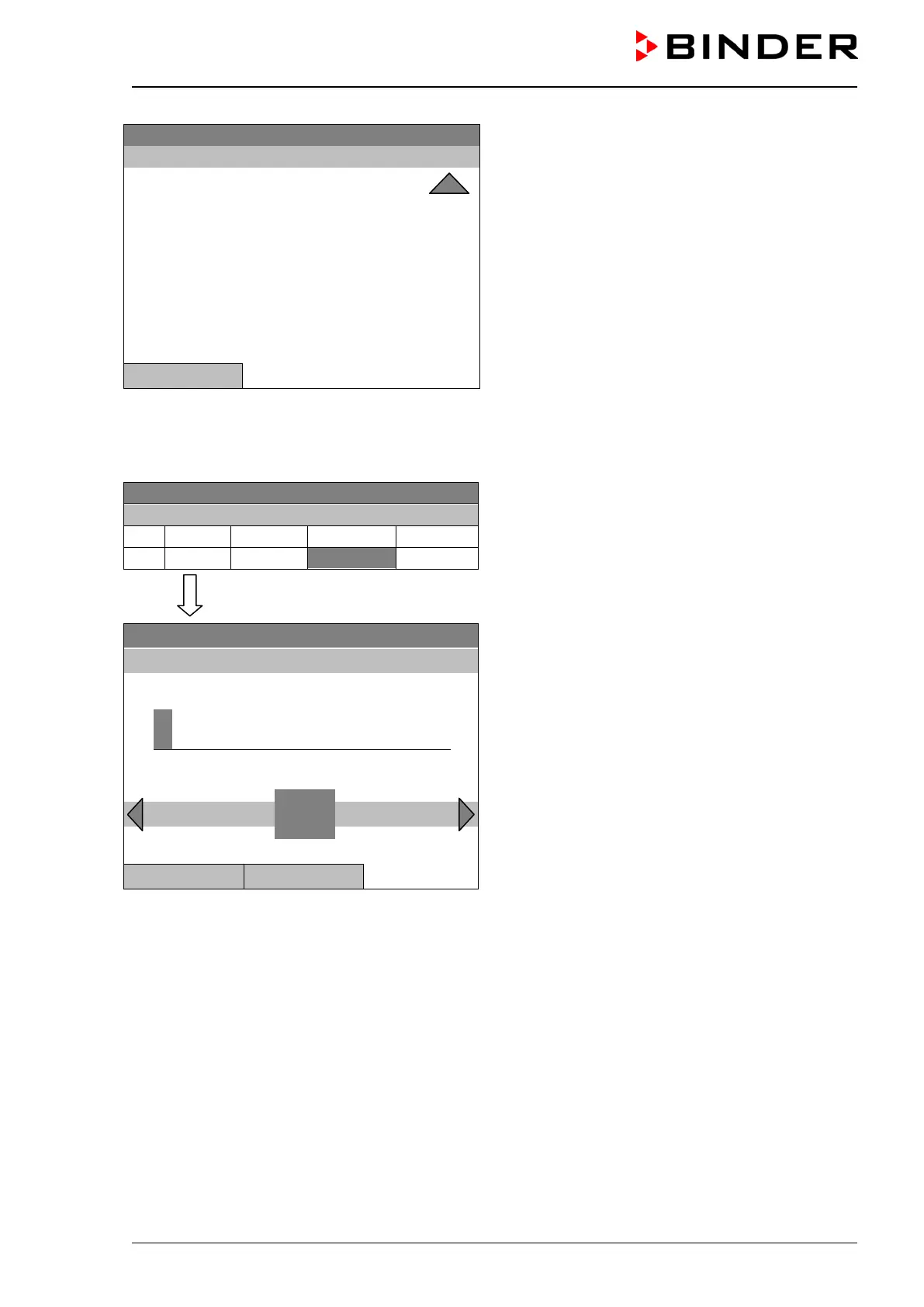
Week program editor.
Select a value under “H:M:S”
and press the operating button.
..\ Temperature controller
Fixed value
08.03.2015 05:05:06
Entry menu “Time of day”.
Enter the desired moment of the shift-point with the
operating button.
Press the “Ok” button to confirm.
..\ Time of day
0
Ins Pos1 End Ok
Close Ok







 To Next Page