KB (E4 + E6) 02/2017 page 86/148
12.7 Factory reset
The “factory reset” function allows resetting the controller configuration to the factory settings.
Risk of data loss! When resetting to factory settings, all controller settings, user data and
passwords, will be deleted. Any entered programs, the event list and stored measuring data
are NOT affected.
To access the “Factory reset” function, go to Menu > Settings > Factory reset
08.03.2015 05:05:06
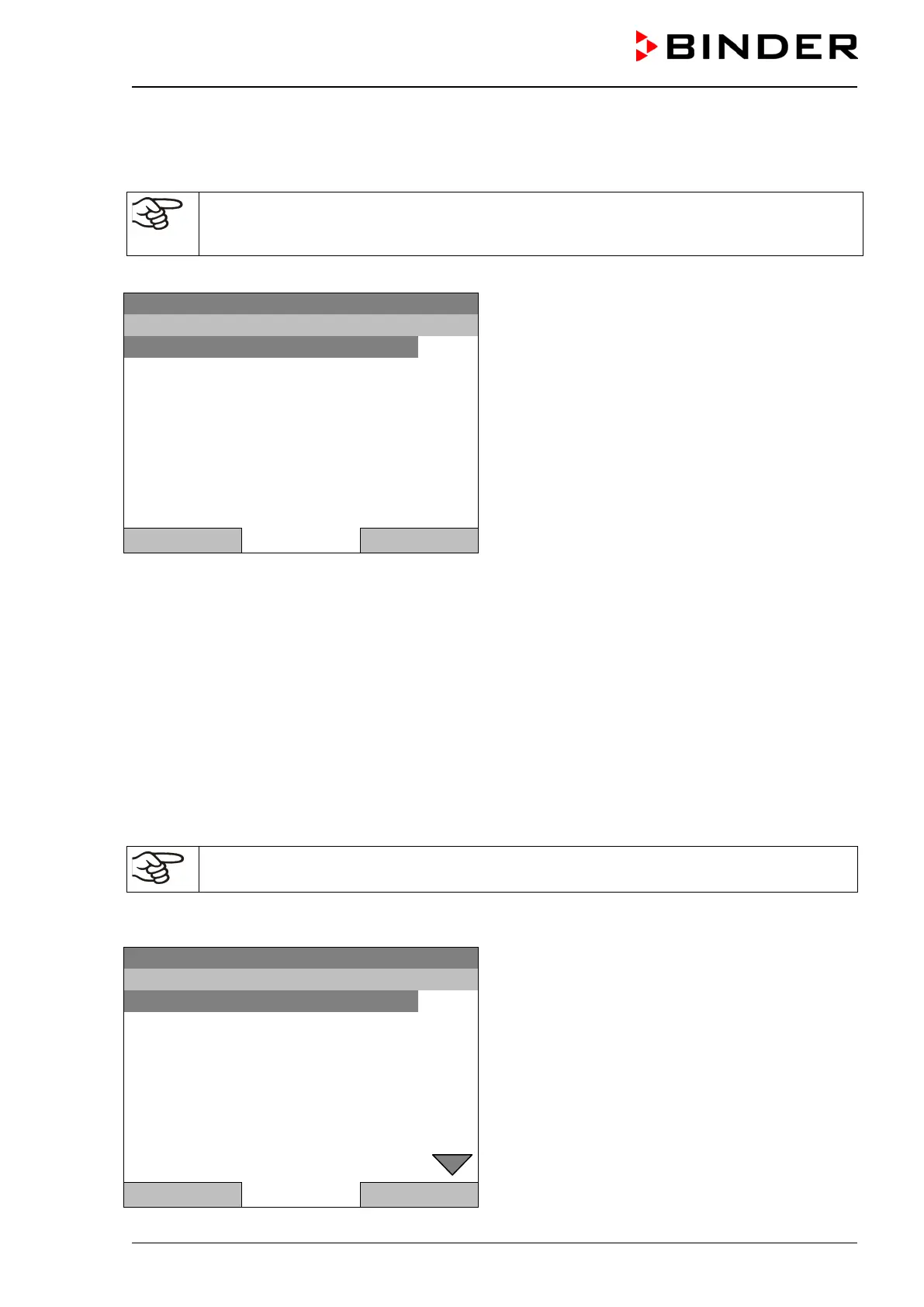
Submenu “Factory reset”.
This a security question. Select the desired function
and press the operating button.
Close Home
If you selected “Really reset” a message asking to restart the chamber appears. Confirm with “OK”. The
controller returns to the initial view.
Otherwise, go back to the “Settings” menu with “Close” or to the initial view choosing “Do not reset” or
“Home”.
12.8 Network configuration
The settings of this submenu are required for networking chambers with an Ethernet interface, e.g. to
connect them with BINDER’s communication software APT-COM™ 3 DataControlSystem.
You can display the chamber‘s IP address that has been assigned by your DHCP server or manually
assign the IP address. All necessary configurations for networking the chamber are available in this
menu.
To view and configure the network settings, go to Menu > Settings > Network settings
To configure the network settings, the DHCP state must be set to off. Otherwise, the DHCP-
server would assign the network configuration.
If you try to configure the network settings with enabled DHCP state, the message “DHCP enabled!” is
shown. Confirm with „Ok“ to return to the “Network settings” menu.
08.03.2015 05:05:06
Submenu “Network settings”.
Turn the operating button to see additional menu
items.
Close Home







 To Next Page