KMF (E5.2) 06/2014 page 44/99
9. Program operation
The MB1 2-channel program controller permits programming temperature and humidity cycles. It offers
25 program memory positions with 100 program sections each. The total cumulative number of program
sections is limited to 500. It is not possible to link several programs.
For each program section a temperature set-point, a humidity set-point, the fan speed (0% to 100%), and
the switching-state of up to 8 operation lines (non-functional with standard unit) can be entered.
Programming is possible directly by the keypad of the controller or graphically by the software APT-
COM™ 3 DataControlSystem (option, chap. 14.1) specially developed by BINDER.
9.1 Menu-based program entry
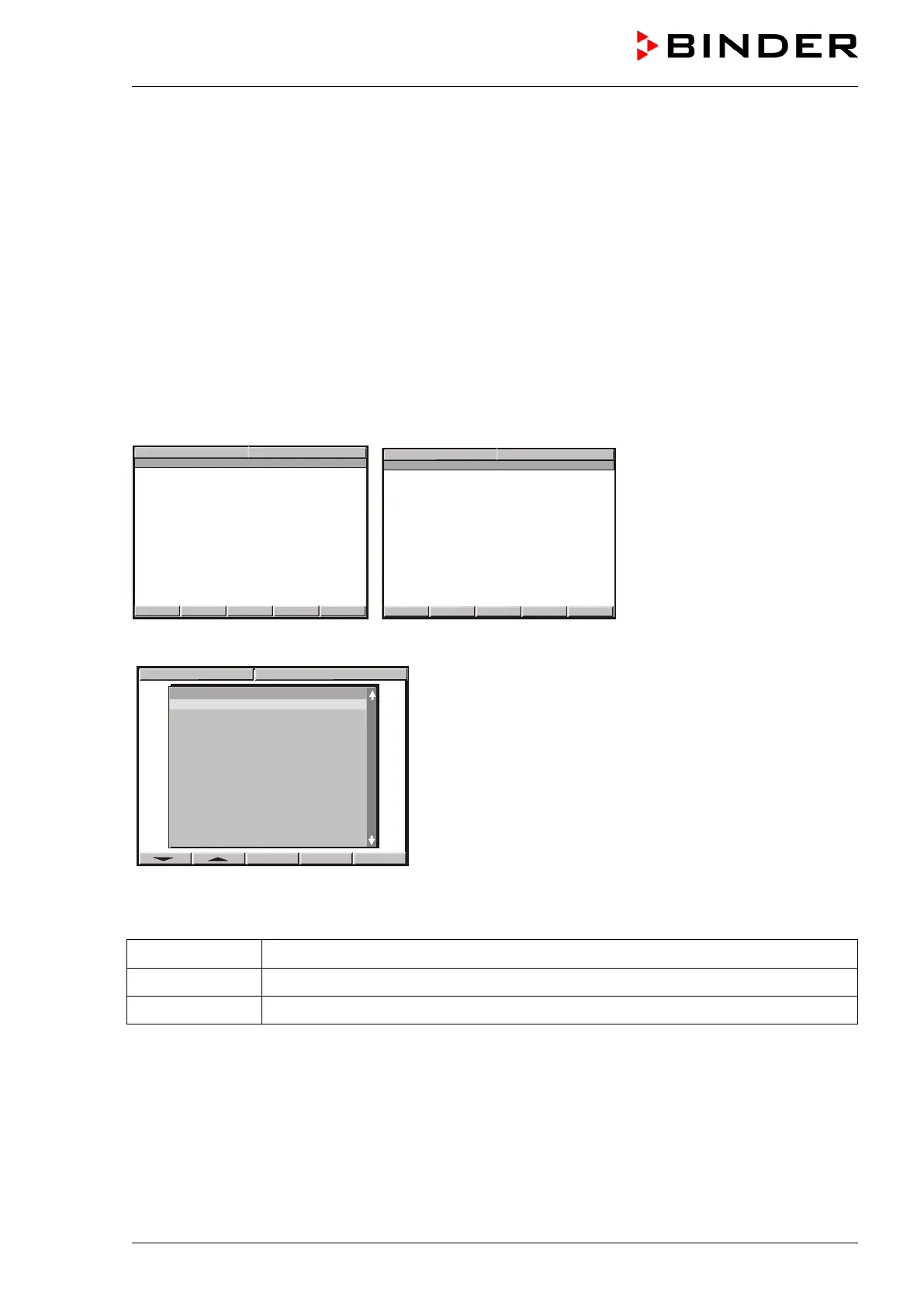
Displays showing the initial normal display in Idle Mode
Hit button PGM. The window program selection appears.
Select a program via the arrow keys and confirm by pressing “ENTER”
The following display serves to select a subroutine:
TP-Program 1 Entry of temperature values and fan speed setting
TP-Program 2 Entry of humidity values
TP-Program 3 no function
PROG 02
PROG 03
PROG 04
PROG 05
PROG 06
PROG 07
PROG 08
PROG 09
PROG 10
PROG 11
2 PROG 12
PROG 13
PROG 14
PROG 15
PROG 16



 To Next Page