KMF (E5.2) 06/2014 page 46/99
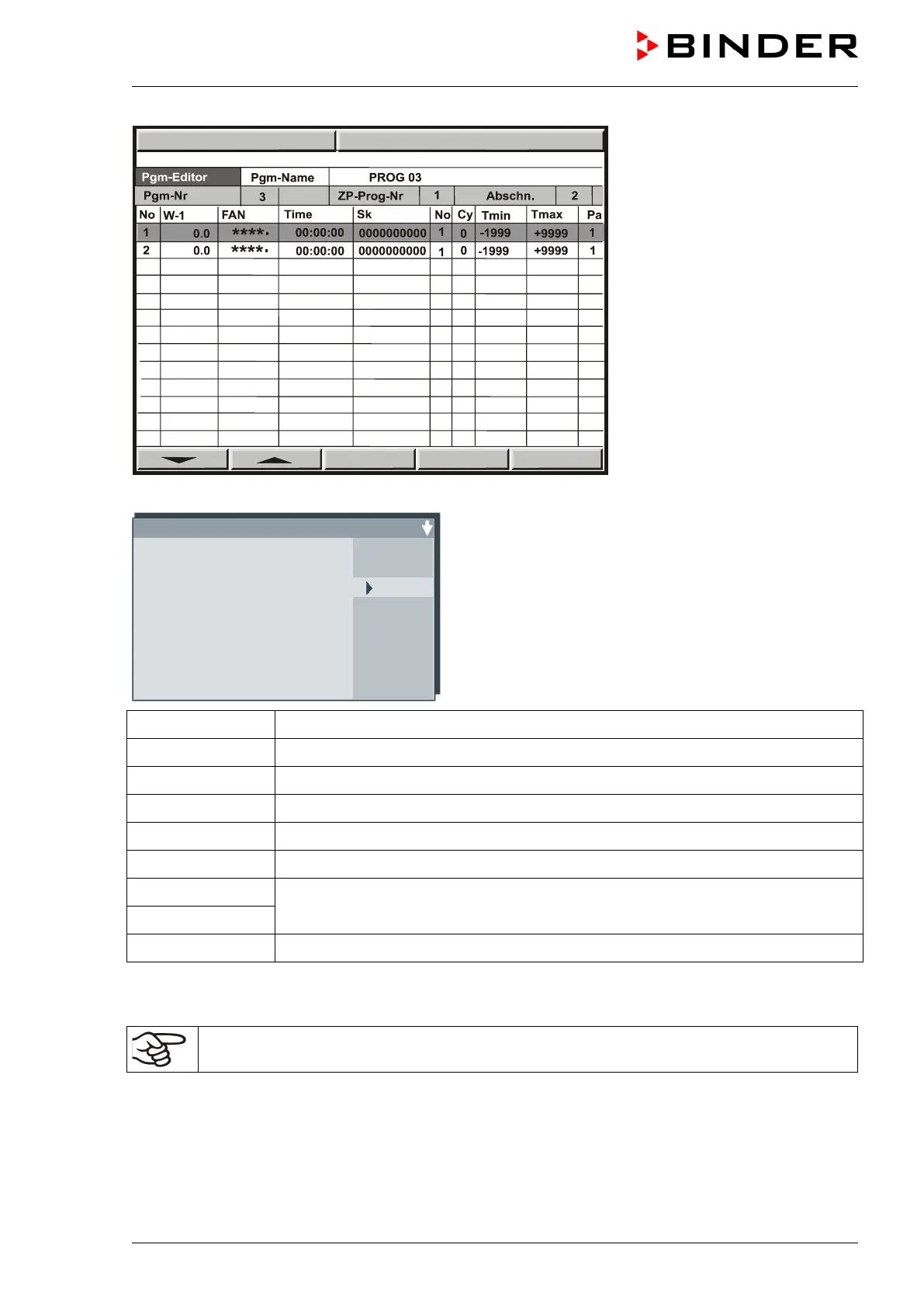
To enter values, select the corre-
sponding line via the arrow keys.
Hit the “ENTER” button. The pro-
gram editor appears.
Enter the individual values of the selected program section.
Program editor Abs.Nr. 6
****
.
*
Setpoint 1 +100.0
FAN
Operating contacts
Time 00:45:00
Repeat Section 5
Repeat Number 10
Tol.-band min. -1999.0
Tol.-band max. +9999.0
Parameter set 1
Setpoint 1 Temperature value at the start of the program section
FAN Fan speed in %
Operating contacts Operation lines (no function)
Time Duration of the program section
Repeat Section No. of start section in case of repeat cycles
Repeat Number No. of repeats in case of repeat cycles
Tol.-band min. Temperature limits (maximum / minimum temperature)
(In case of exceeding: temporary program stop)
Tol.-band max.
Parameter set Pre-selected value (Do NOT change!)
Select the parameters via the arrow keys and confirm by pressing “ENTER”.
Then enter the values via the arrow keys, and confirm the entry by pressing “ENTER”.
For a negative set-point entry, enter the numerical value first, and only then the negative sign
(-).



 To Next Page