Stand-Alone Operation
58
2. Enter a protocol name if you have already not done so, or edit the name previously
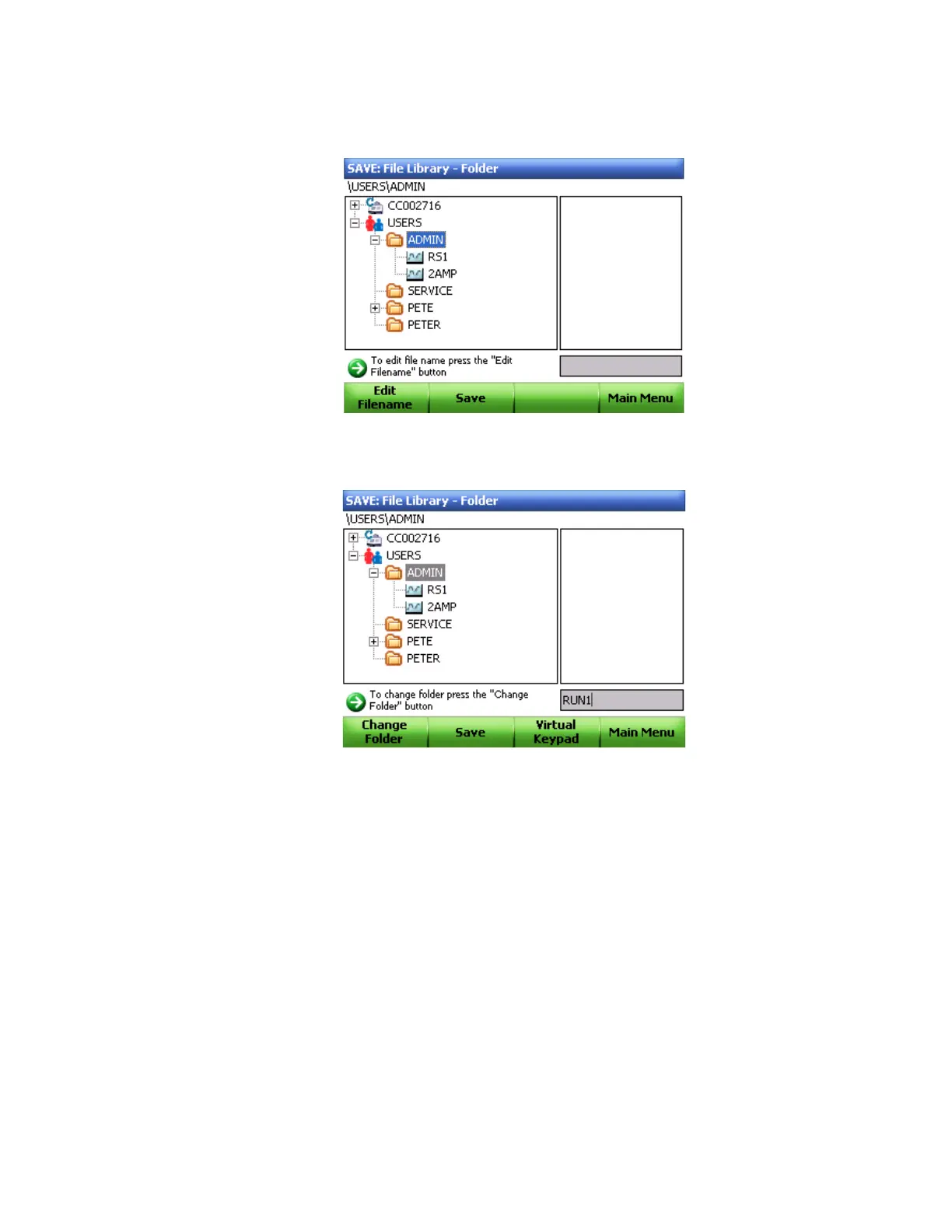
created in the Protocol window. Use arrow keys to select a destination folder (Figure 49).
Figure 49. Saving a protocol.
3. Click Edit Filename (F1) and type a new name in the box (Figure 50).
Figure 50. Entering a protocol name.
4. Click Save (F2) (Figure 50).



 To Next Page