CFX96 and CFX384 Systems Manual
59
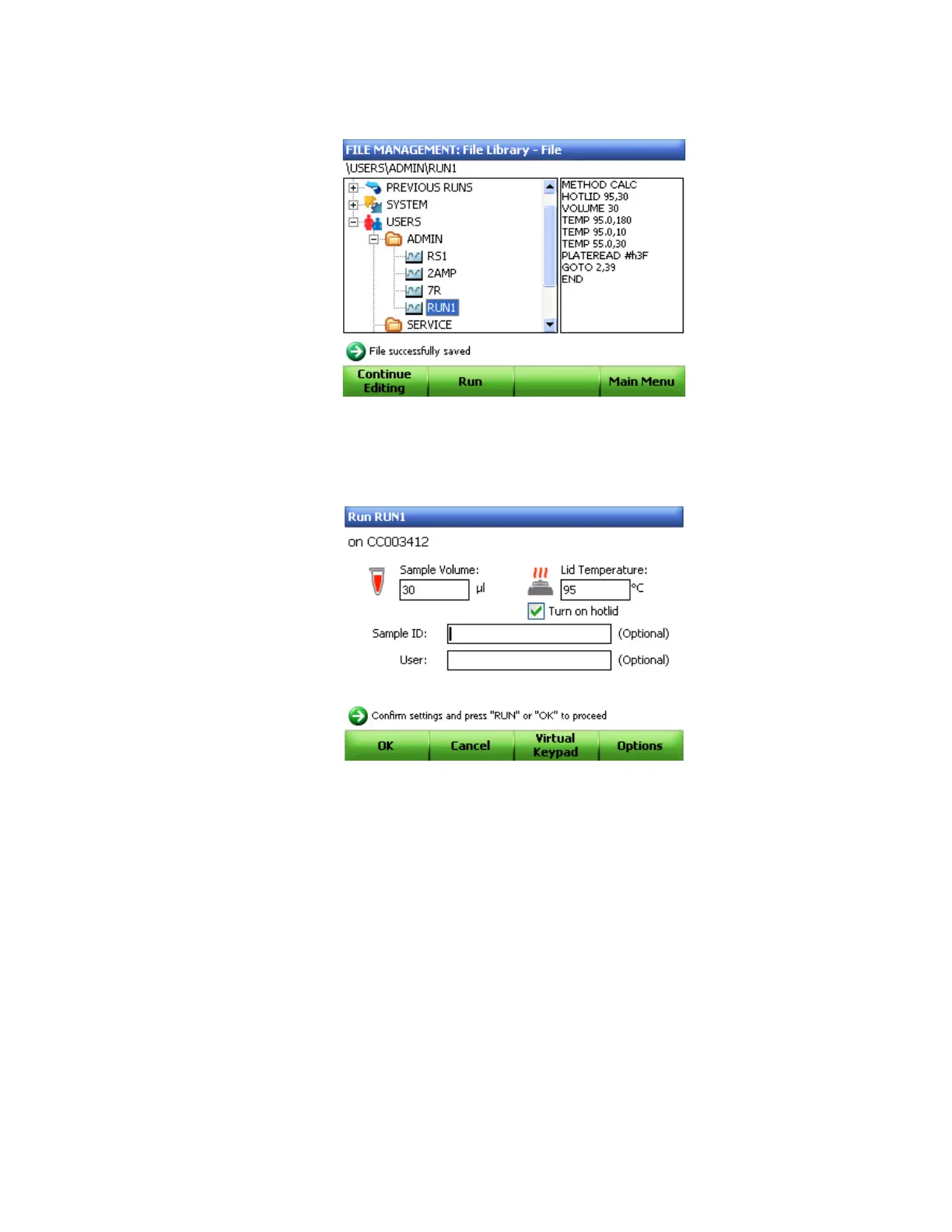
5. Click Run (F2) to continue and run the protocol (Figure 51).
Figure 51. Protocol successfully saved.
6. Edit the Sample Volume or Lid Temperature that will be used for the run (Figure 52).
7. Enter the Sample ID or User to be recorded in the Run information screen.
Figure 52. Editing sample volume and lid temperature.
8. Click OK (F1) to proceed.



 To Next Page