S3 Cell Sorter Instruction Manual | 91
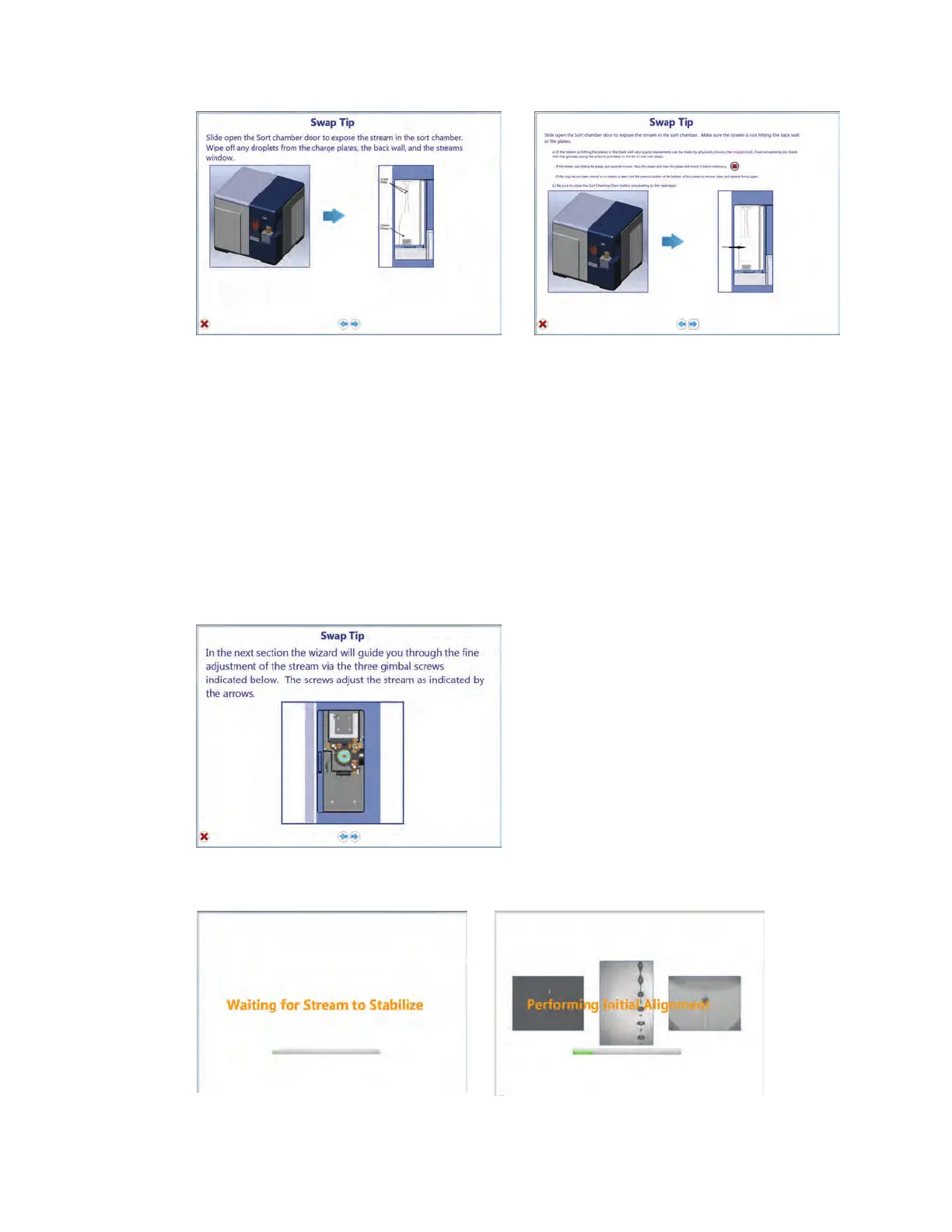
Fig. 103. Nozzle swap wizard window.
Fig. 104. Nozzle swap wizard window.
20. Check to see if the stream is targeting the waste hole in the back of the sort collection area.
21. If not, coarse adjustments can be made by physically moving the black block area at the
top of the nozzle.
Note: The upper right gimbal moves the nozzle right to left. The bottom right gimbal moves the
nozzle foward and back.
22. Fine movements can be made using the gimbals and a hex wrench provided in the
accessory kit.
Fig. 102. Nozzle swap wizard window.



 To Next Page