S3 Cell Sorter Instruction Manual92 |
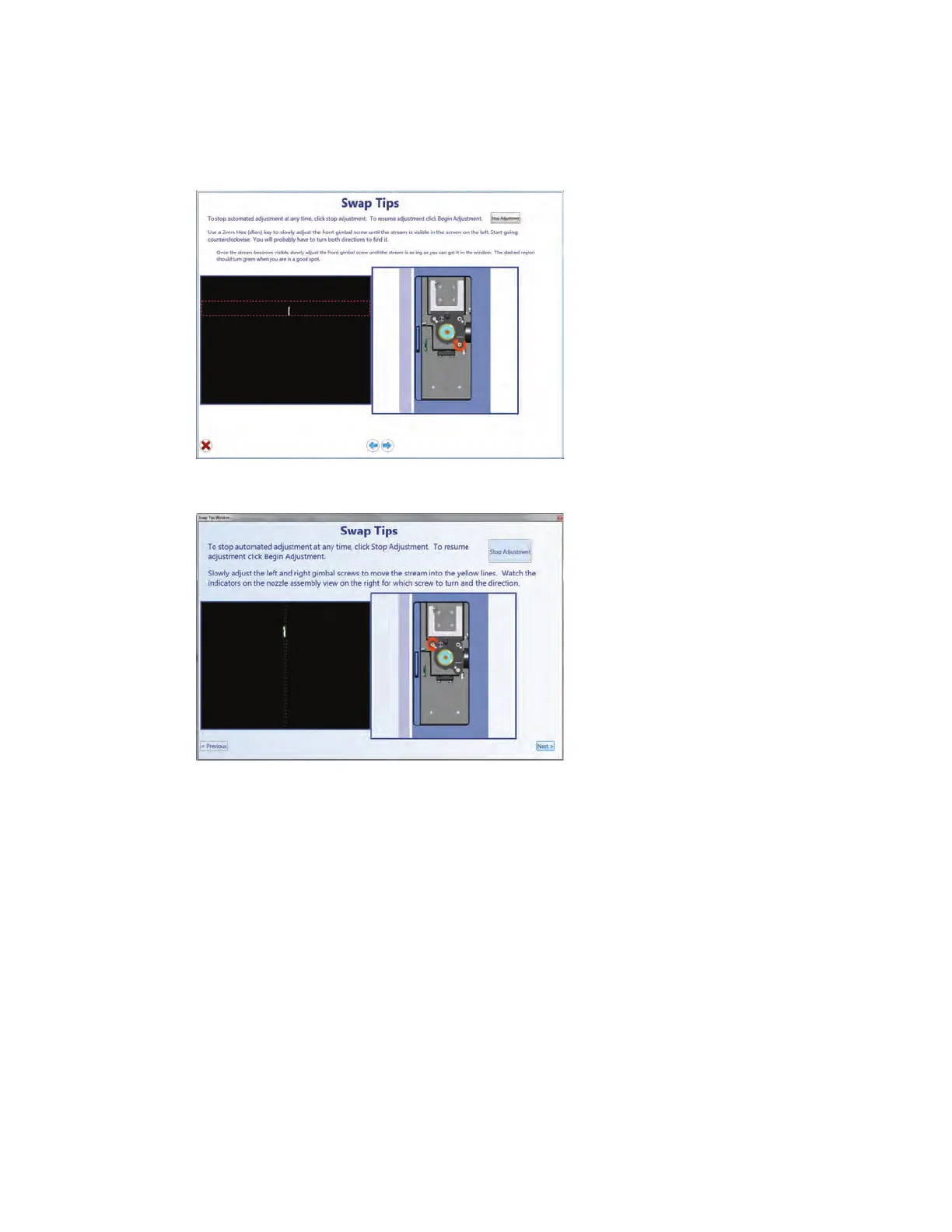
Fig. 105. Nozzle swap wizard window.
The S3 system uses the micromotors to align the stream to the pinhole and to the lasers.
Three camera views — pinhole, droplet, and stream — will appear during the alignment. The
micromotors will bring the stream into focus.
An image of the stream alignment is shown with the stream camera. It is necessary to center
the stream and optimize the amount of light on the stream by scanning forward and back, or
side to side.
23. Adjust the gimbals with the hex wrench as they are highlighted by the wizard.
24. Count turns and visually estimate where the stream looks the brightest.
Once optimized, the wizard arrows will disappear. If the picture does not get any brighter or the
arrows do not disappear, proceed to next step. More adjustments can be made later.
25. Follow the arrows on the diagram. Arrows will disappear when the stream is properly adjusted.
Note: The box on the image will also turn from yellow to green once the stream is in proper position.
Fig. 106. Nozzle swap wizard window.



 To Next Page