| 27S3 Cell Sorter Instruction Manual | 27
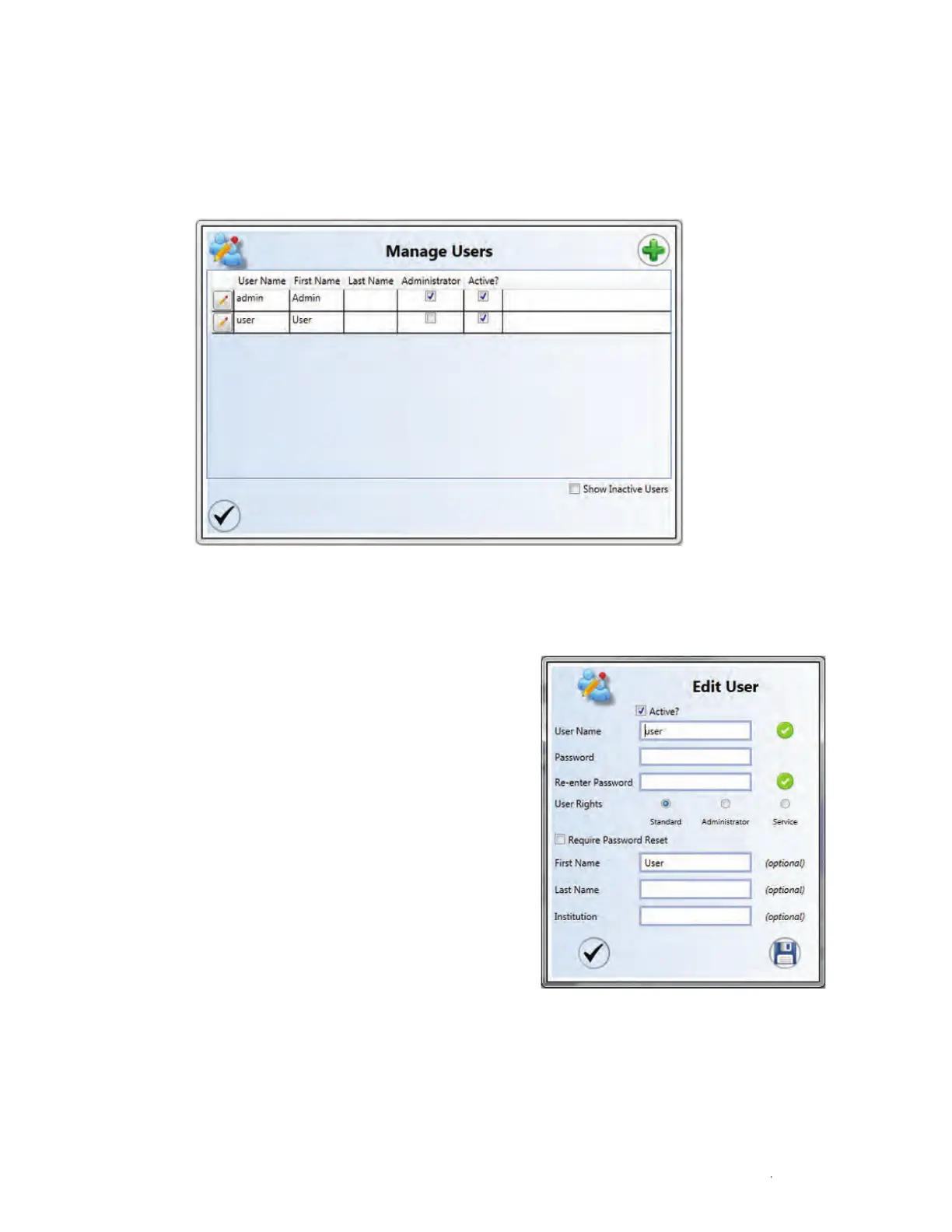
Fig. 23. Manage Users window.
3.3.5 Managing Users
The Manage Users button opens the Manage Users window. This window allows an
administrator to add, delete, or edit users (Figure 23). Passwords can be reset and users can be
notified to reset their passwords from this window.
To edit a user’s information:
1. Click the pencil icon next to the
user’s name.
2. Modify user information in the Edit User
window (Figure 24).
3. Click Save.
Note: In the event that all administrator
passwords are lost or forgotten, call your
local technical support team to receive a
temporary password.
Fig. 24. Edit User window.



 To Next Page