| 47S3 Cell Sorter Instruction Manual | 47
4.5.11 Viewing Statistics
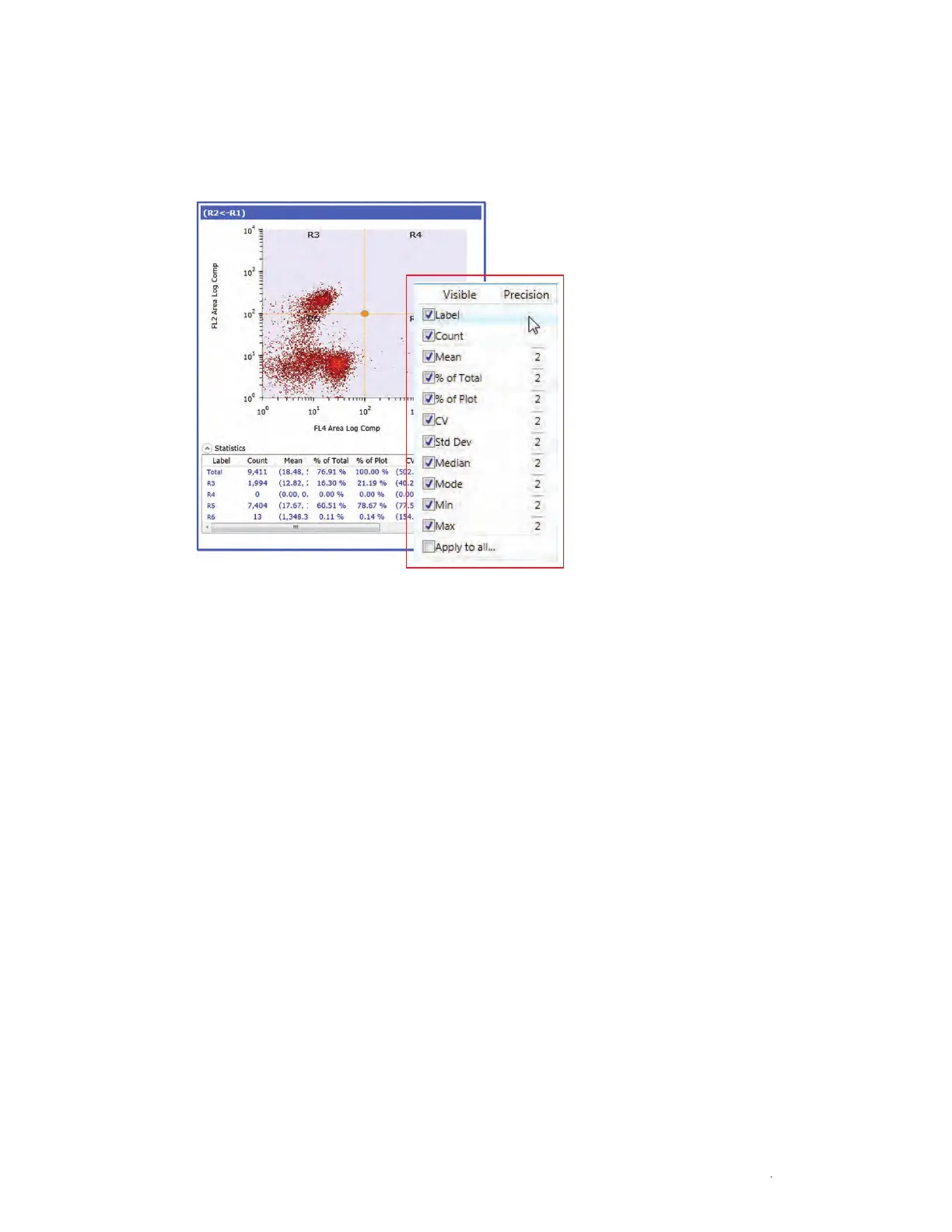
To view the statistics on a plot, highlight the plot and select the Statistics dropdown arrow in
the lower left corner (Figure 50). To hide the statistics, click the same button.
4.5.12 Editing and Reordering Statistics
There are several options for displaying statistics. Changes in the settings will be saved with
the protocol (Figure 50). Refer to Section 3.3.8, Global Preferences, for information on how to
change the default statistics.
To remove statistic headings:
1. Right click in the Statistics panel.
2. Check or uncheck statistics to display in the statistics table.
3. Check Apply to all to apply to all plots in the protocol.
To reorder statistic headings:
1. Click the statistic name in the Statistics title bar.
2. Drag and drop to the desired location.
or
Fig. 50. Density plot with statistics.



 To Next Page