b-5. Type setting
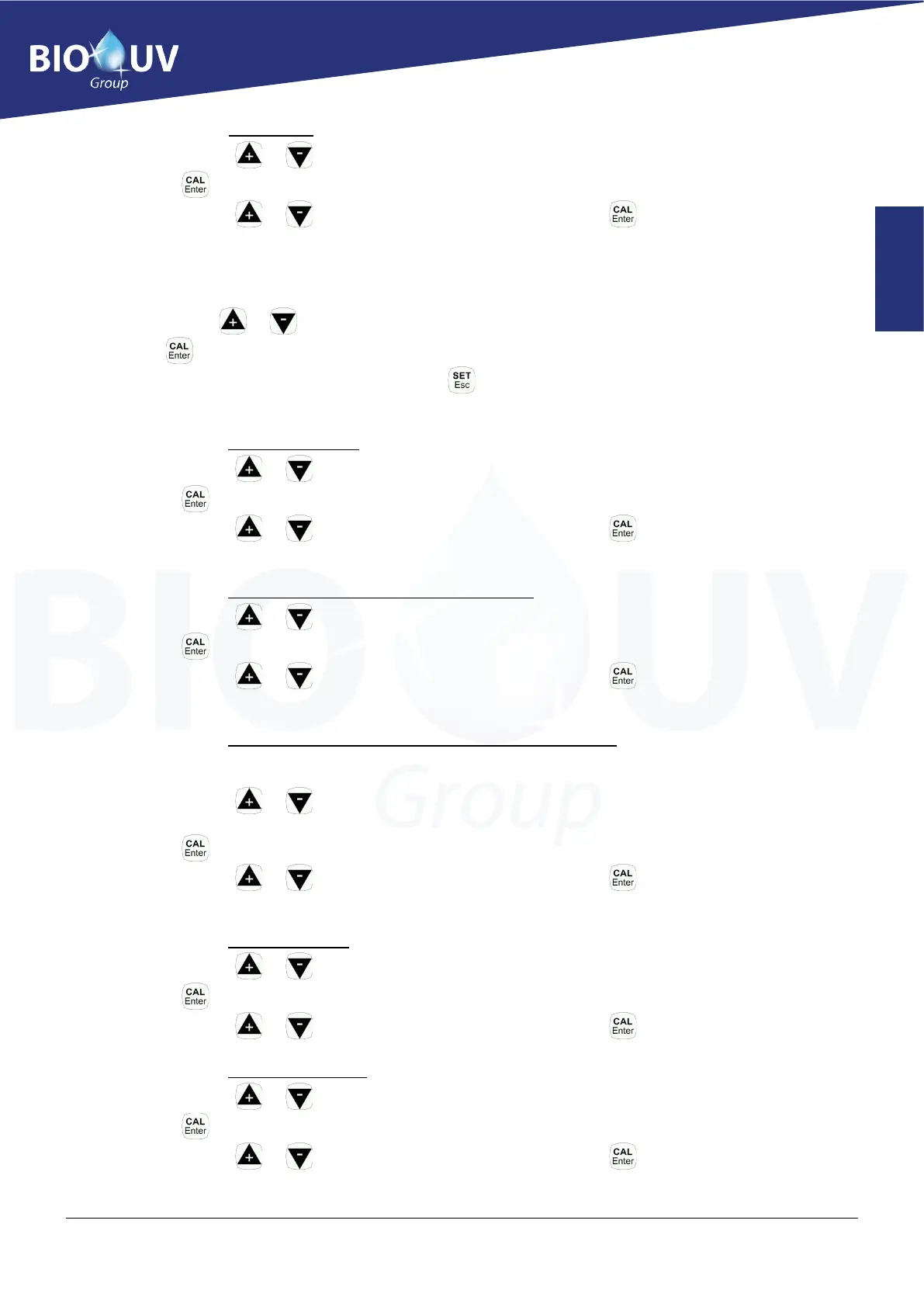
❖ With the keys or , select "Type", the current value is displayed on the side (by default: PROP)
❖ Press again: the value flashes and can be modified
❖ With the keys or , set the desired new value and then press to validate
c.) pH measurement menu:
• With the keys or , select "pH measure"
• Press to enter the menu
• Once the settings of this menu are done, press to return to "Program Menu"
c-1. pH Setpoint setting
❖ With the keys or , select "Setpoint", the current value is displayed on the side (by default: 7.3pH)
❖ Press again: the value flashes and can be modified
❖ With the keys or , set the desired new value and then press to validate
c-2. Sp type setting (Dose product, acid or basic)
❖ With the keys or , select "Dosing", the current value is displayed on the side (by default: ACID)
❖ Press again: the value flashes and can be modified
❖ With the keys or , set the desired new value and then press to validate
c-3. OFA time setting (Over Feeding Alarm=Overdose alarm)
Displays "OFA alarm" and stops the pH injection if there is no variation in pH after 40 minutes of the
injection cycles. Do not change it until you have controlled the correct operation of the probe.
❖ With the keys or , select "OFA time", the current value is displayed on the side (by default:
40mnACID)
❖ Press again: the value flashes and can be modified
❖ With the keys or , set the desired new value and then press to validate
c-4. ALR Band setting
❖ With the keys or , select "ALR band", the current value is displayed on the side (by default: 1.0)
❖ Press again: the value flashes and can be modified
❖ With the keys or , set the desired new value and then press to validate
c-5. Temperature setting
❖ With the keys or , select "Temp", the current value is displayed on the side (by default: 25)
❖ Press again: the value flashes and can be modified
❖ With the keys or , set the desired new value and then press to validate



 To Next Page