GREEN/ORANGE
GREEN/ORANGE
EN-7
ENGLISH
1.3 Charging
• Power supply
The charging process is the same for both battery pack types. They can be charged using the
power supply, on the bike or removed from the bike.
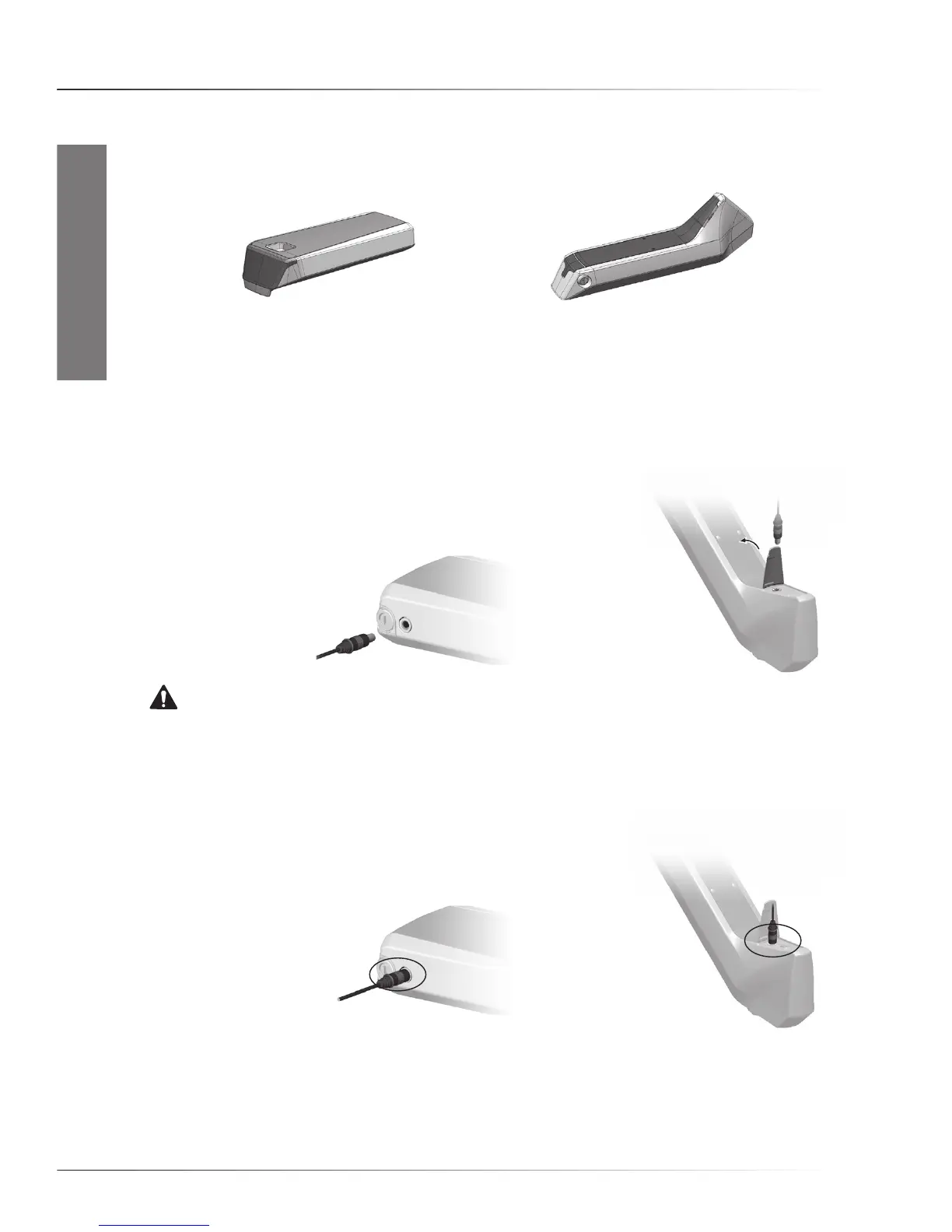
RIDE+ R250-2, R320 & R420 RIDE+ C420
NOTICE. When not in use, charge a battery pack at least once every six months (refer to paragraph
4.7 for detailed instructions).
• Charging the battery pack
1. Turn the system Off.
2.Connecttheconnectorofthepowersupplytothechargingportof
the battery pack and connect the power supply to the power outlet.
WARNING. Replace a damaged power cable immediately to prevent an electric shock.
3. The battery pack will emit beeps and then the charging port will turn orange. When the battery
pack is full, the charging port will turn green. To stop charging, just disconnect both connectors.
The battery packs with the round charging connector can be left connected to the power
indefinitely. The power supply electronics will take care of the correct charging procedure.
However, you will save energy by disconnecting the power supply when the
light in the charging port has turned green.
QuICk start - ChargIng



 To Next Page