EN-28
ENGLISH
4.9 Programming
Thissectionexplainshowyousettheodometerunits(milesorkilometers),theclock,thewheel
diameter and how you can swap the functionality of the buttons and select the correct language.
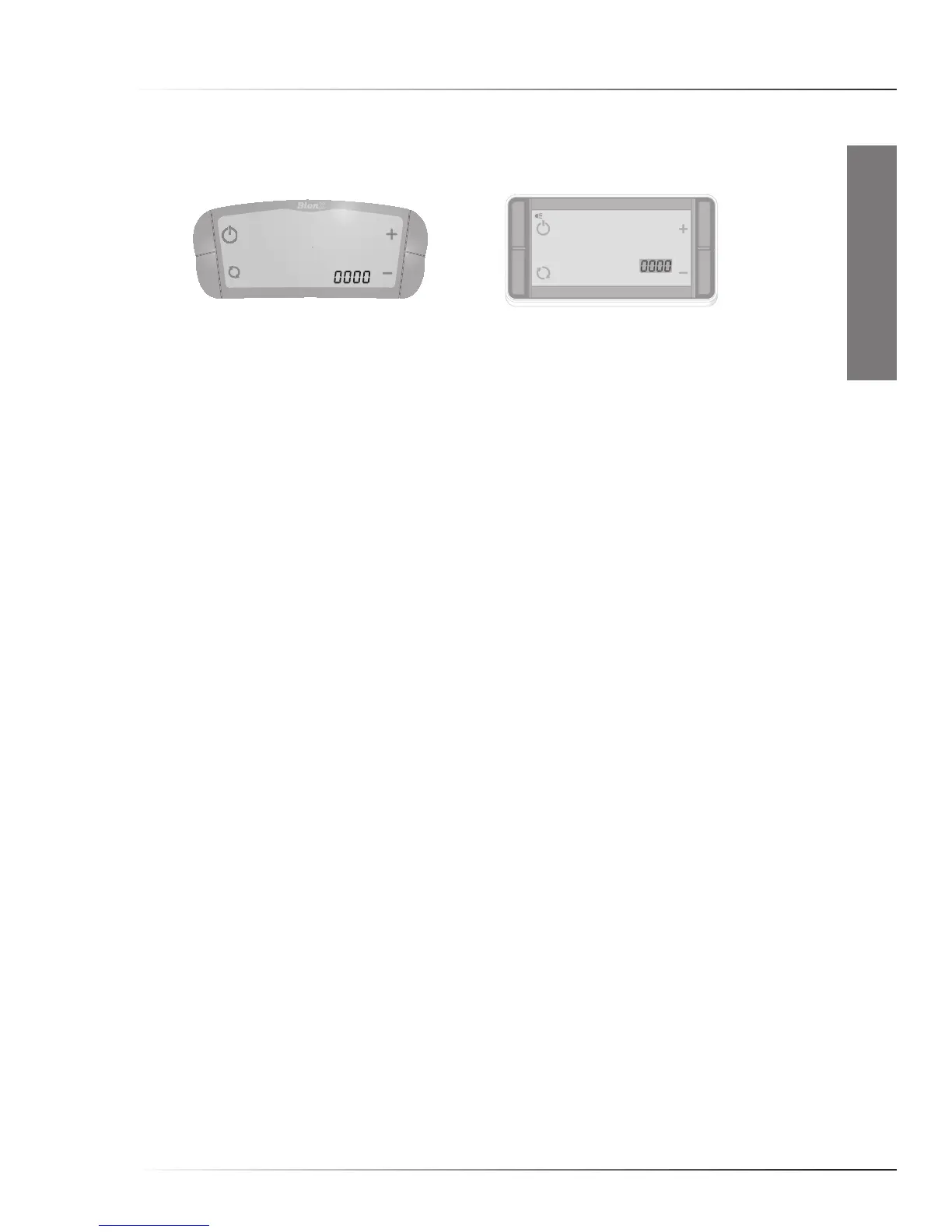
Toenterprogrammingmode,pressbuttons‘On/Off’and‘Mode-switch’fortwoseconds.
Fourzeroswillappear,withthefirstzeroblinking.
Entertheappropriatecodebypressingbutton‘+’forahighervalue,‘-’foralowervalue.Press
button‘On/Off’toselectavalueandmovetothenextdigit.Afterenteringthecorrectvalueforthe
fourthdigit,pressbutton‘On/Off’tomoveintothechosenmenu.Intheprogrammingmenu,
buttons‘+’and‘-’willmovetoahigherorlowervalue.Pressingbutton‘On/Off’willsavetheentry
and move you to the next step, or back to the regular display.
Codes:
2001 to switch between miles and kilometers.
2004 to set the time.
2009 to swap the function of the buttons from left to right and vice versa.
2011 tochangethedisplaylanguage(on‘Pro’controlleronly).Usebuttontoscrollthroughthe
languages.
3771 to set the correct wheel diameter.
maIntenanCe



 To Next Page