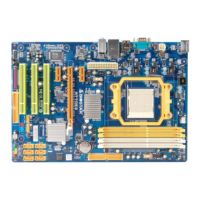
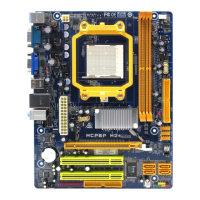
Mainboard Features
25
6-3-2.
Parallel Interface Port: JPRNT1
Unlike the serial ports, parallel interface port has been
standardized and should not present any difficulty interfacing
peripherals to your system. Sometimes called centronics port, the
parallel port is almost exclusively used with printers. The parallel
port on your system has a 25-pin, DB25 connector. The pinout for
the parallel port are shown in the table below.
Pin Signal
1 -Strobe
2 Data 0
3 Data 1
4 Data 2
5 Data 3
6 Data 4
7 Data 5
8 Data 6
9 Data 7
10 -Ack
11 Busy
12 Paper Empty
13 +Select
14 -Auto FDXT
15 -Error
16 -Init
17 -SLCTN
18 Ground
19 Ground
20 Ground
21 Ground
22 Ground
23 Ground
24 Ground
25 Ground



 To Next Page