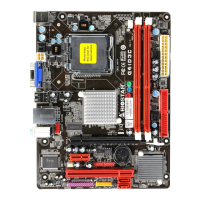
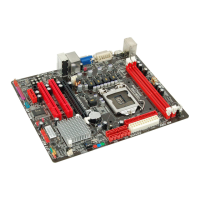
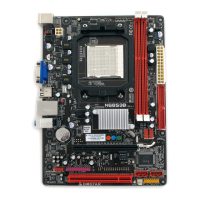
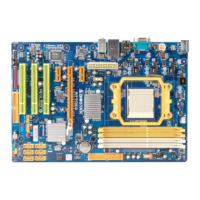
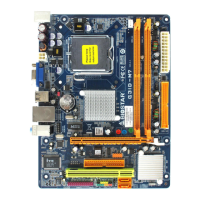
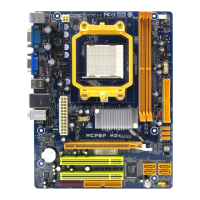
Mainboard Features
26
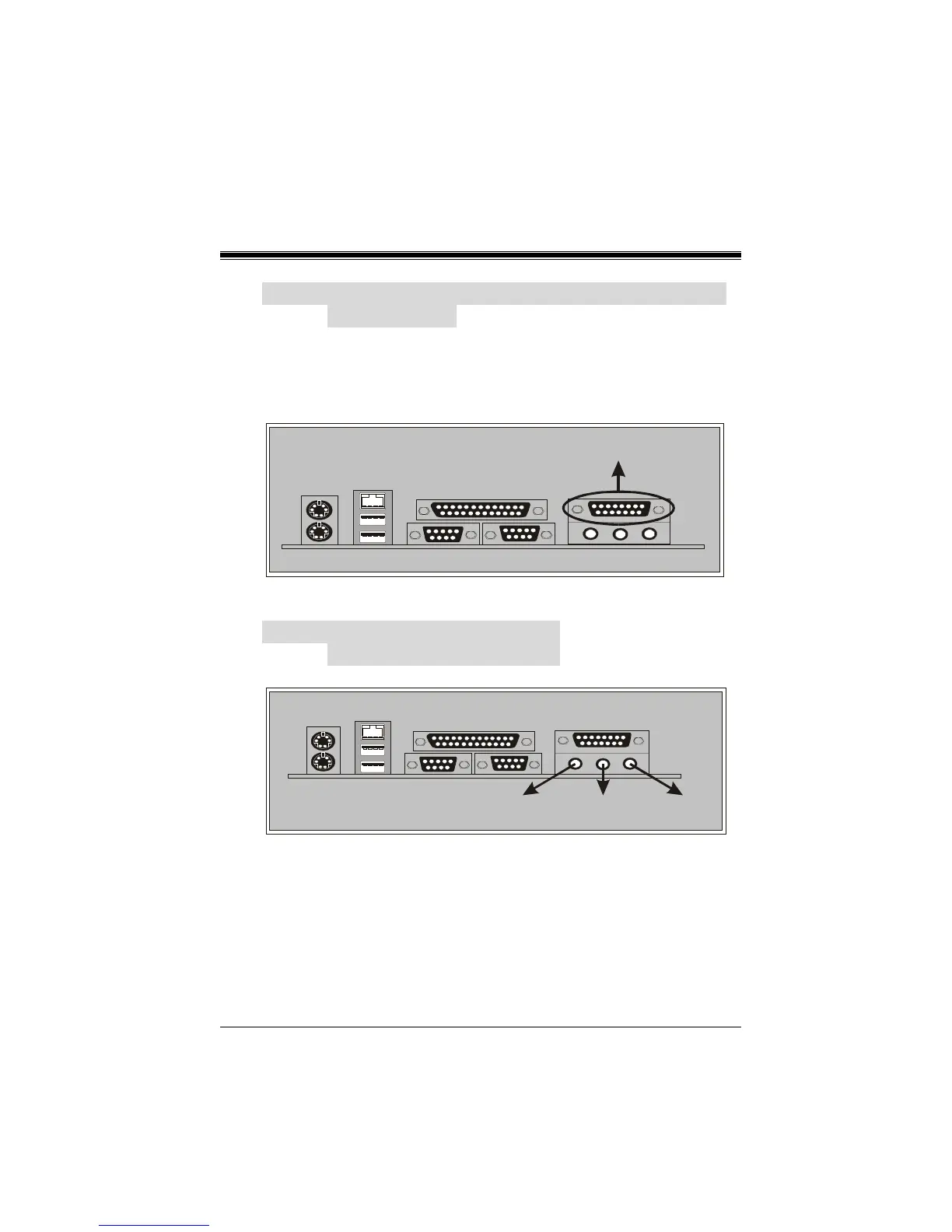
6-4. Game (Joystick/MIDI) Port Connector:
JAUD_GAME
This connector allows you to connect a joystick or game pad for
playing computer games. Also, you may play or edit professional
music by connecting MIDI devices.
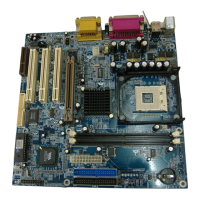
6-5. Audio Port Connectors:
JSPKR1/JLIN1/JMIC1
1. Speaker Out is used to connect speakers or headphones for
audio output.
2. Line In can be connected to the external CD player, Tape
player or other audio devices for audio input.
3. Mic In is used to connect a microphone, which allows you to
input sounds and voices.
Game/Joystick/MIDI
Speaker Out
Line In
Mic In



 To Next Page