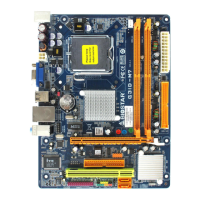
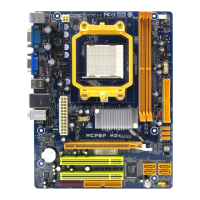
Mainboard Features
24
6-3. Serial and Parallel Interface Ports
This system comes equipped with two serial ports and one parallel
port. Both types of interface ports will be explained in this
chapter.
6-3-1. The Serial Interface: JCOM1/ JCOM2
The serial interface port is sometimes referred to as an RS-232
port or an asynchronous communication port. Mice, printers,
modems and other peripheral devices can be connected to a serial
port. The serial port can also be used to connect your computer
with another computer system.
Connectivity
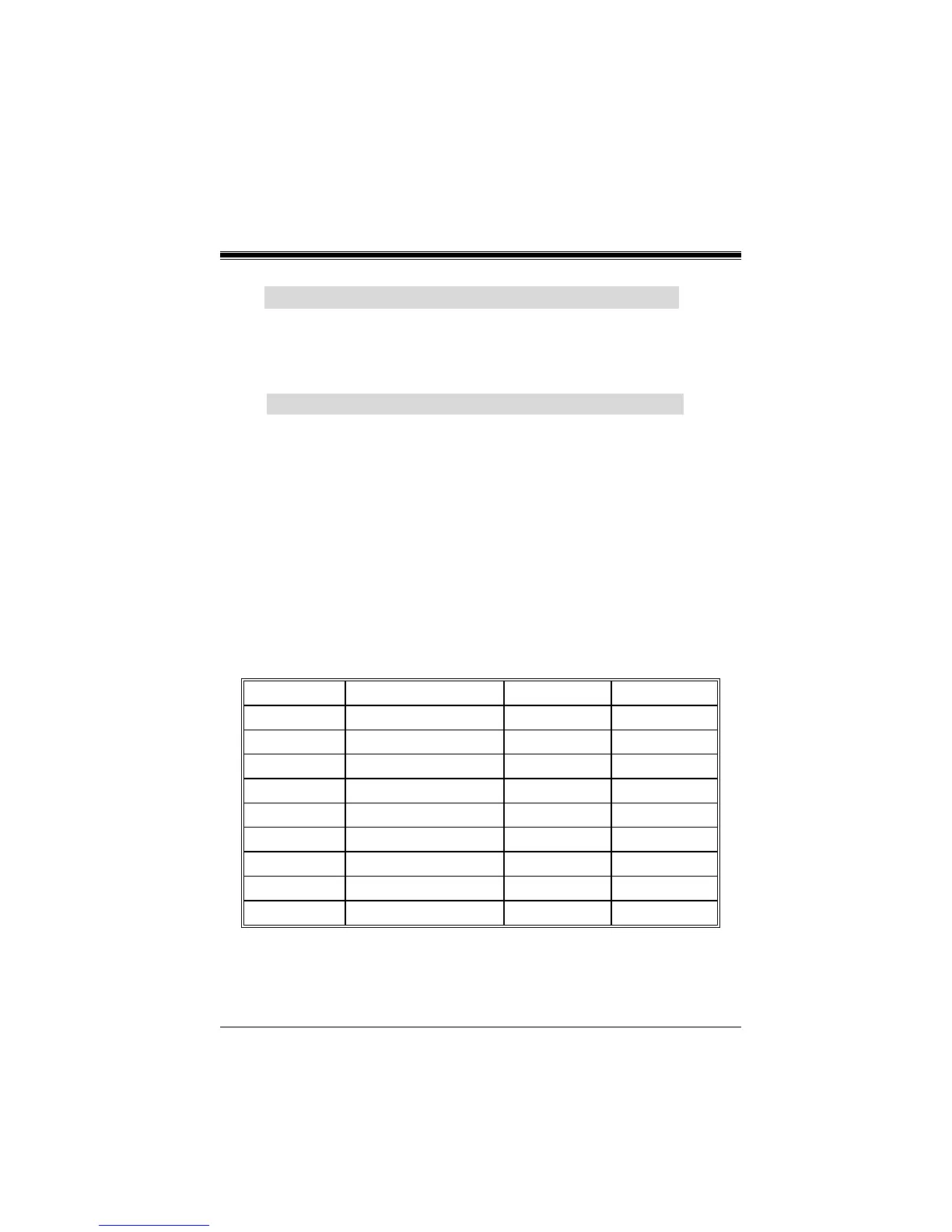
The serial ports can be used in many ways, and it may be
necessary to become familiar with the pinout diagram. The
following chart gives you the function of each pin on the 9-pin
connector and some of the 25-pin connector. This information can
be used when configuring certain software programs to work with
the serial ports.
Signal Name DB9 PIN DB25 PIN
DCD Data Carrier Detect 1 8
RX Receive Data 2 3
TX Transmit Data 3 2
DTR Data Terminal Ready 4 20
GND Signal Ground 5 7
DSR Data Set Ready 6 6
RTS Request to Send 7 4
CTS Clear to Send 8 5
RI Ring Indicator 9 22



 To Next Page