Network Connection Manual
Ver.2.00
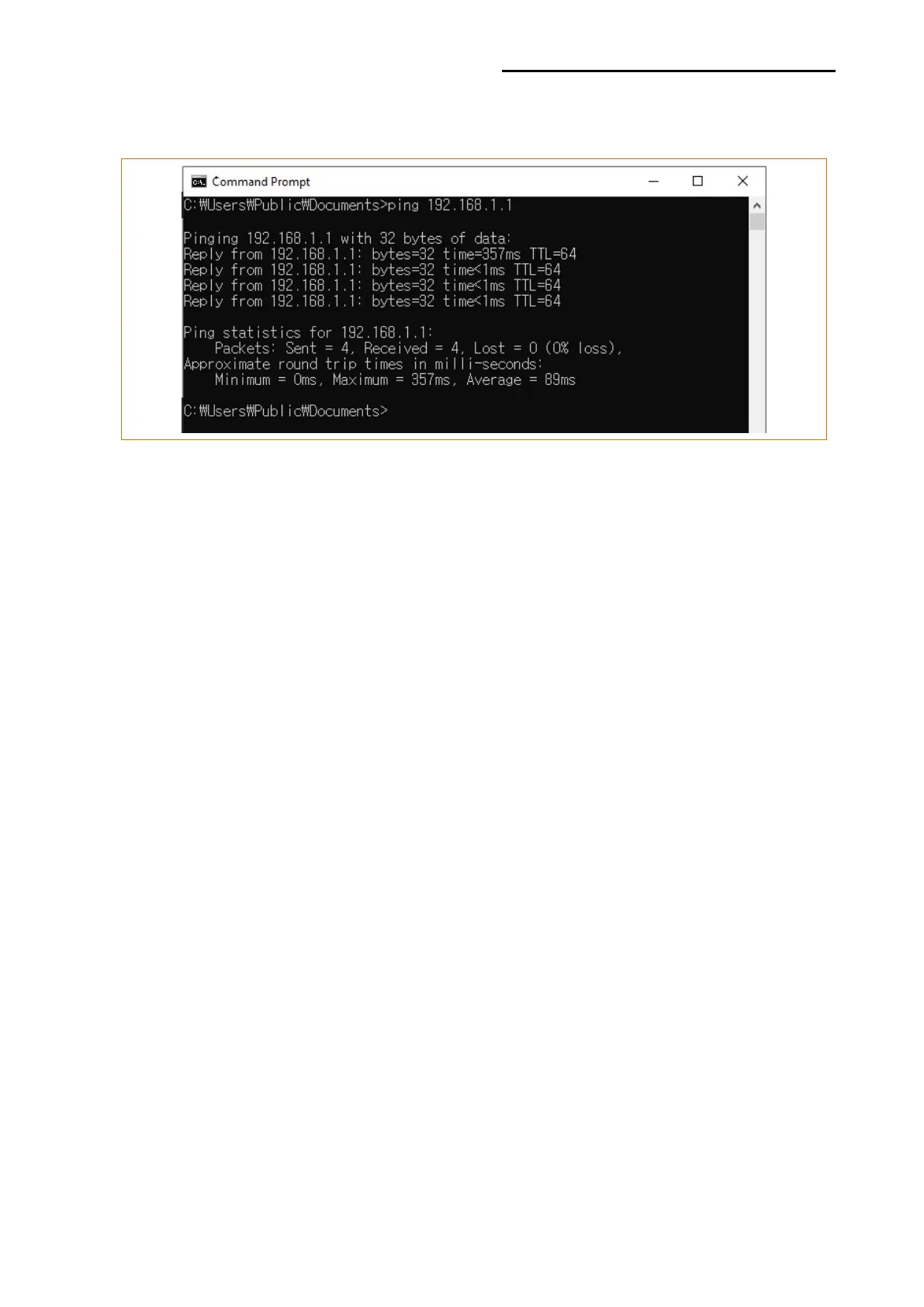
On the other hand, if there is a reply as shown below, then the corresponding IP is used by
another network terminal and it cannot be used for the printer IP.
Check Cable
When using Ethernet
- In order to check whether the problem is due to the LAN cable,
connect the cable connected to the printer to other terminals or the
PC to confirm whether its operation is normal.
When using WLAN
- It is recommended to use the USB extended cable provided by
BIXOLON.
- Connect the USB extended cable and WLAN dongle to other
terminals or the PC and confirm whether recognition operation is
normal.
- Check whether WLAN USB adaptor uses the Ralink RT73 chipset.
WLAN USB adaptors that use chipsets other than RT73 of Ralink
won’t work when it is connected to Printer.













 To Next Page