2.3 Test run
Test run or checking the direction of rotation (in the case of
three--phase current)
S Protective cover must be closed
S Switch on machine by means of the main switch (keys
“One cut” and “Individual slices” flash).
S Open the protective cover shortly and close it again ( the
flashing stops).
S Press key “Individual slices”.
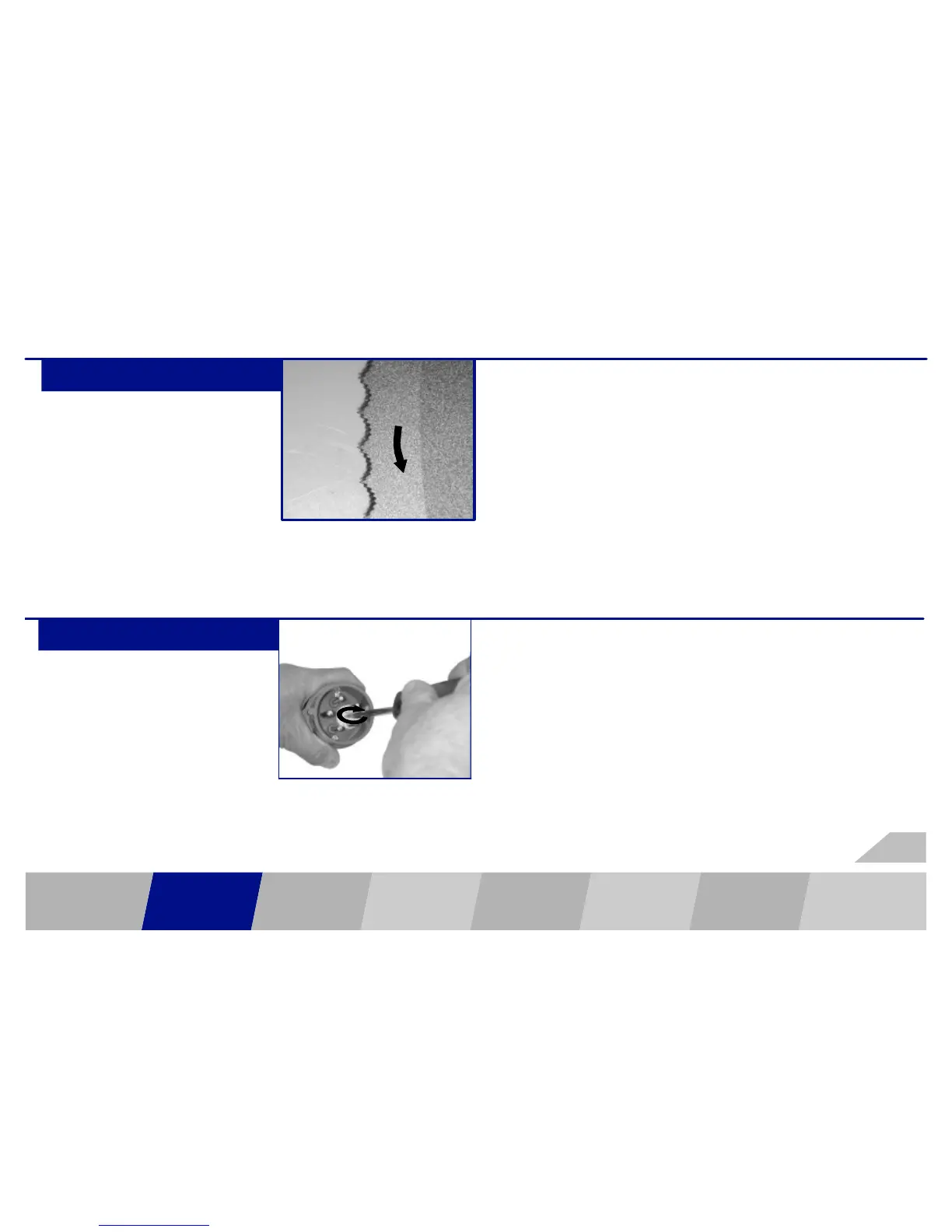
S The blade must rotate in the direction of arrow.
S To stop the blade press key “Individual slices”
View from right side
6.009.98.5.10.02
GENERAL INSTALLATION
OPERATION
ELEMENTS
BLADE
REPLACE-
MENT
CLEANING ACCESSORIES
OPERATING
CONDITIONS
OPERATION/
SLICING
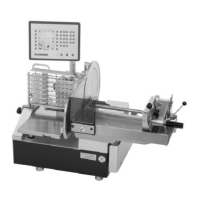
If the direction of rotation is incorrect, reverse
the polarity of the phase converter on the
three--phase plug of the machine.
S If the right direction of rotation is set, remove
the sticker with the arrow indicating the di-
rection of rotation.
11


 To Next Page