31
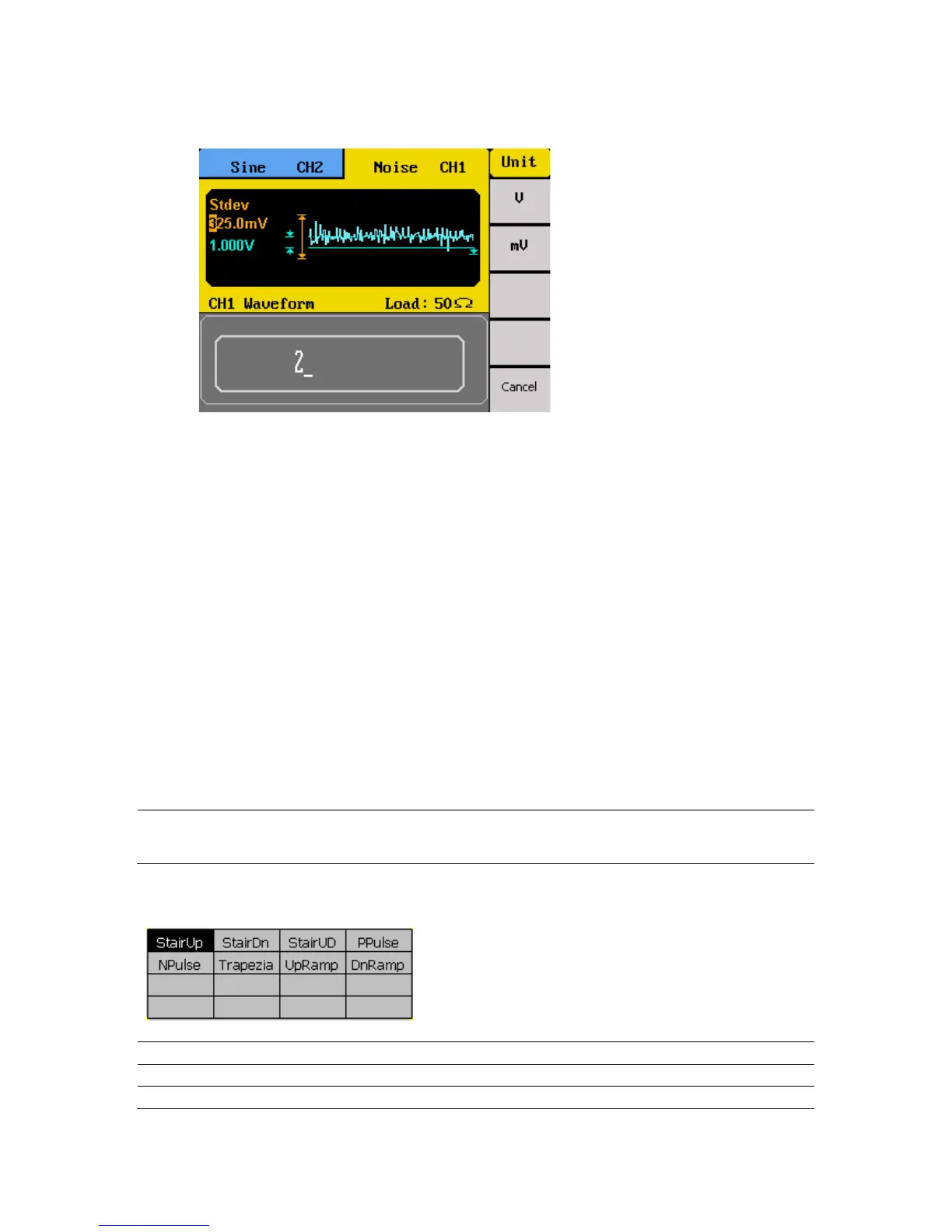
4. Use the rotary knob or the numeric keypad to change the two parameters. Both
parameters can be specified in V or mV units.
Configure Arbitrary Waveform
There are two ways to generate arbitrary waveforms. Users can output an arbitrary
waveform selected from the built-in selection of pre-defined arbitrary waveforms, or create
and output a user defined waveform by specifying point by point arbitrary data. This section
will explain how to do both.
Generate Predefined Built-in Waveforms
There are a total of 48 (including sine, square, and ramp/triangle) predefined built-in
arbitrary waveforms that can be output from the generator. They are divided into four
categories: Common waveforms, math waveforms, special (project) waveforms,
Windowing/trigonometric waveforms.
Note: PPulse and NPulse waveforms are limited to 4.999999 MHz.
Common Waveforms
Command waveforms consist of:



 To Next Page