56
3.8 Utility Functions
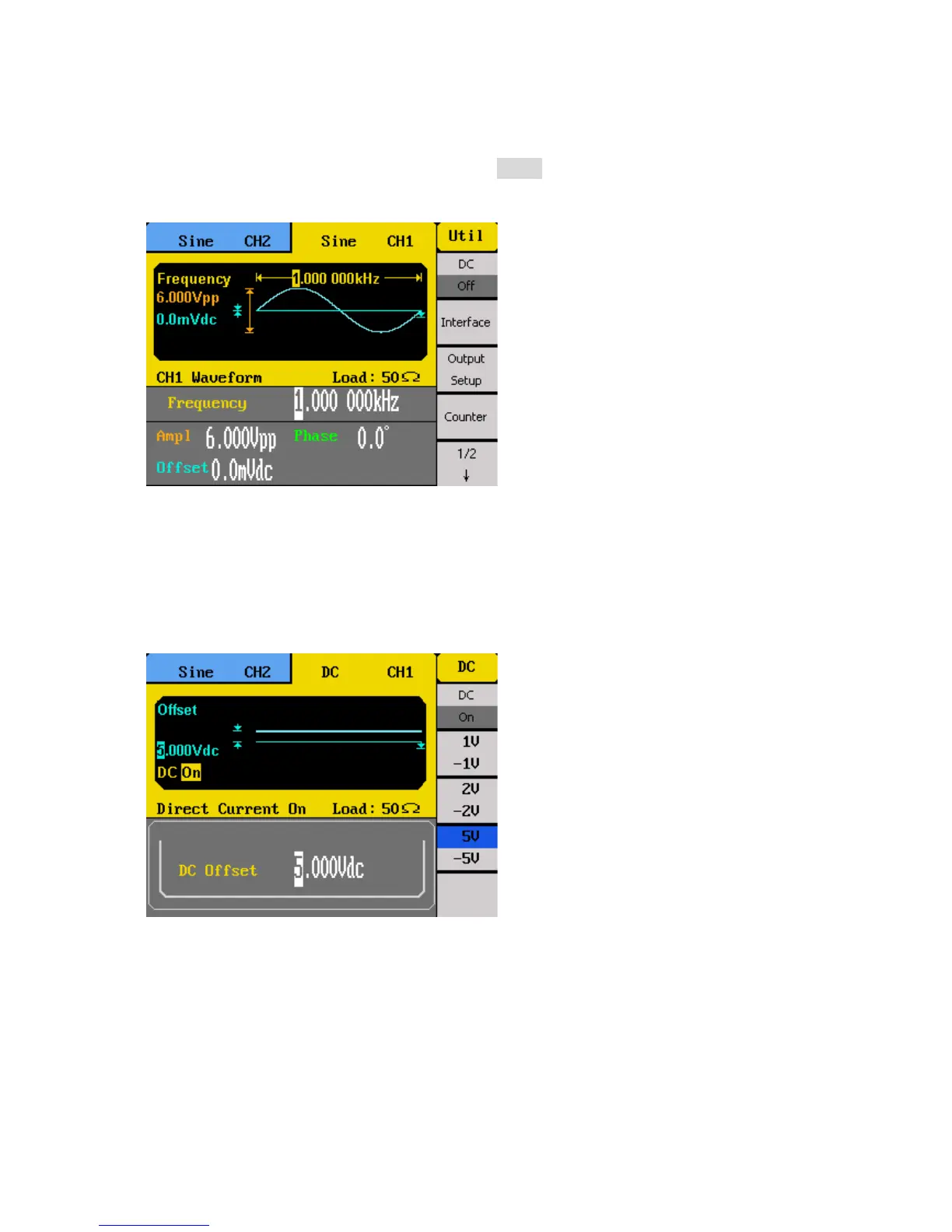
The utility menu can be accessed by pressing the Utility button from the front panel. This
section describes all the settings configurable under this menu.
DC Waveform Output
The instrument can output a DC waveform by turning the DC menu option to On. There are
six available pre-defined DC offset output levels that can be selected from the menu: 1 V, -1
V, 2 V, -2 V, 5 V, -5 V. Use the menu function keys to select any of these DC offset voltages.



 To Next Page