30
Configure Noise Waveform
Note: This section applies to noise waveforms only.
Standard Deviation and Mean
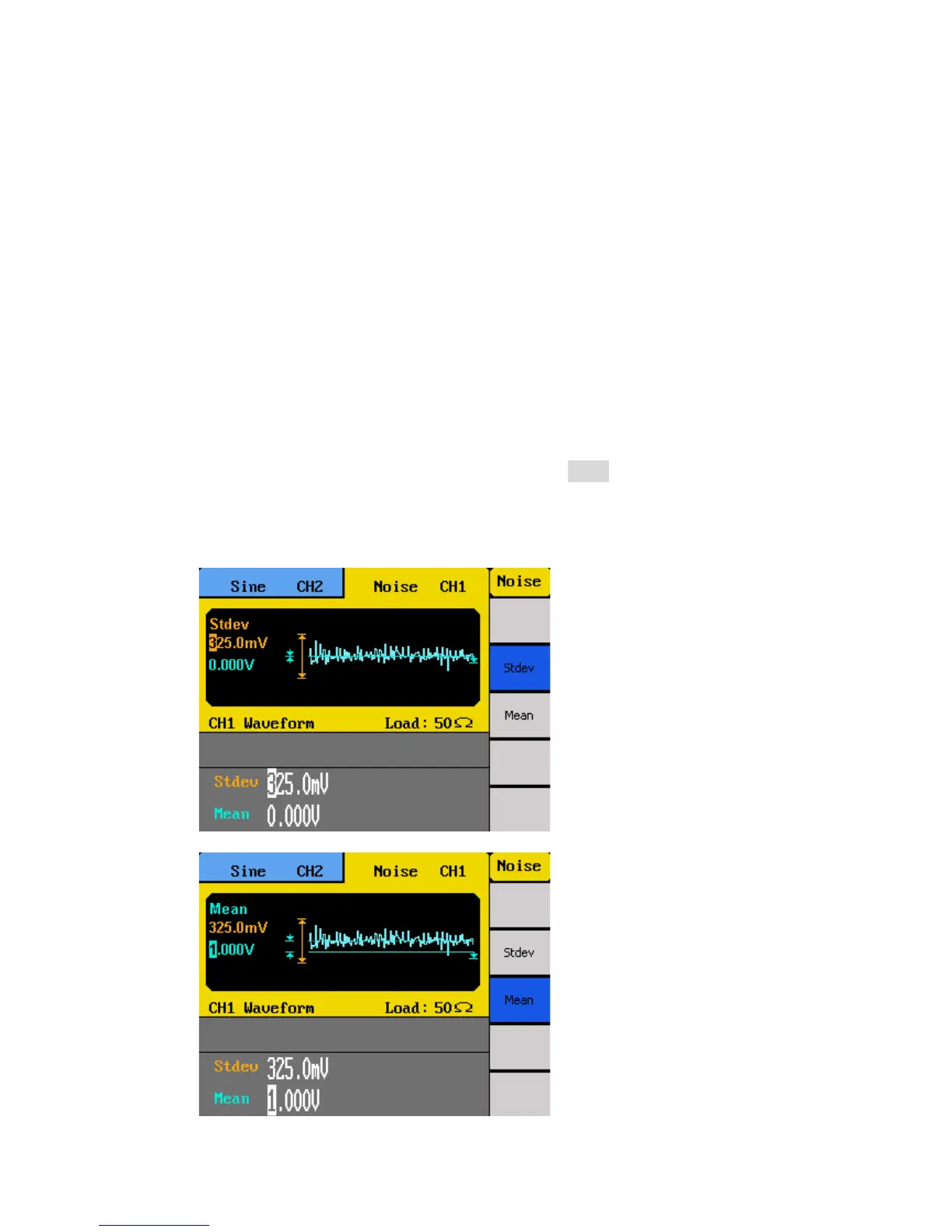
There are two parameters that can be adjusted of the noise waveform: Standard deviation,
mean.
Follow the steps below to configure these parameters.
1. Set the instrument for noise output by pressing the Noise button.
2. From the menu, select Stdev for the standard deviation adjustment or Mean for the
mean adjustment.
3. The cursor position will now highlight the first digit of the standard deviation or
mean parameter display.



 To Next Page