69
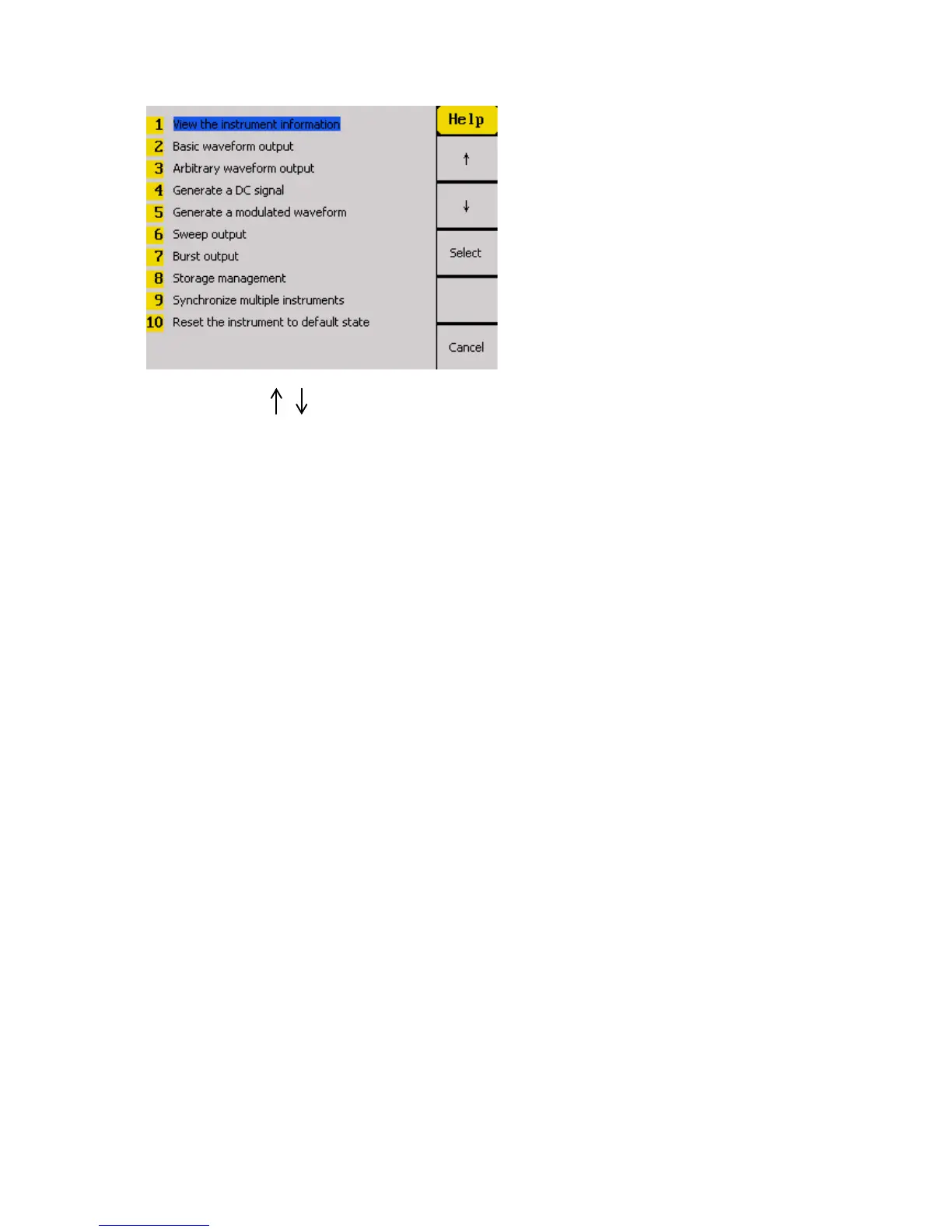
You can use the menu keys, the rotary knob, or the up and down buttons to select
any of the ten items listed in the help system as shown above. Once selected (the cursor
highlights the selection in blue), push the corresponding menu function key for the Select
option and the screen will display a description of the selected help item.
When finished, press the Cancel option from the menu to go back to the main help menu.



 To Next Page