CHAPTER 4: ANALOG PORT OPERATION
37
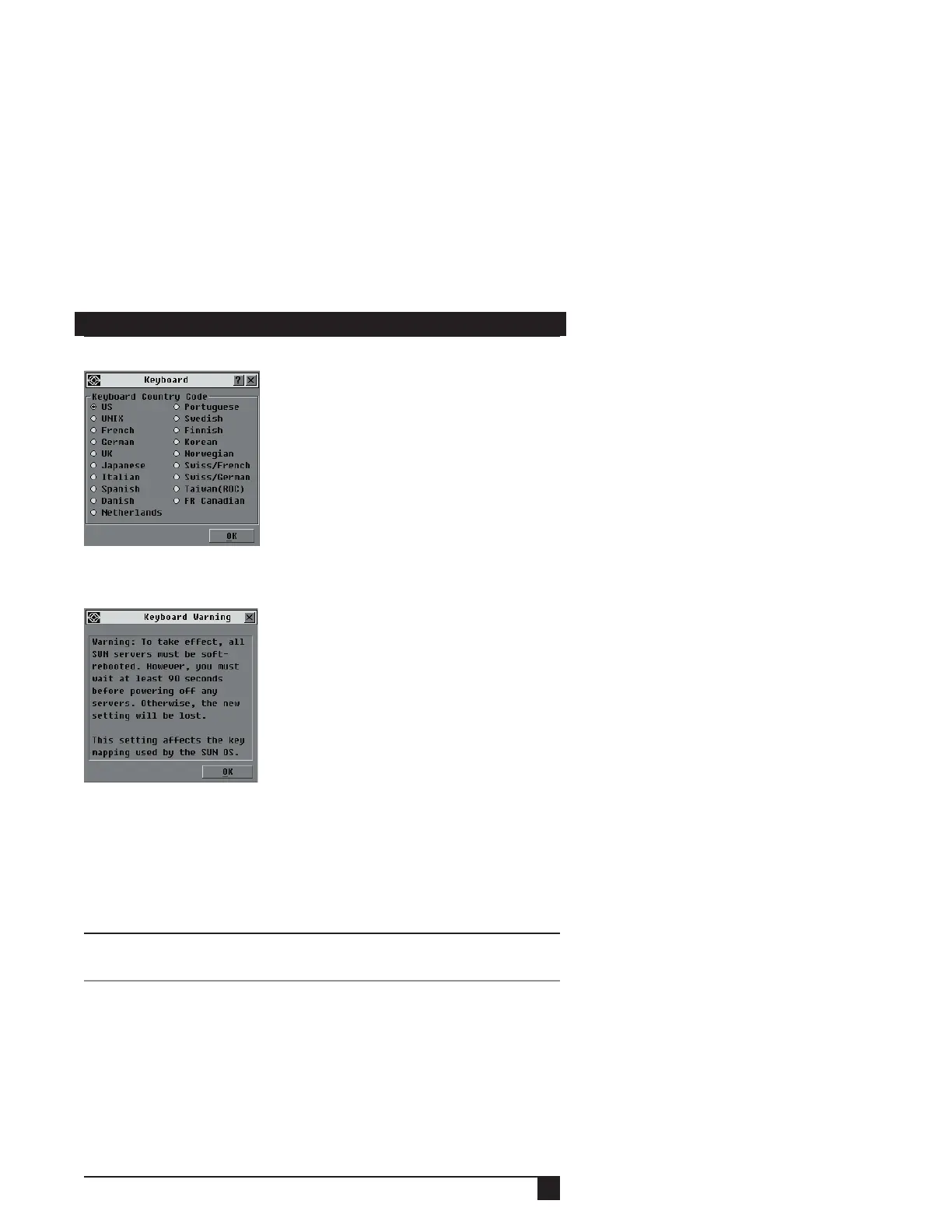
Figure 4-11. Keyboard Dialog Box
3. Select a country code and click OK. A Keyboard Warning dialog box appears.
Figure 4-12. Keyboard Warning Dialog Box
4. Click OK to apply the country code.
- or -
Click the Cancel button to exit the command with applying the country code.
5. Reboot the Sun servers. After rebooting, each Sun server will request the
country code setting stored in the SAMs.
NOTE:
If you wish to reboot the servers by power-cycling them, you must wait 90 seconds before
rebooting. A soft reboot may be performed without waiting 90 seconds.
4.6 Managing Server Tasks
You can manage your ServSelect IP system from the Commands menu within the
OSD, including engaging the Scan and Broadcast modes, managing user
connections, running diagnostics and updating your firmware.















 To Next Page