Recording
11
IRIS
FOCUS
PEAK
DISP
MENU
SLATE
REC
ZOOM
DISP
PGM
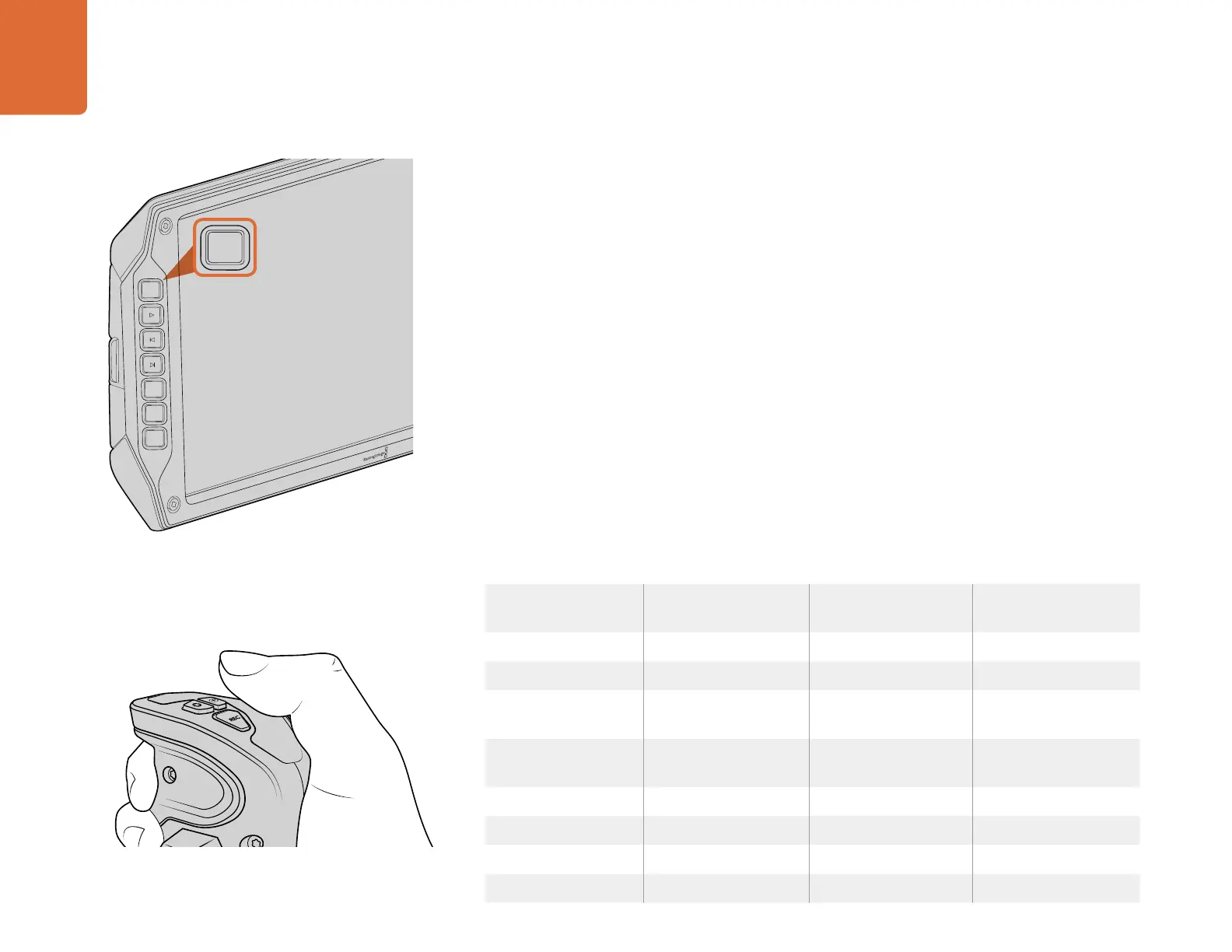
To record a clip, press the 'record' button marked REC on the
fold out monitor.
Recording
REC
REC
ZOOM
ZOOM
DISP
DISP
PGM
PGM
Recording Clips
Press the 'record' button marked REC on Blackmagic URSA's monitor controls. A 'record' button is
also on the outside of the monitor when using Blackmagic URSA Viewfinder with URSA's fold out
monitor closed.
On Blackmagic URSA Mini you can start recording by pressing the red 'record' button on the inside
control panel, or on the side handle. A 'record' button is also on the outside of the fold out monitor.
Press the 'record' button again to stop recording.
Choosing the Codec, Resolution and Sensor Area
Your Blackmagic URSA or URSA Mini records using CinemaDNG RAW codecs with a choice of lossless
4K RAW or 4K RAW compression, as well as various Apple ProRes compressed codecs. Sensor frame
rate options will vary depending on the codec and resolution you choose, plus the sensor turret
you’re using on Blackmagic URSA.
It's worth noting that clips recorded using RAW 3:1 compression are compatible with DaVinci Resolve,
but may be incompatible with other software applications which may not open the files or display
them correctly.
We have provided a table for your reference containing available codecs and resolutions, plus their
maximum sensor frame rates.
Maximum Sensor Frame Rates
Codec Resolution Maximum Frame Rate
Blackmagic URSA
Maximum Frame Rate
Blackmagic URSA Mini
RAW 4000 x 2160 120 (Dual card mode) 60 (Dual card mode)
RAW 3:1 120 (Dual card mode) 60
ProRes 444 XQ 3840 x 2160 30 Available in a later
software update
ProRes 444 50 Available in a later
software update
ProRes HQ 80 60
ProRes 422 120 60
ProRes LT 120 60
ProRes Proxy 120 60
You can also record clips by pressing the 'record' button
marked REC on URSA Mini's side handle.



 To Next Page