Understanding the Primary Flight Controls
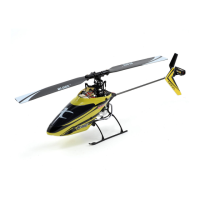
If you are not familiar with the controls of your Blade SR, please take a few minutes to familiarize yourself with them before
attempting your first flight.
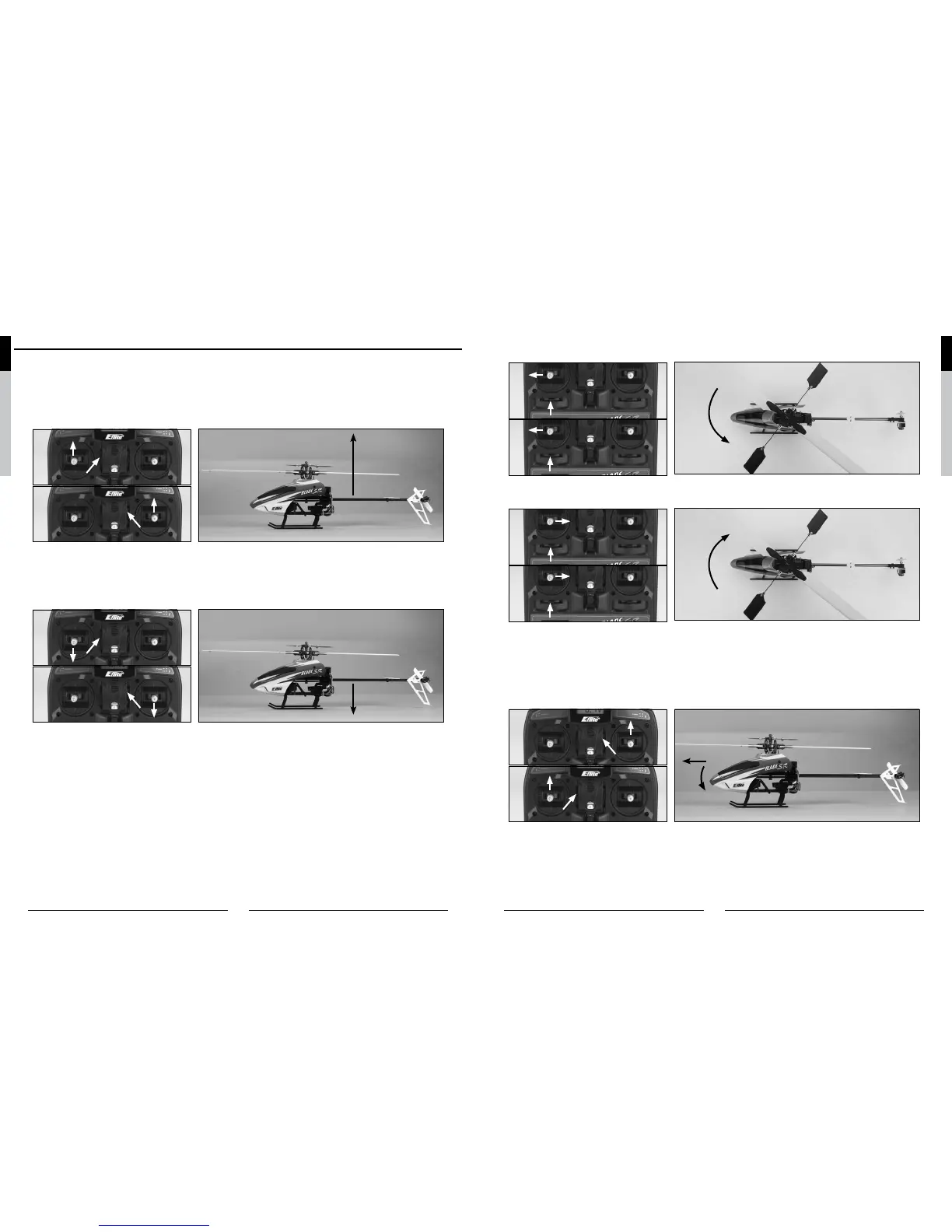
The left-hand stick on the transmitter controls both throttle/collective pitch (climb/descend) and rudder (yaw left/right). When
the left-hand stick and throttle trim lever are in their lowest positions, the main rotor blades will not spin. Advancing the stick
upward will increase the speed and pitch of the main rotor blades. Increasing the speed and pitch of the main rotor blades
will cause the model to climb.
M2
M1
Climb
Decreasing the speed and pitch of the main rotor blades by lowering the left-hand stick will cause the model to descend.
When you are in stunt flight mode (with the F MODE switch toggled toward the front of the transmitter), lowering the left-hand
stick will actually cause the speed of the main rotor blades to increase while also increasing the amount of negative pitch the
main rotor blades can offer. This allows the model to be flown inverted and to perform basic aerobatic maneuvers.
M2
M1
Descend
After lifting the model off the ground you can balance the throttle/pitch by carefully moving the left-hand stick up and down
so the model will hold a stationary hover without climbing or descending.
You can also use the throttle trim to adjust the throttle/collective pitch value for a given stick position. For example, raising
the throttle trim will allow the model to hover at a lower throttle stick position. It will also offer more total positive pitch at
the highest stick position, and less negative pitch at the lowest position. In most cases it is preferred to position the throttle
trim so it offers an equal amount of positive and negative pitch when the stick is in the highest and lowest positions.
Also, if you do raise the throttle trim when in the normal flight mode, you MUST remember to lower it (and the throttle stick)
to the lowest possible position IMMEDIATELY in the event of a crash or rotor blade strike. Even if the motors are trying to
spin at the lowest speed possible, they can still pull enough current to damage the ESCs of the 2-in-1 unit if the rotor blades
are stalled, which may require replacement of the 2-in-1 unit. If you are in the stunt flight mode (and also helpful when you
are in the normal flight mode), it is usually best to utilize the throttle hold function of the transmitter in the event of a crash or
rotor blade strike by toggling the TH HOLD switch toward the front of the transmitter.
Moving the left-hand stick to the left will turn (yaw) the nose of the helicopter to the left about the axis of the main shaft. This
is accomplished by decreasing the speed of the tail rotor blade.
M2
M1
Nose Yaw Left
Moving the stick to the right will turn (yaw) the nose of the helicopter to the right about the axis of the main shaft. This is ac-
complished by increasing the speed of the tail rotor blade.
M2
M1
Nose Yaw Right
You can use the rudder trim to help keep the nose of the helicopter from rotating to the left or right when in hover with no
rudder stick input. For example, if the nose of the helicopter drifts to the right when in hover, add left rudder trim until the
nose stays as close to straight as possible. Also note that further adjustments to the rudder trim can be made using the
main motor proportional mix trimmer pot as outlined in the “Tail Rotor Proportional Mix Trimmer Pot Adjustment” section of
the manual.
The right-hand stick controls both elevator (pitch fore/aft) and aileron (roll). Pushing the stick forward will pitch the nose of
the helicopter downward, allowing the helicopter to be flown forward.
M2
M1
Heli Moves Forward


 To Next Page