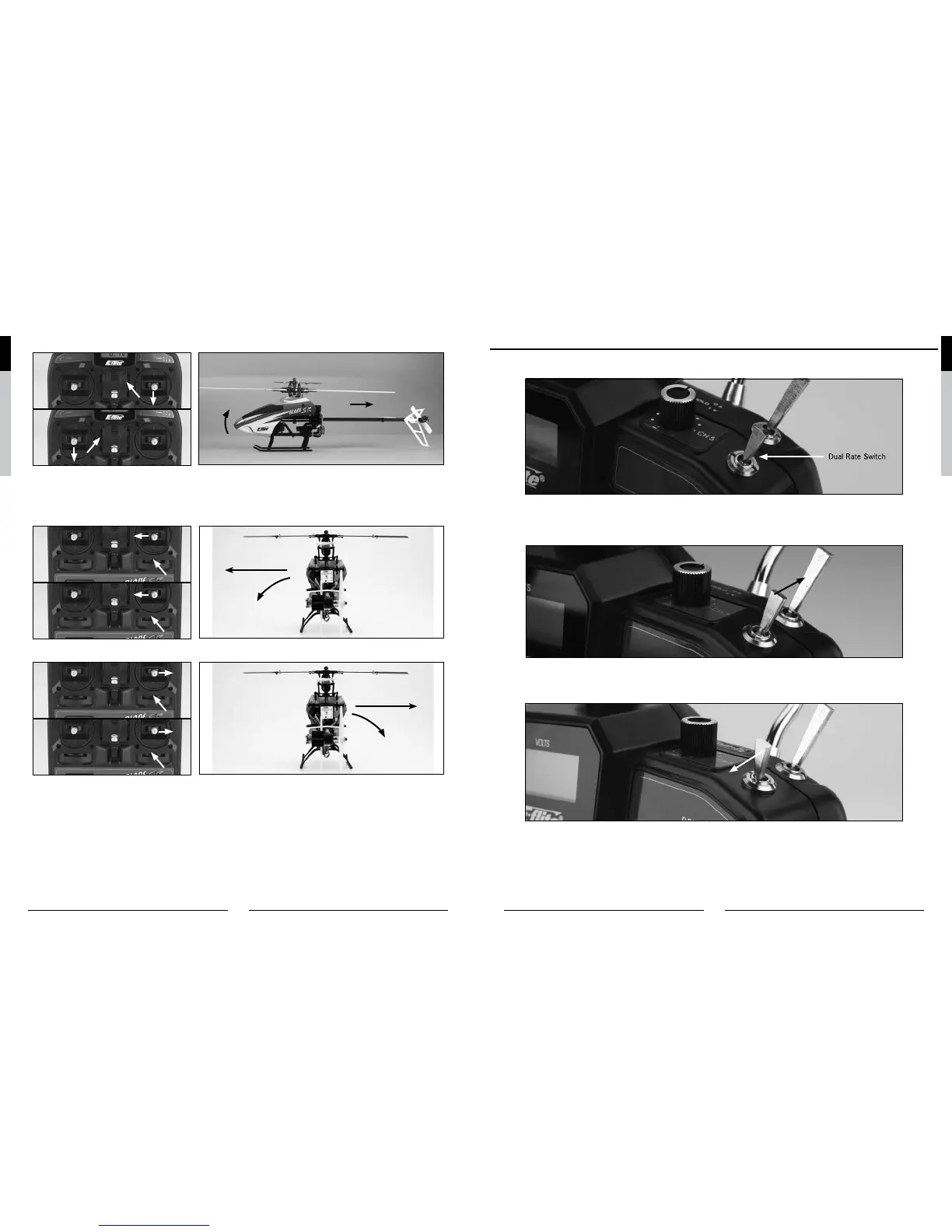
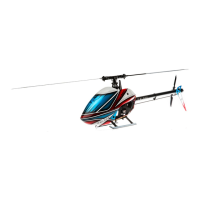
Pulling the stick backward will pitch the tail of the helicopter downward, allowing the helicopter to be flown backward.
M2
M1
Heli Moves Backward
The elevator trim can be used to help keep the helicopter from drifting forward or backward when in hover with no elevator
stick input. For example, if the helicopter drifts forward when in hover, pull the elevator trim downward until the helicopter
hovers as level as possible with no forward drifting.
Moving the aileron stick to the left will roll the helicopter to the left, allowing the helicopter to be flown to the left.
M2
M1
Heli Moves Left
Moving the stick to the right will roll the helicopter to the right, allowing the helicopter to be flown to the right.
M2
M1
Heli Moves Right
Use the aileron trim to help keep the helicopter from drifting left or right when in hover with no aileron stick input. For exam-
ple, if the helicopter drifts to the right when in hover, add left aileron trim until the helicopter hovers as level as possible with
no drifting to the right.
Once you’re familiar with the primary controls of the helicopter, you are almost ready to fly.
Dual Rates
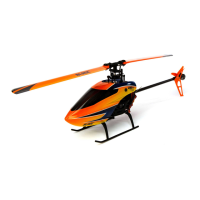
The HP6DSM transmitter included with your Blade SR features a dual rate (D RATE) switch. This switch allows the pilot to
toggle between the high (HI) and low (LO) control rates available for the aileron, elevator and rudder channels.
Toggling the switch towards the back of the transmitter (position HI) allows the control rates to achieve their highest
maximum values. This is typically the preferred rate for experienced pilots interested in more control response for forward
flight and basic aerobatic maneuvers.
Toggling the switch toward the front of the transmitter (position LO) allows the control rates to achieve their lowest maximum
values. This is typically the preferred rate for low-time and other pilots interested most in a reduced amount of control that
allows for smoother and more easily controlled hovering and flying.
If the Blade SR is your first single-rotor and/or collective-pitch equipped helicopter model, we strongly recommend that you
make your first flights with the dual rates set to low.
Note: In order to improve the overall control experience, a small amount of exponential (to reduce the amount of control
authority/sensitivity around neutral stick) has been programmed into the transmitter for both the high and low
rates.


 To Next Page