31
•
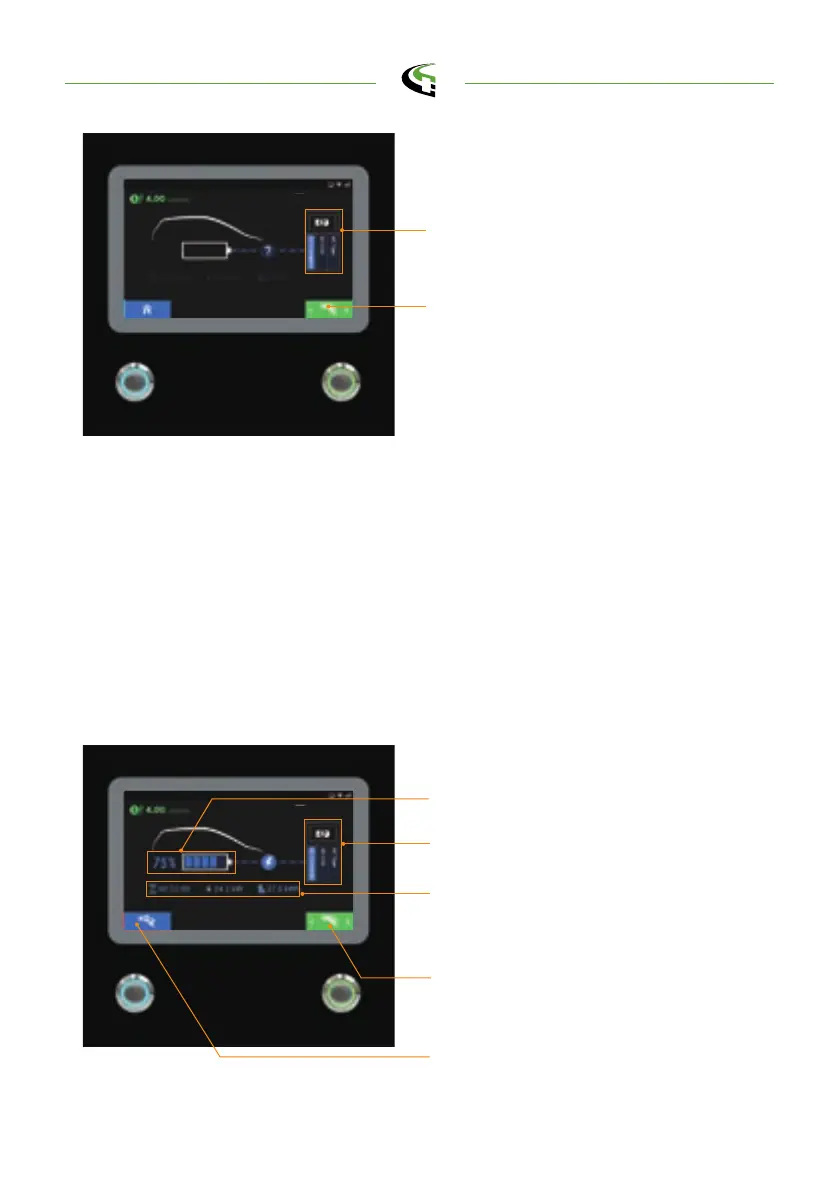
The screen will show the Charging Page as below illustrated once the charger
goes into the ready to charge stage.
•
To start charging, load the charging information. When the battery has been fully
charged or reaches the limit of the setting it will stop charging automatically and
go to the next process.
•
User also can tap the RFID to stop charging.
5.2.5 In Charging
Charging information area includes
charging duration, charged power and
energy
EV battery SOC
Show the selected connector in use
Press right button to select the charger
connector that the user would like to
stop.
Tap RFID card or push stop button to
stop
Charging page
Information of Selected Charging
Connector
Connector Select Button
Preparing page
semaconnect.com



 To Next Page