EasyManua.ls Logo

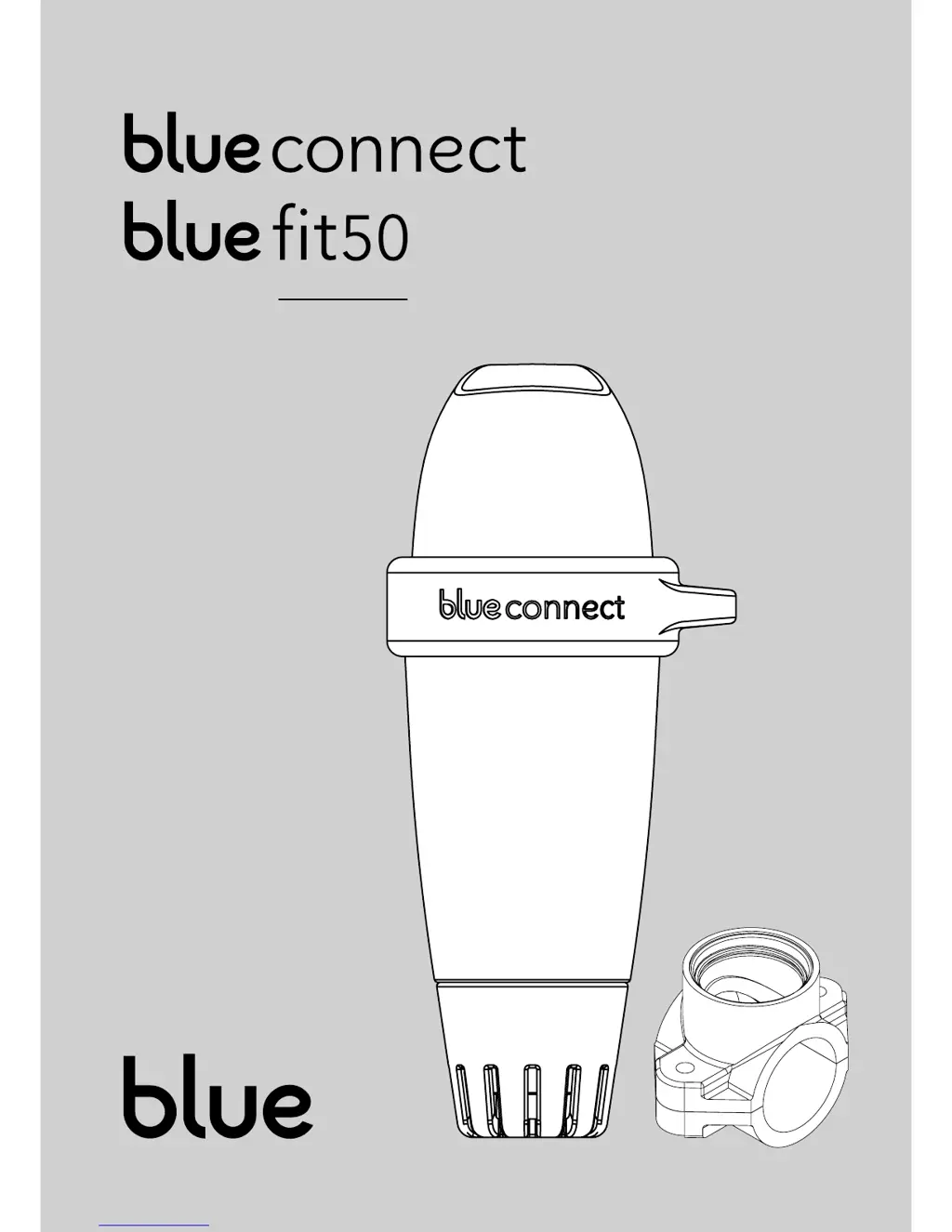
Blue connect - User Manual

Blue connect
21 pages
Print Icon
To Next Page IconTo Next Page
Loading...
USER MANUAL

Other manuals for Blue connect

Questions and Answers

Summary

Introduction

Precautions for Use

Lists essential safety guidelines and warnings for handling and using the Blue Connect device.

App Installation Guide

Blue Connect Setup Procedure

Add Device in App Settings

Instructions to add the Blue Connect device using its serial number and key in the app.

Activate the Blue Connect Device

Explains how to activate the Blue Connect device by shaking it to confirm successful initiation.

Blue Connect Setup Procedure (continued)

Immerse Blue Connect in Pool

Instructs on placing the Blue Connect device into the swimming pool for operation.

Blue Connect Maintenance

Calibration Process Overview

Outlines the steps for calibrating the Blue Connect device, starting with probe rinsing.

Step 1: Rinse Probe

Instructs to take the device out of water and rinse the probe with clear water.

Step 4: Initiate Calibration in App

Details selecting the 'Calibrate' option in the Blue Connect app.

Step 5: Perform pH4 Calibration

Explains placing pH4 solution in the cap and validating the measurement.

Blue Connect Maintenance (continued)

Step 6: Perform pH7 Calibration

Details placing pH7 solution in the cap and validating the measurement for calibration.

Battery Replacement Overview

Informs about the battery replacement frequency and how to optimize its life.

Battery Replacement Installation

Step 1: Initiate Replacement in App

Instructs to select 'Battery replacement' from the Blue Connect app settings.

Step 4: Access Battery Compartment

Guides on removing the upper part of the device using a left-hand thread.

Step 5: Disconnect and Remove Battery

Explains how to unplug the connector and release the old battery.

Battery Replacement Installation (continued)

Step 6: Install New Battery

Details placing the new battery securely and plugging in the connector.

Step 7: Reseal and Close Device

Guides on placing the new seal and closing the upper part of the device.

Probe Replacement

Probe Lifespan and Care

Informs about probe replacement frequency and how to maximize its longevity.

Probe Replacement Steps

Initiates the probe replacement process by selecting the option in the app.

Step 3: Remove Cap and Nut

Guides on removing the usage cap and nut, possibly using pliers.

Probe Replacement (continued)

Step 6: Install New Probe

Details placing the new seal and correctly inserting the probe into the device.

Standby Mode for Winterization

Step 1: Remove Device from Water

Instructs to remove the Blue Connect from the pool and take off the usage cap.

Step 3: Initiate Standby Mode in App

Guides users to select 'Put into standby mode' in the Blue Connect app.

Step 4: Prepare Storage Cap for Standby

Details rinsing the storage cap and adding KCI or pH4 solution.

Step 5: Confirm and Store Device

Guides on validating standby mode and storing the device protected from frost.

Storage and Re-activation

Activating Blue Connect After Winterization

Guides on reactivating the Blue Connect device after a period of standby.

Troubleshooting Guide

Sigfox Connection Problems

Provides steps to resolve issues with establishing a Sigfox network connection.

Bluetooth Connectivity Issues

Lists steps to troubleshoot problems with Bluetooth connection to the device.

Incorrect Measurement Troubleshooting

Suggests checking the device calibration if measurements are incorrect.

Blue Fit50 Installation

Blue Fit50 Installation (continued)

Blue Fit50 Winterization

Blue Fit50 Winterization (continued)

Step 4: Activate Standby Mode in App

Instructs to select 'Put into standby mode' in the Blue Connect app.

Blue connect Specifications

General IconGeneral
BrandBlue
Modelconnect
CategoryWater Filtration Systems
LanguageEnglish