17
7.3. Data
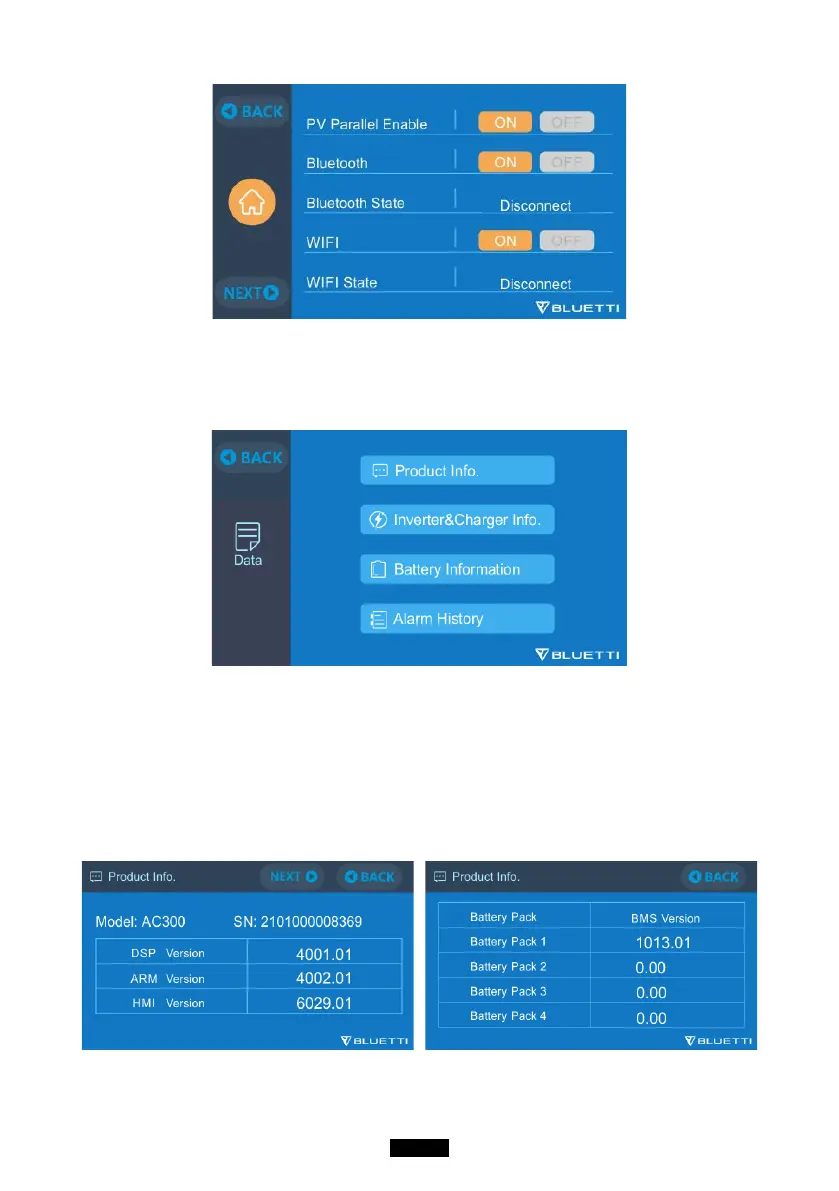
In the Data section, you can check the Battery Status of B300, Product Info,
Inverter & Charger Info, and Alarm/Fault History.
7.3.1. Product Info
● When you select the “Product Info” button, you can view the product model,
serial number (SN), control software version, monitoring software version, BMS
monitoring software version and display software version.
● The Serial Number (SN) can also be used to pair to BLUETTI APP manually.



 To Next Page