FOCUS 1.3 Display information
Page 12 BOGE FOCUS compressor control for piston compressors
Set date / time
In order to set both time and date, keep the ENTER key on the menu page
"date / time" for three seconds.
The cursor jumps to the time display and the digits of the hour display start
blinking.
Use keys / to set digits.
With the ENTER key the input is acknowledged and the cursor moves to
the next field. Proceed the same way with all other place values until all values
are correctly adjusted. In case a value has to remain unchanged just actuate
the ENTER key , to jump to the next value.
To leave the time adjustment, actuate ENTER key until none of the place
values is blinking any longer. Actuate key to reach the previous page or ac-
tuate the key to go to the next page.
If the INFO key is actuated while adjustments are made to the real-time-
clock, this setting is left without accepting the parameterized changes.
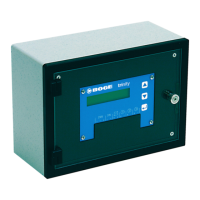
Display of version
The version display can be reached in the menu by pressing the / keys.
Here the name of the control, the software number and the manufacturer are
displayed.
If the key is pressed now you get to the Module Info display.
Here the addresses and the installed software versions of the connected mod-
ules are shown.The first display refers to the basic module (Address: 0), all
other connected modules can be displayed by actuating the / keys.
If the display of a module is flashing the communication with this module is
faulty.
You can leave Module Info by actuating the INFO key .
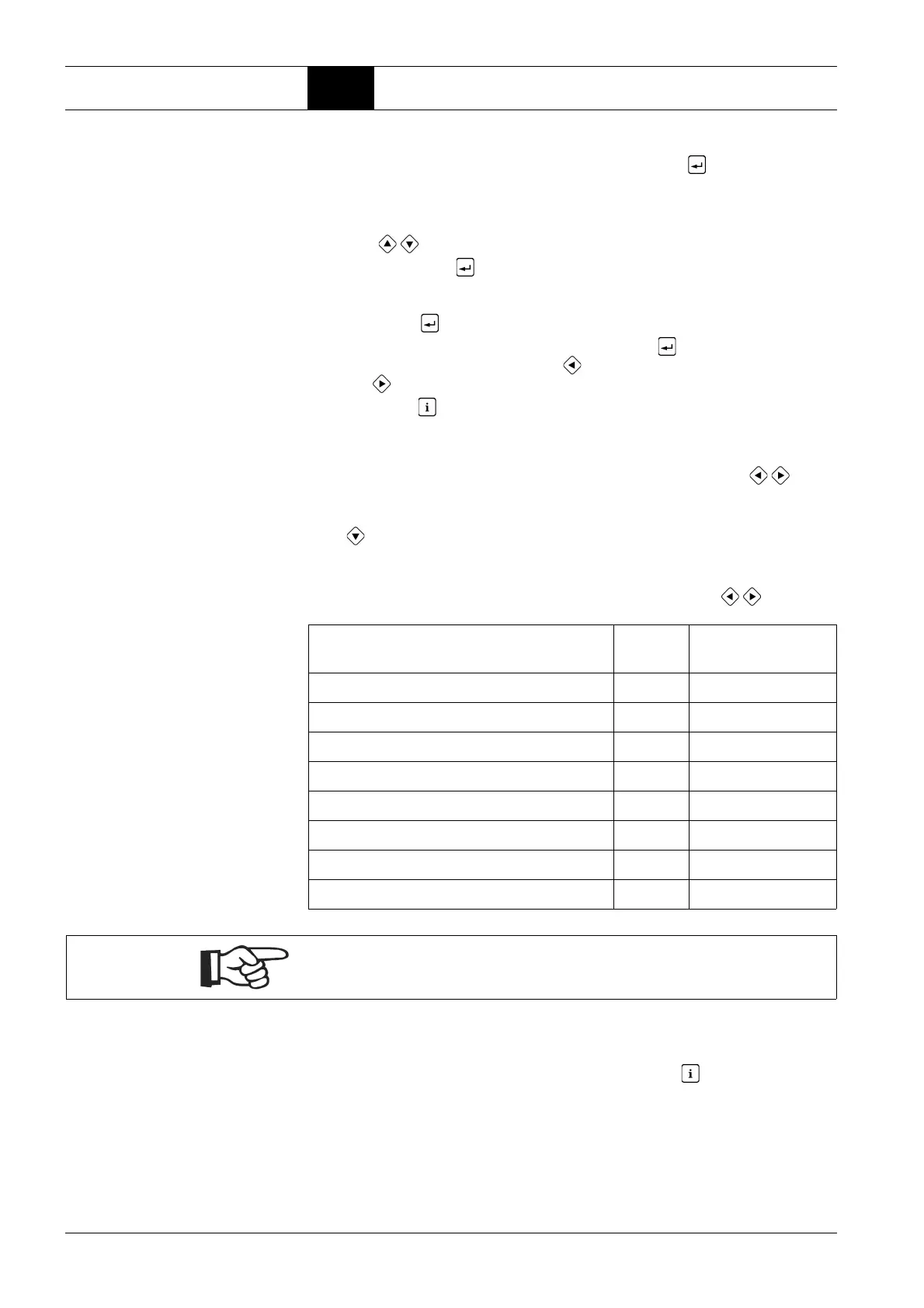
Module Address Position of rotary
switch
Basic module 0 --
TAN 1 --
FC (frequency converter) module 10 0
FC module for connection of soft starters 11 1
System pressure module 12 2
Dryer module 20 --
RS485 module 30 0
Analog output module 50 0
Note!
Relay modules are not displayed.



 To Next Page