D
C
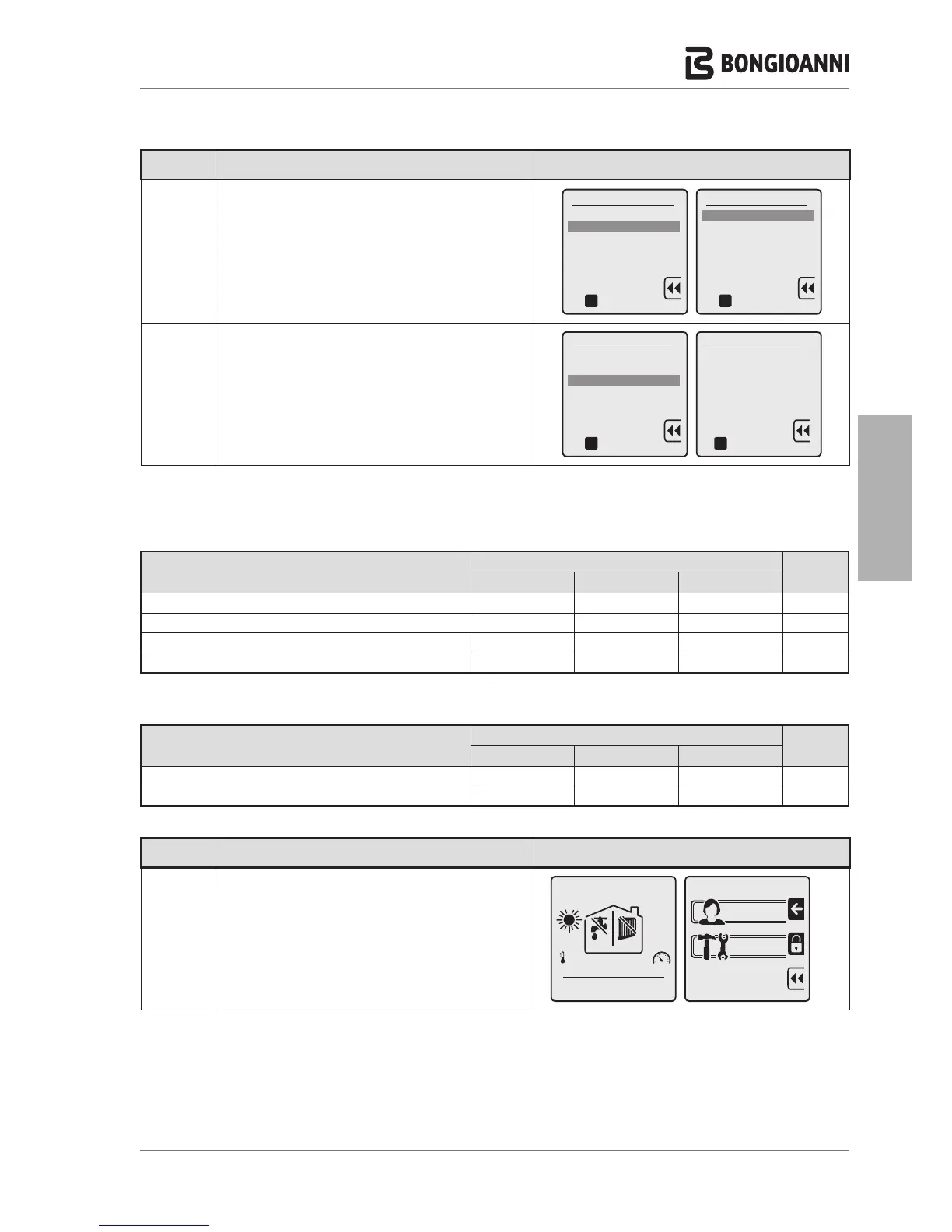
to select the output corresponding to the appliance
model
to confirm the selection and return to the INITIAL
screen.
To do this, proceed as follows:
Key to
press
Description Display
F
A
to display the menu SCREENS
to enter the TECHNICIAN menu, which requires
entry of the PASSWORD
A
a
A
The setting of the “gas change” parameter AUTOMATICALLY sets the blower RPM as stated in the table.
DESCRIPTION
Multidea Evo
60 100 115
Speed at nominal heating capacity G20
5700 7200 7300 rpm
Speed at minimum heating capacity G20
1250 1450 1600 rpm
Speed at nominal heating capacity LPG
5100 6100 6500 rpm
Speed at minimum heating capacity LPG
1150 1250 1450 rpm
DESCRIPTION
Multidea Evo
60 100 115
Ignition heating output G20
51% 25% 30%
Ignition heating output LPG
100% 40% 45%
The speed setting for ignition heating output for LPG is made by modifying the parameter on the level “3.1.1 IGNITION
POWER” in the technician menu.
- 45 -



 To Next Page