Applications and Entertainment 93
Music
Your phone lets you discover, download, and listen to your favorite music through a variety of
apps.
Music Player
Google Play Music App
Music Player
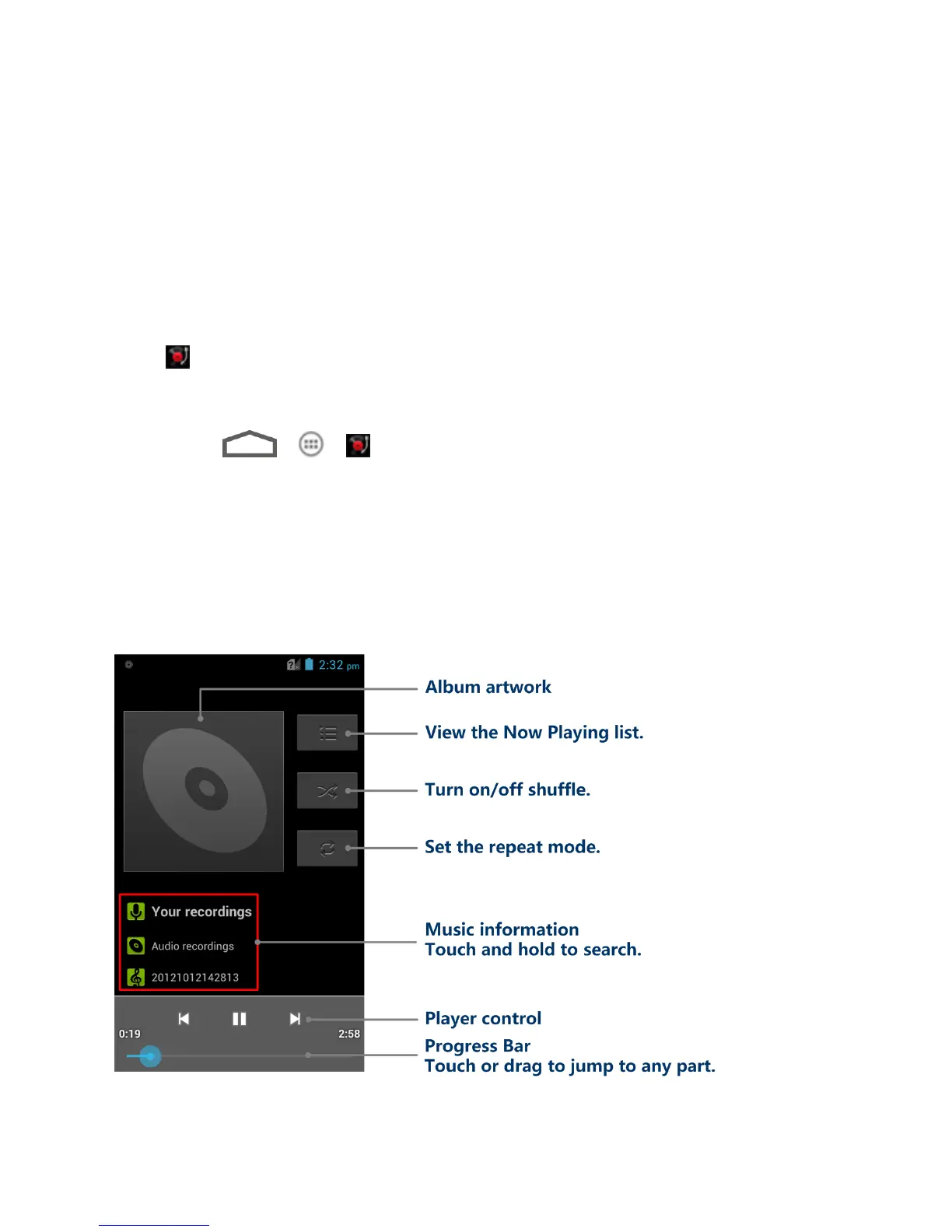
You can play digital audio files stored in your phone‟s microSD card using the preloaded music
player .
Play Your Music
1. Touch >
> to open the Music library. Your phone will find the audio files
in the microSD card and phone storage.
2. Select ARTISTS/ALBUMS/SONGS/PLAYLISTS to view the songs you want to play.
3. Touch a song from the list to start playing in the music player.
Note: Adjust the volume with the Volume Buttons.
The following options of the music player are available:



 To Next Page