Tools and Calendar 146
Note: You can easily damage the microSD card by improper operation. Please be careful
when inserting, removing, or handling the microSD card.
Note: Make sure your battery is fully charged before using the microSD card. Your data may
become damaged or unusable if the battery runs out while using the microSD card.
Insert a microSD Card
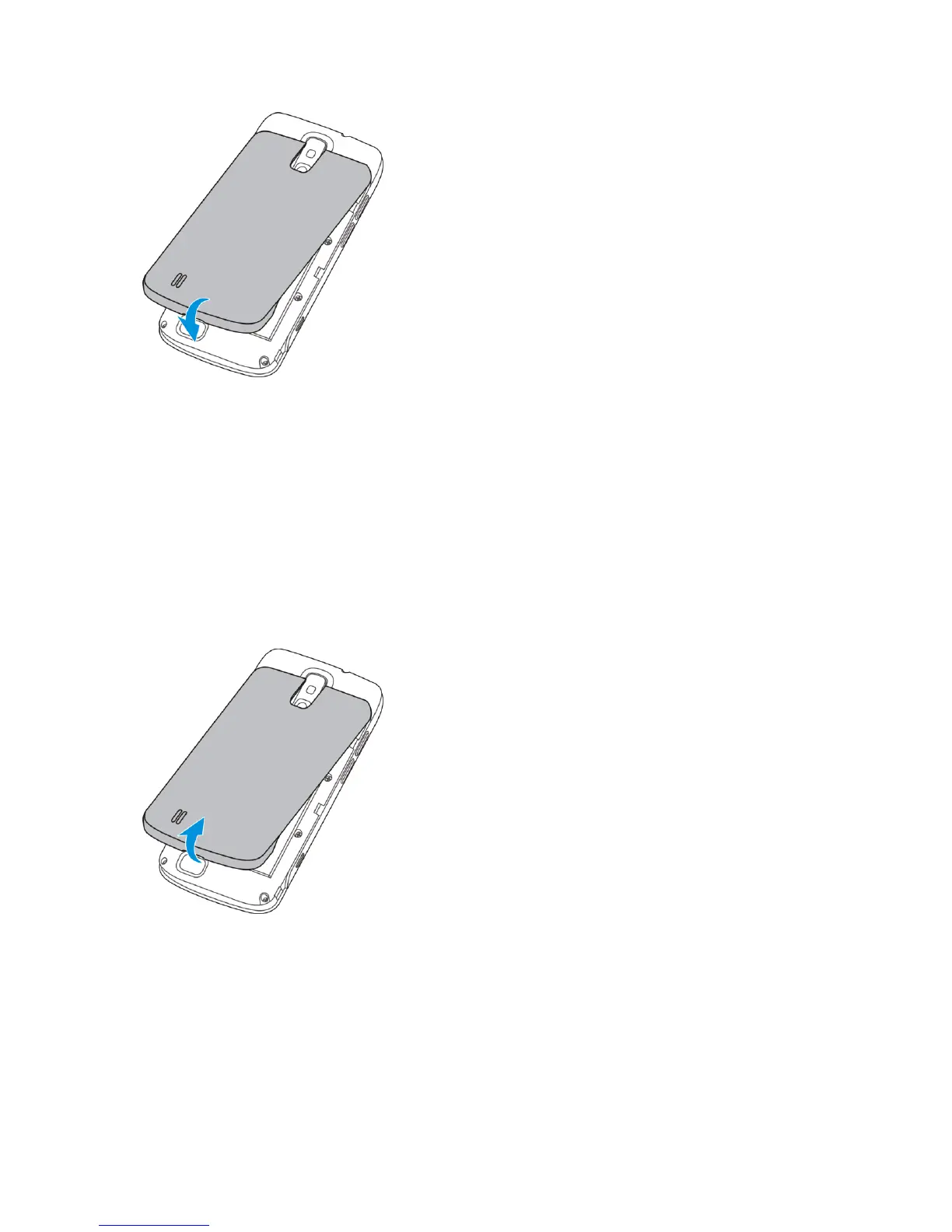
Remove the battery cover and battery to insert a compatible microSD card into your phone.
1. Insert a coin or other flat object into the slot at the bottom of the battery compartment
cover and lift up gently to remove.



 To Next Page