Tools and Calendar 145
Format the microSD Card
Unmount the microSD Card
Use the Phone‟s microSD Card as a USB Drive
Remove the microSD Card
Before removing your phone‟s microSD card, use the Storage settings menu to unseat the card.
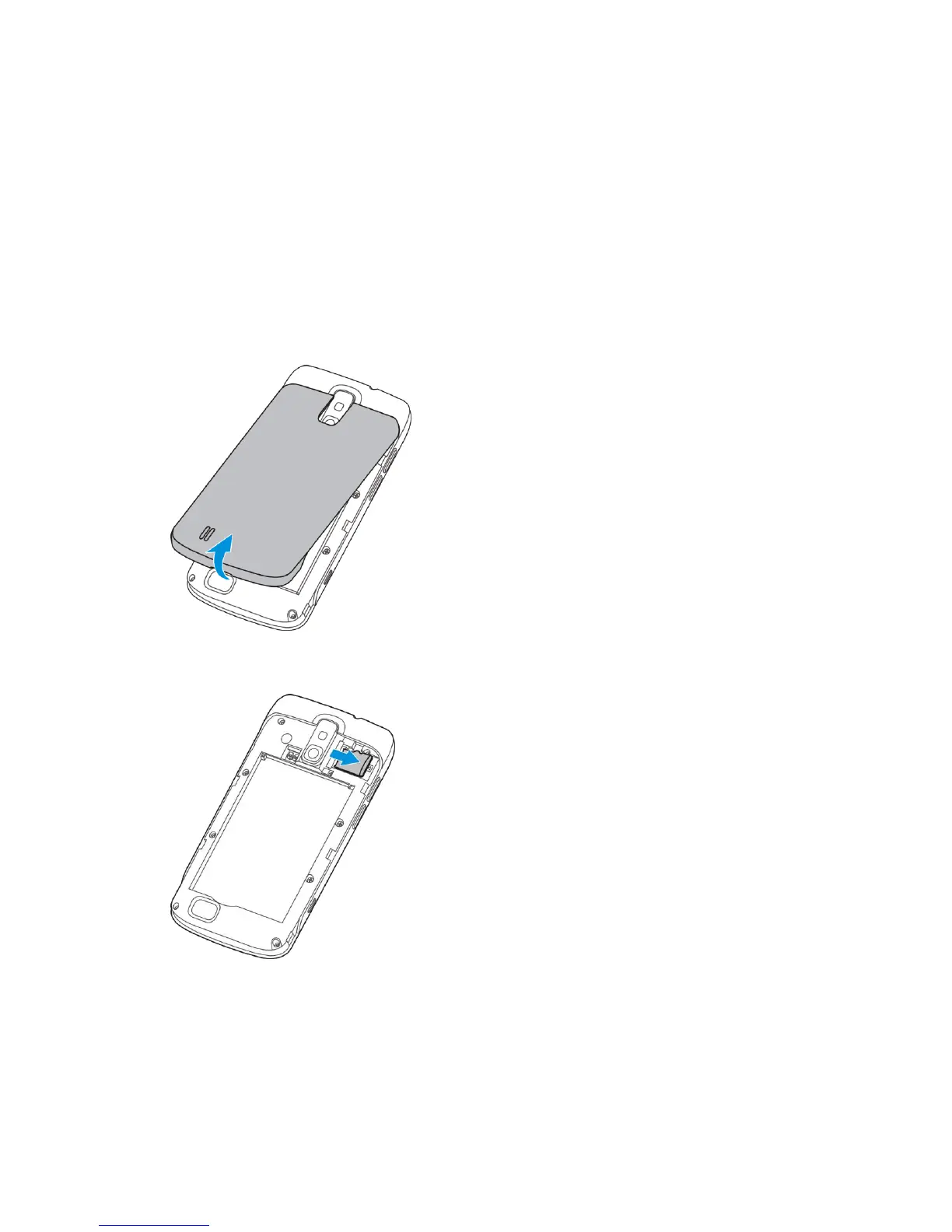
1. With the phone turned off, insert a coin or other flat object into the slot at the bottom of
the battery compartment cover and lift up gently to remove.
2. Gently pull the microSD card out of the card slot.
3. Press the latch back to the locked position.



 To Next Page