Accounts and Messaging 66
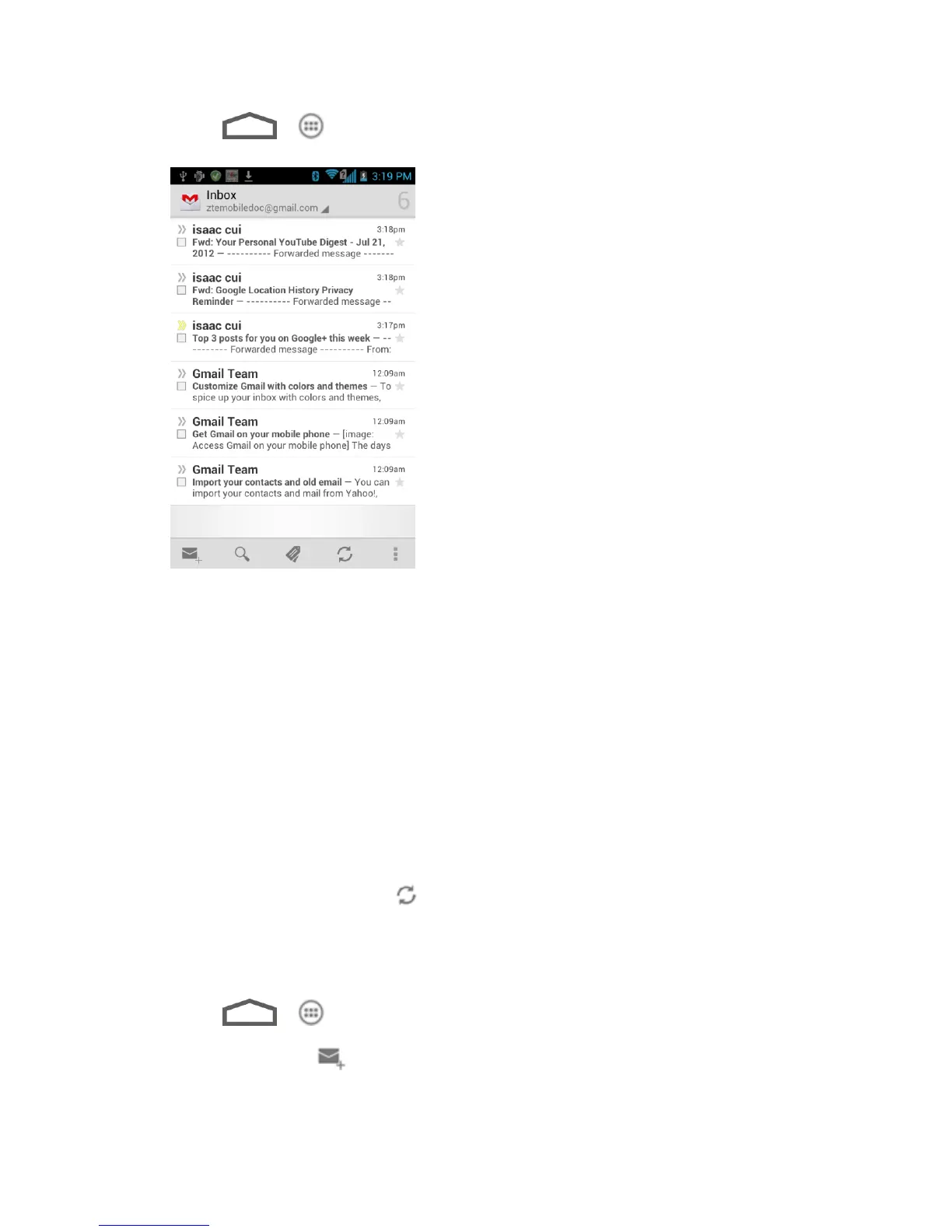
1. Touch > > Gmail.
2. Do any of the following:
View more email messages: If the Inbox is full, swipe your finger up the screen to
view more messages and conversations.
Read a new email message: Touch the unread message or the conversation with an
unread message (just-arrived items display in bold).
Select messages and conversations: Touch the box before the email or conversation.
View the Inbox of your other Gmail account:
• Touch your current Gmail account at the top of the screen, and then touch the
account you want to view.
Refresh the Inbox: Touch .
Send a Gmail Message
Use your phone to send Gmail messages.
1. Touch > > Gmail.
2. In the Inbox, touch .



 To Next Page