Phone Calls 23
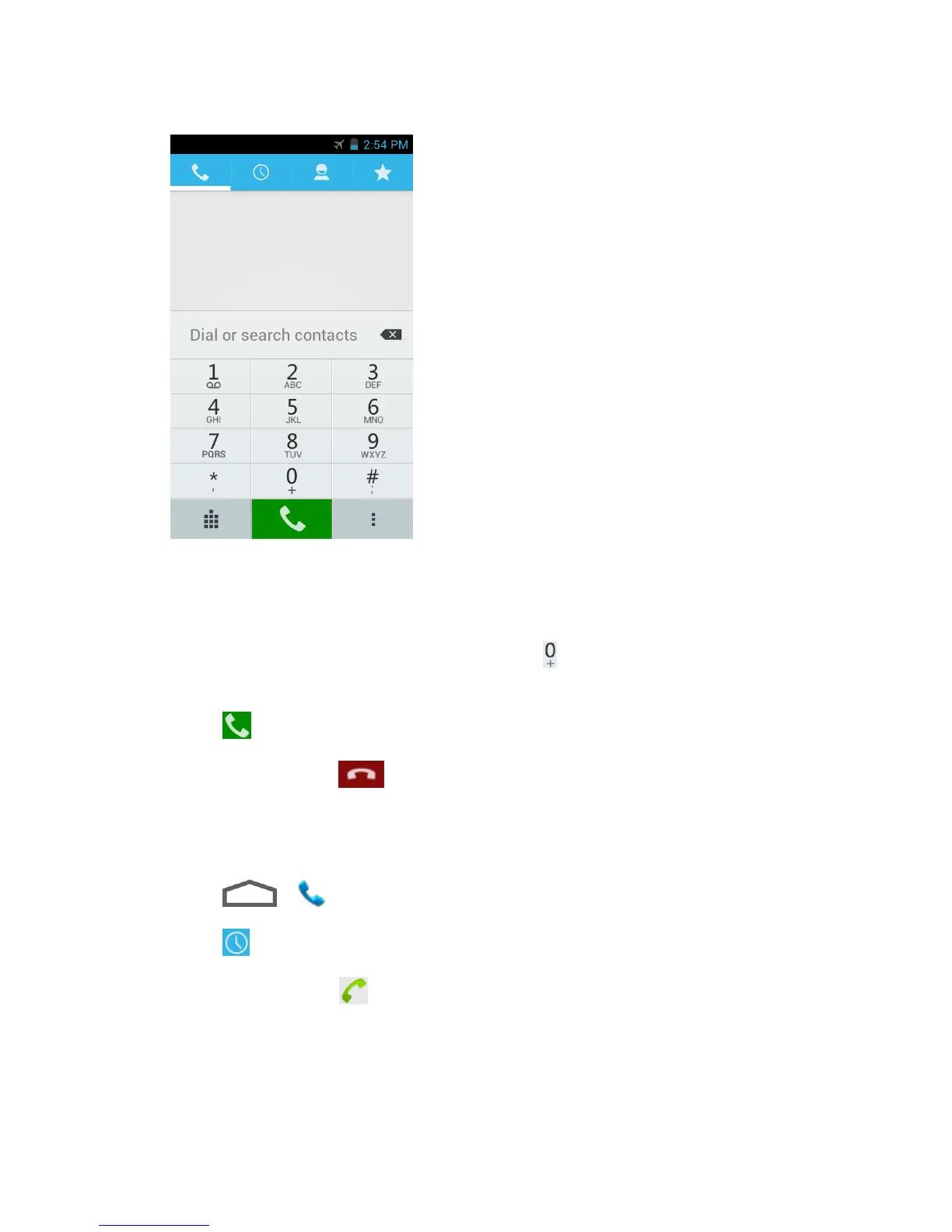
As you enter digits, Smart Dial searches for contacts that match. If you see the
number you want to dial, touch it to place the call immediately without entering the
rest of the number.
To make an international call, touch and hold to enter the plus (+) symbol. Then
enter the country code, followed by the full phone number.
3. Touch to call the number.
4. To end the call, touch .
Call From Recent Calls
The recent calls list lets you quickly place calls to recent incoming, outgoing, or missed numbers.
1. Touch > to display the phone screen.
2. Touch to display the recent calls list.
3. Touch the phone icon next to a number or contact to place a call.
For additional options, touch the name or number.
Call From Contacts
You can place phone calls directly from entries in your contacts list.



 To Next Page