Camera and Video 122
● Touch to access more options. You can browse the album contents in a
slideshow, rotate the picture, view file detail, set photo as contact icon or wallpaper, or
edit photo.
Zoom In or Out on a Photo
There are two ways you can zoom in or out of a photo.
► Touch the screen twice quickly to zoom in, then touch the screen twice quickly again to
zoom out.
– or –
► You can also use pinch and spread to zoom in or out. See Touchscreen Navigation.
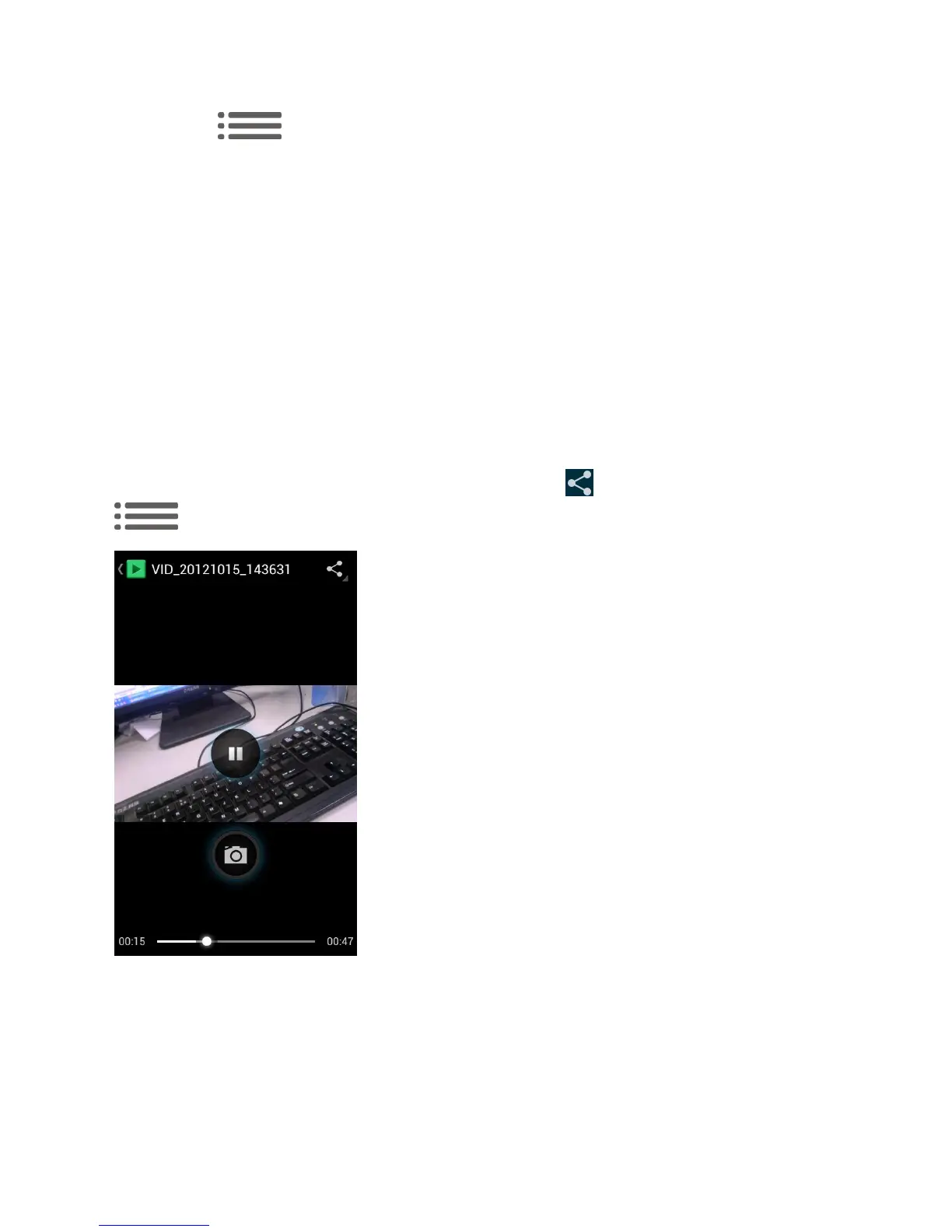
Watch Video
Hold the phone upright or on its side to get the best view. Use the onscreen controls to play,
pause, or jump to any part of the video. You can also touch to share the video, or touch
to zoom the video.
View Photos in Your Social Networks
Using Gallery, you can view your photos and your social network friends‟ photos (Facebook and
Flickr only).



 To Next Page