Contacts 57
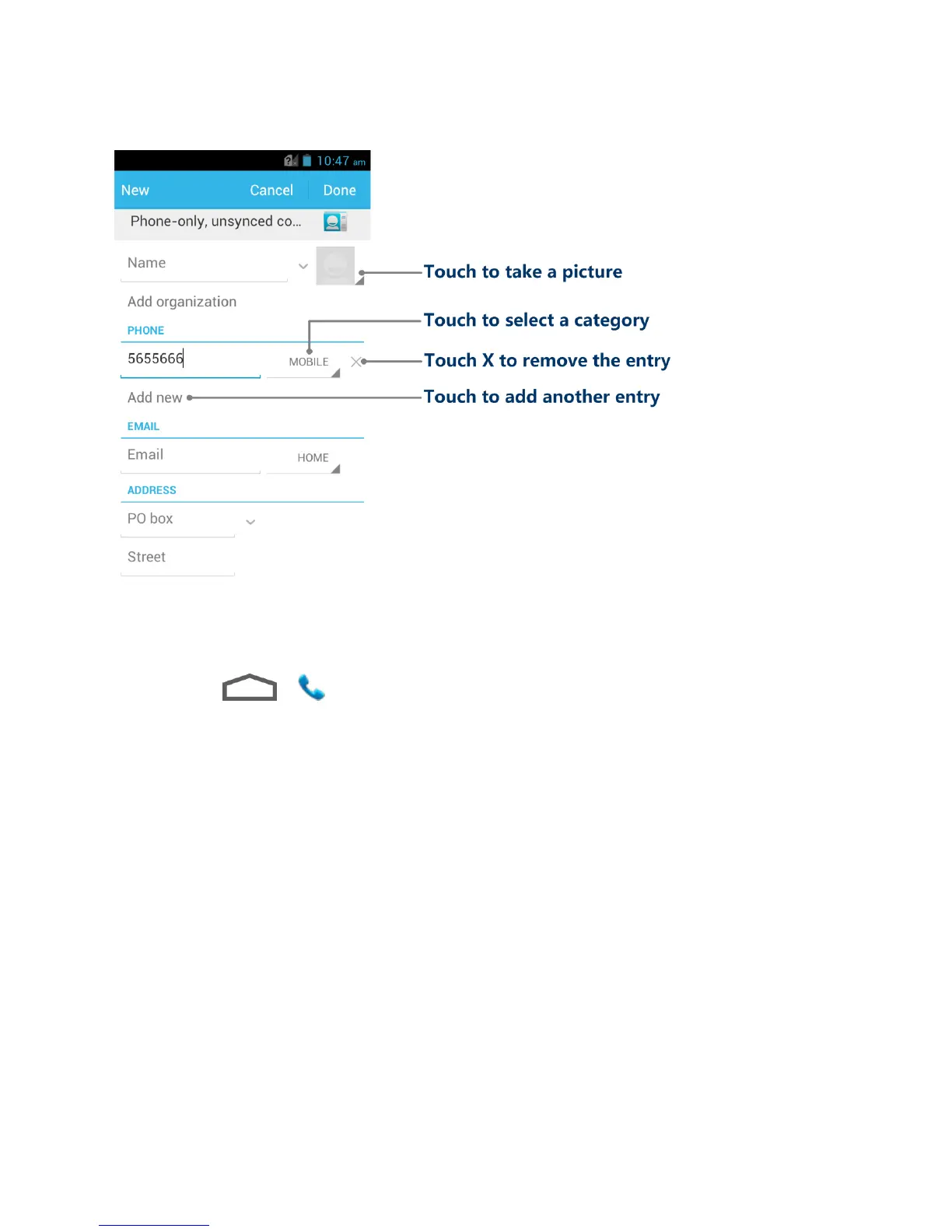
4. When you have finished adding information, touch Done.
Save a Phone Number
You can save a phone number to People directly from the phone dialpad.
1. Touch > .
2. Enter a phone number and touch Add to contacts.
3. To add the number to an existing contact, touch Add to existing, scroll the contact list
and touch the contact. To add a new contact, touch Create new contact.
For an existing contact, select a number type for the new number, and then touch
Done.
For a new contact, enter the name and any additional information, and then touch
Done. See Add a Contact.
Edit a Contact
Once you‟ve added a contact, you can add or edit any of the information in the entry, assign a
caller ID picture, customize with a unique ringtone, and more.
Add or Edit Information for a Contact
Assign a Picture to a Contact



 To Next Page