Phone Calls 30
1. Touch > .
2. Touch .
3. Enter the area code and phone number to which you want your calls forwarded.
4. Touch . (You will hear a tone to confirm the activation of Call Forwarding.)
To deactivate Call Forwarding:
1. Touch > .
2. Touch .
3. Touch . (You will hear a tone to confirm the deactivation.)
In-call Options
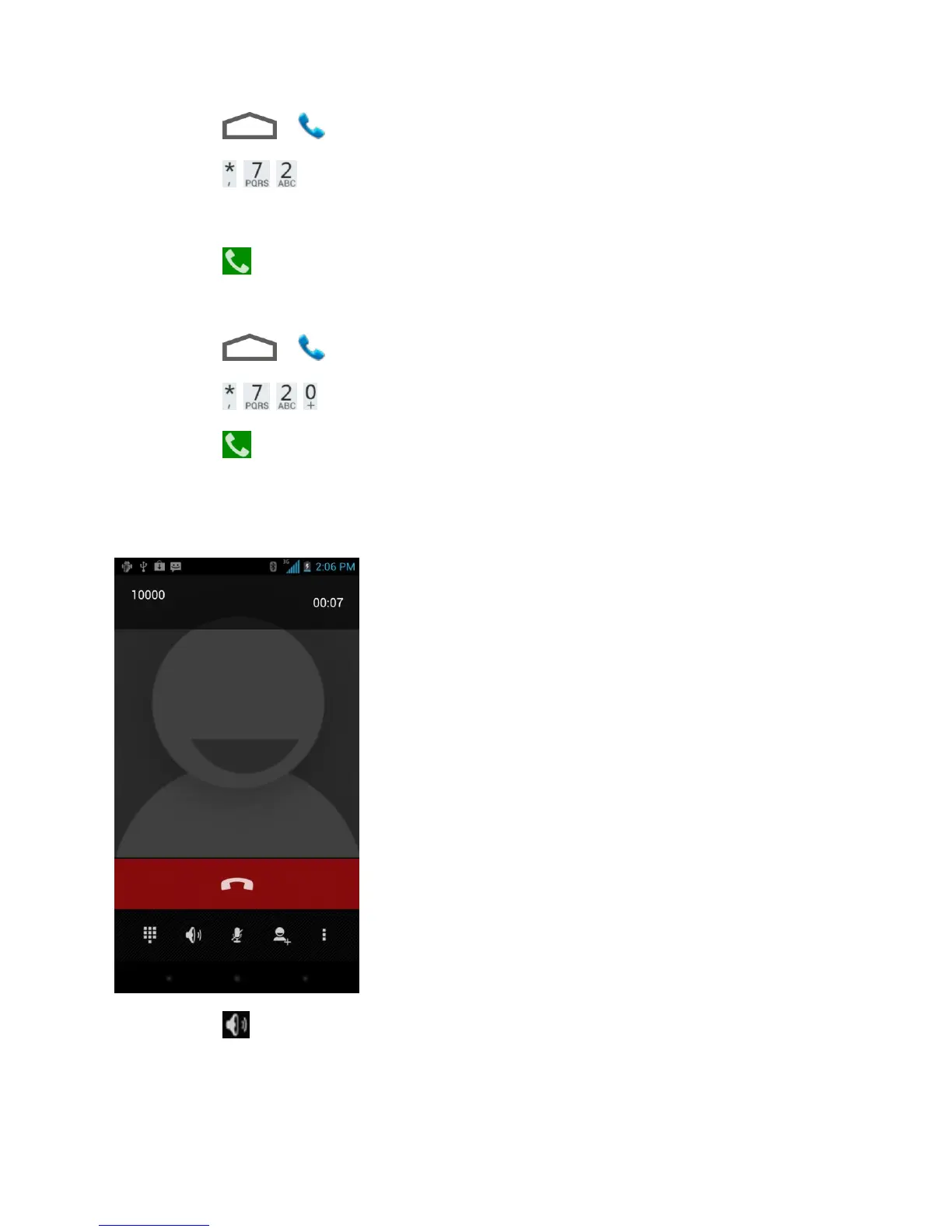
While you‟re on a call, you will see a number of onscreen options. Touch an option to select it.
● Touch to turn on or off speakerphone. When speakerphone is on, the device‟s audio
is routed through the speaker instead of the earpiece.



 To Next Page