Phone Basics 21
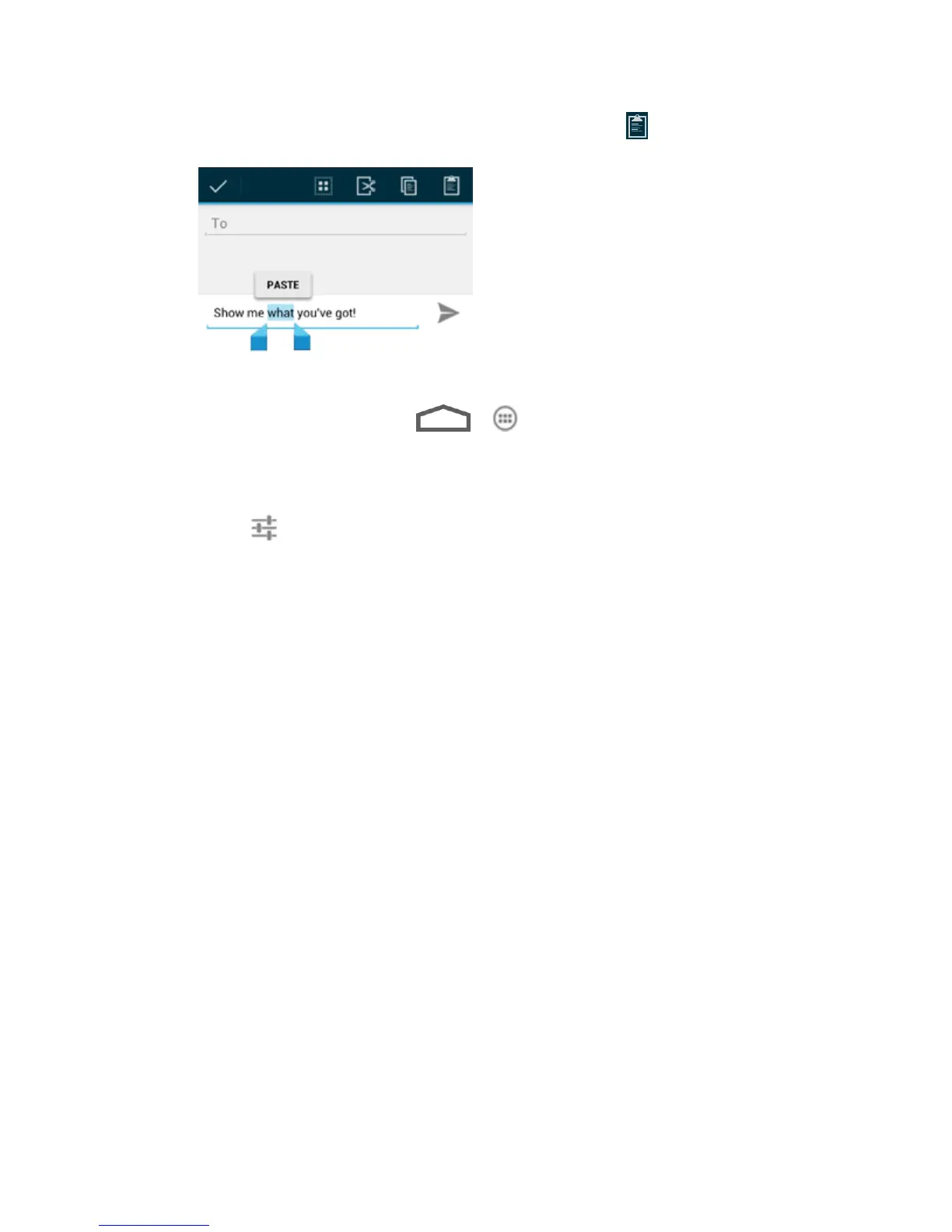
Select the text you want to replace and touch PASTE or .
Text Input Settings
To choose the text input settings, touch > > Settings > Language & input.
● Touch Personal dictionary to add or delete customized words and jargons.
● In the KEYBOARD & INPUT METHODS section, you can set the default input method
and touch to choose the settings for each input method.



 To Next Page