13 | Online Measurement
106/148 DDU 9 Bosch Motorsport
NOTICE
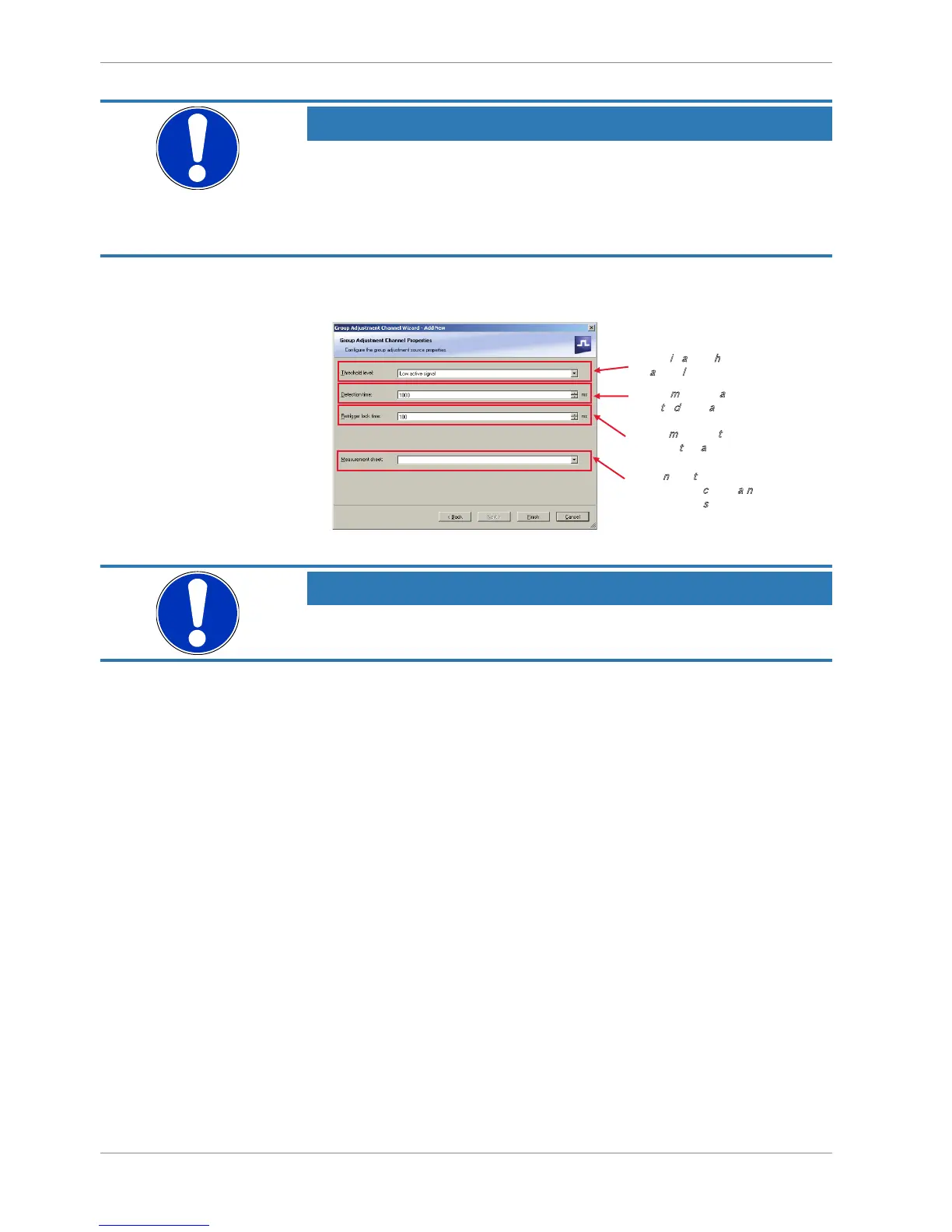
If a low-active signal is selected as an input channel, do not forget to
enable the pull-up resistor for the pin. Otherwise the group adjust-
ment will be triggered periodically.
See chapter ‘Configuring a generic linear sensor’ for further information concerning the
pull-up-resistor.
3. Click ‘Next’ when done.
The second part of the ‘Computed Sensitivity / Offset Wizard’ opens.
NOTICE
Working with automatically created measurement sheets is ex-
plained in chapter ‘Setting up an online measurement’.
4. Click ‘Finish’ when done.
5. Enter channel name and description.
6. Click ‘OK’ when done.
13.3.3 Assigning channels to the group adjustment
1. Double-click on the created channel (e.g. ‘grp_adj_channel’) in the Project Tree.
2. In the Main Area, an overview of the available adjustment channels opens.
3. To add measurement channel(s) to the group adjustment event, check the ‘Calibrate’
box of the desired channel(s).













 To Next Page