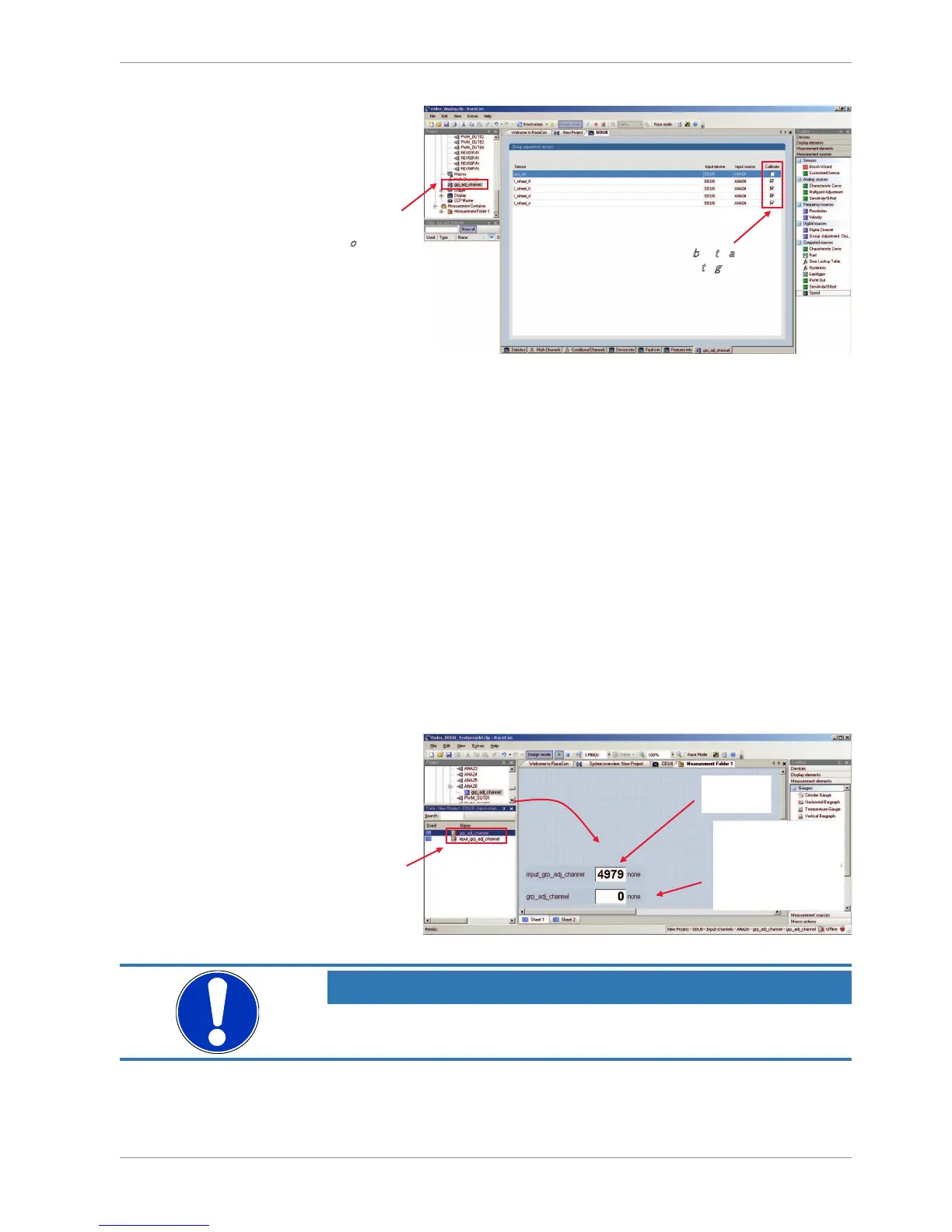
The selected measurement channels are added to the group adjustment event.
13.3.4 Triggering the group adjustment
1. Connect the input pin to GND using a push-button.
2. Make sure the pullup-resistor is enabled, if you selected ‘active low’ trigger polarity.
3. Double-click on the input channel ‘grp_adj_channel’ of the group adjustment.
4. Download the configuration on the DDU 9. To connect the DDU 9 to RaceCon, see
chapter ‘Connecting the Unit to RaceCon’.
5. Open a measurement sheet by clicking on the desired measurement sheet in the Pro-
ject Tree.
6. Drag the ‘grp_adj_channel’ and the ‘input_grp_adj_channel’ to the online measure-
ment sheet.
7. Press and release the push-button.
8. The measurement labels indicate the state of the input pin and the state of the ad-
justment.













 To Next Page