Display Configuration | 10
Bosch Motorsport DDU 9 61/148
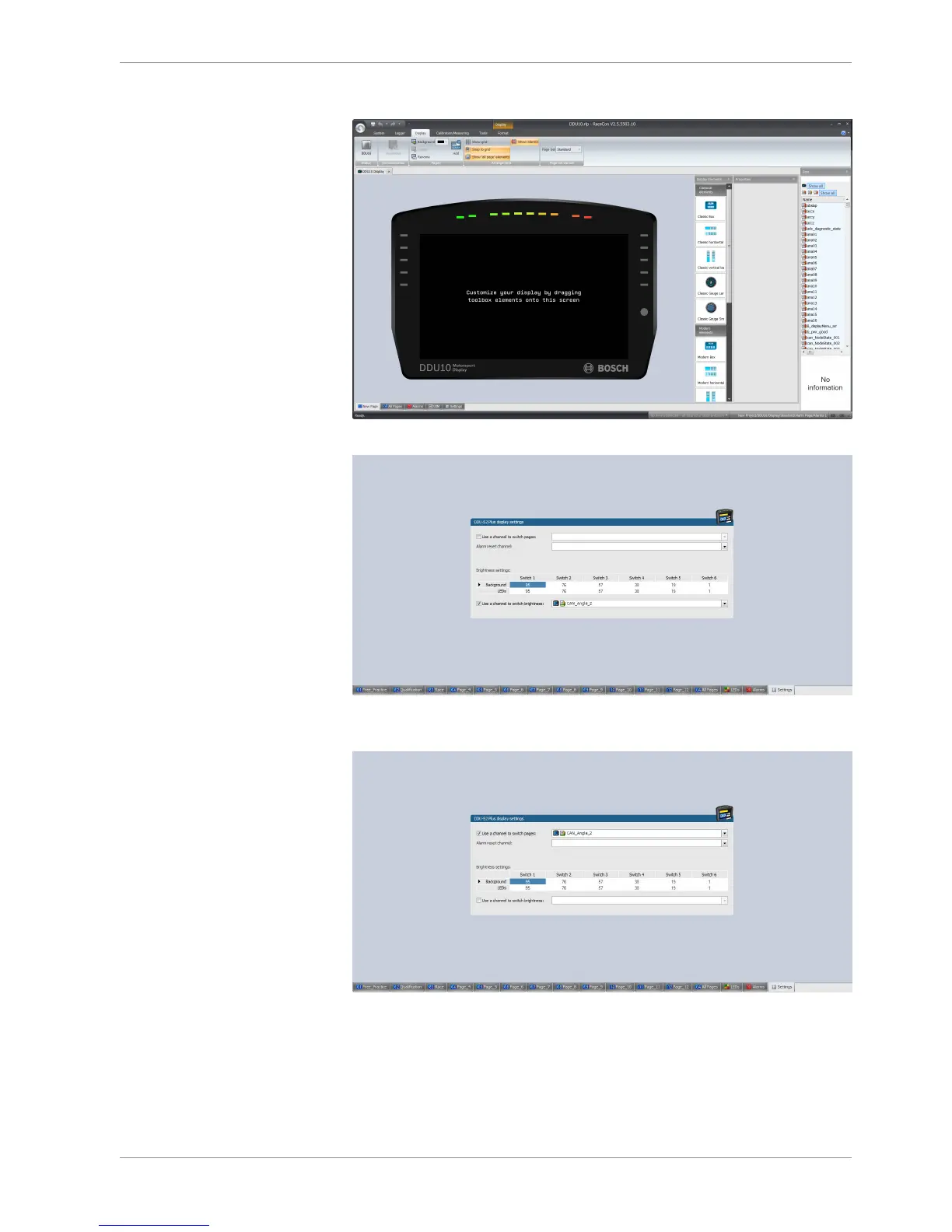
A ‘display settings’ window opens.
2. To use the channel as a brightness switch, check the box "Use a channel to switch
brightness" and select the channel configured above.
3. To use a channel as a Page Switch, check the box" Use a channel to switch page" and
select the channel configured above.
4. Click on the ‘Download’ button in the upper left corner.













 To Next Page