DINION capture 5000/7000 Configuration | en 29
Bosch Security Systems, Inc. Installation Manual | 1.0 | 2012.01
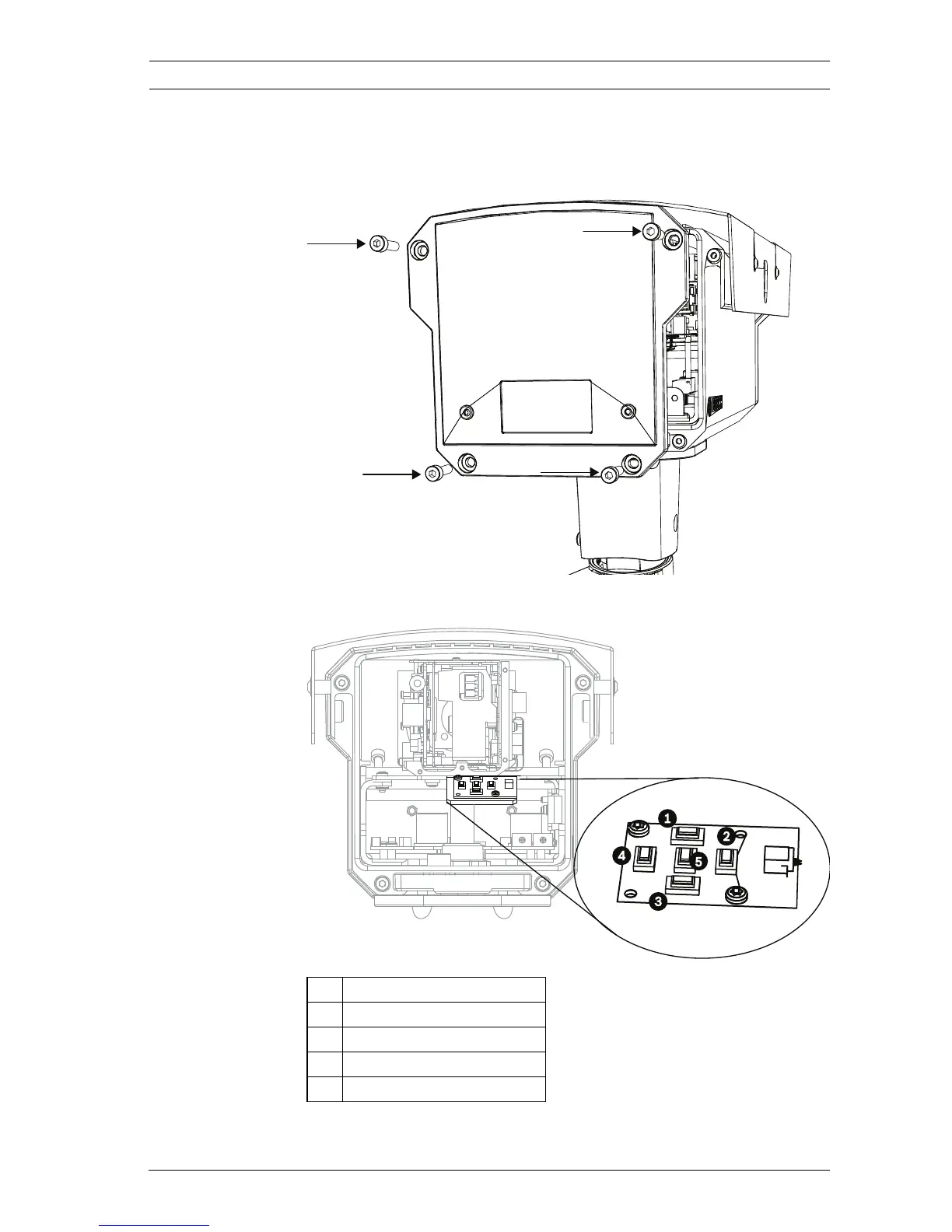
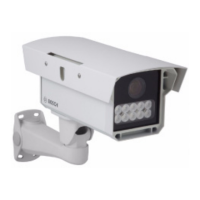
To access the keypad for the license plate camera:
1. Remove the four (4) hex socket screws from the back
panel using the supplied 3 mm hex key.
2. Locate the keypad inside the imager.
1Up key
2Right key
3Down key
4Left key
5 Menu/Select key





 To Next Page