30 en | Configuration DINION capture 5000/7000
| 1.0 | 2012.01 Installation Manual Bosch Security Systems, Inc.
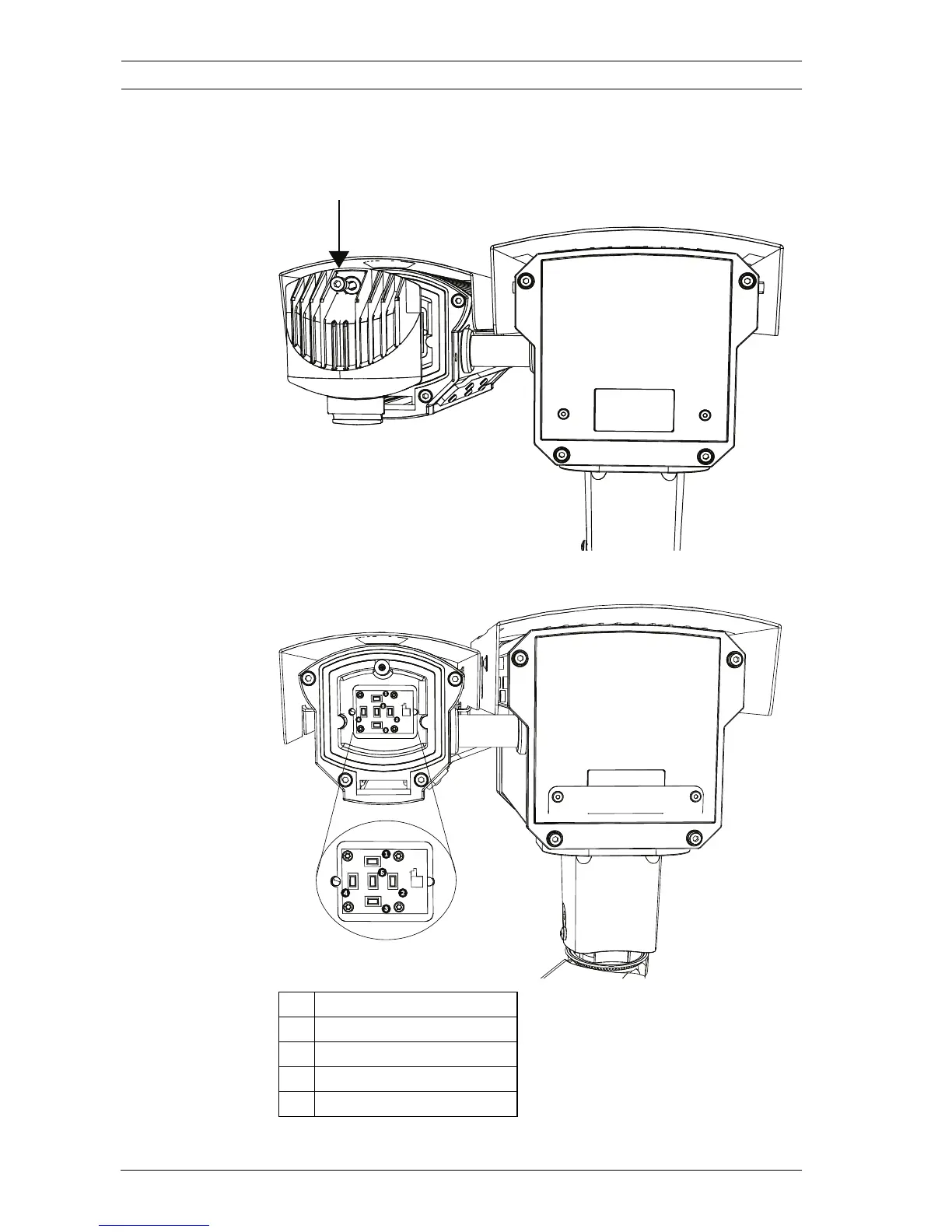
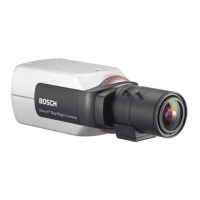
To access the keypad for the overview camera:
1. Remove the hex socket screw from the back panel using
the supplied 3 mm hex key.
2. Locate the keypad inside the imager.
1Up key
2Right key
3 Down key
4Left key
5 Menu/Select key





 To Next Page