DSA E-Series (E2700) Connecting the E2700 controller-drive tray to the hosts | en 31
Bosch Sicherheitssysteme GmbH Installation manual 2015.10 | V2 | DOC
– The host name and the HBA port (for direct topology)
– The switch name and the port (for fabric topology)
– The controller ID (for example, controller A)
– The host channel ID (for example, host channel 1)
Example label abbreviation – Assume that a cable is connected between port 1 in HBA 1
of a host named Engineering and host channel 1 of controller A.
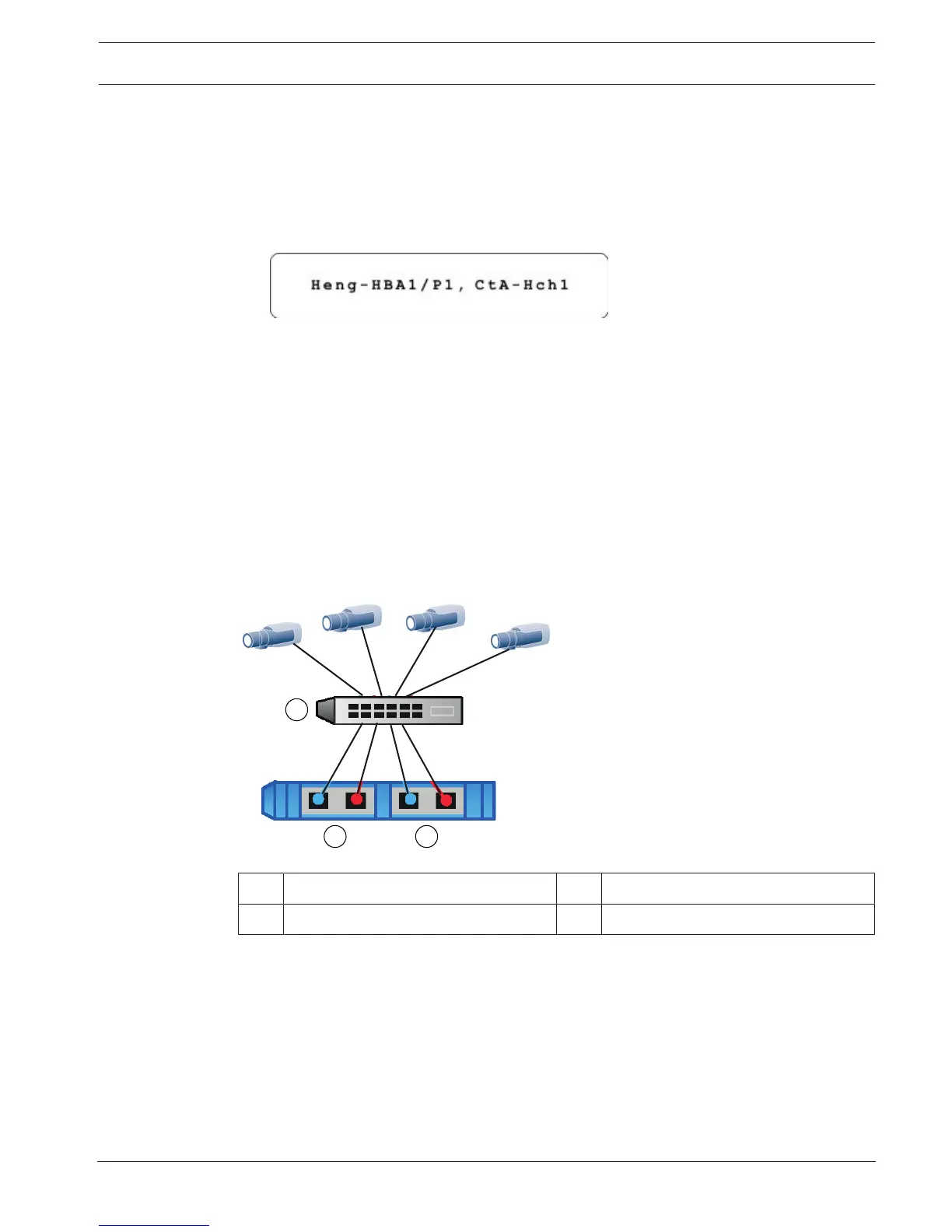
A label abbreviation could be as follows.
4. Repeat step 1 through step 4 for each controller and host channel that you intend to use.
7.5 Connecting to the network
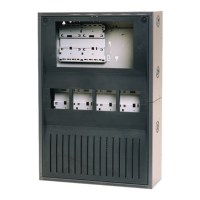
In case of a Bosch Video Recording Solution a host is an IP camera. To connect the controller
to the Ethernet one or two of two available iSCSI host ports must be connected to the
Ethernet. The iSCSI port connections will then be used by the IP cameras for video data
traffic.
Connect the cable from the iSCSI host port to a port on the switch and make sure that the
iSCSI ports of the controller and the relevant IP camera ports are in the same zone on the
switch.
Switch topology
1 Switch 2 Controller A – Host Ports
3 Controller B – Host Ports
7.6 Connecting to the management hosts
The management host directly manages storage arrays over an out-of-band network. This
section describes how to setup an out-of-band connection between the Ethernet port of a
controller and the management host.
To set up an out-of-band connection:
1. Connect Ethernet cables between port 1 of controller A and port 1 of controller B to an
external Ethernet switch or hub.
2. Connect the management host to the Ethernet switch or hub.


 To Next Page