Starting up | 3
Bosch Motorsport Engine_Control_Unit_MS_6.x_Manual 27/76
3.2 Configuration of the system
Bosch MS 6 devices are delivered in a not engine executable mode. The customer has to
include the correct programs, data applications and licenses.
The MS 6 offers two mainly different configuration areas, related to the two core areas of
the controller.
MS 6 ECU
1
st
core area for the functional part of the MS 6 program. The available content is docu-
mentated in the functional descriptions Bosch Motorsport adds to the customer deliveries.
Application works will be done via opening the data labels in the edition windows of
INCA, Modas Sport or RaceCon.
MS 6 Logger
2
nd
core area for the tool displayed parts like logger-, lap trigger, telemetry and CAN-net-
work configurations. Application work will be done in the predefined function windows of
RaceCon.
MS 6 Programming
For system programming or flashing of the device we developed the system configuration
tool RaceCon. After the start of the tool, RaceCon opens the screen “Welcome to Race-
Con”.
With “Last Projects” former projects can be opened directly.
3.2.1 First Steps to create and configure a Project
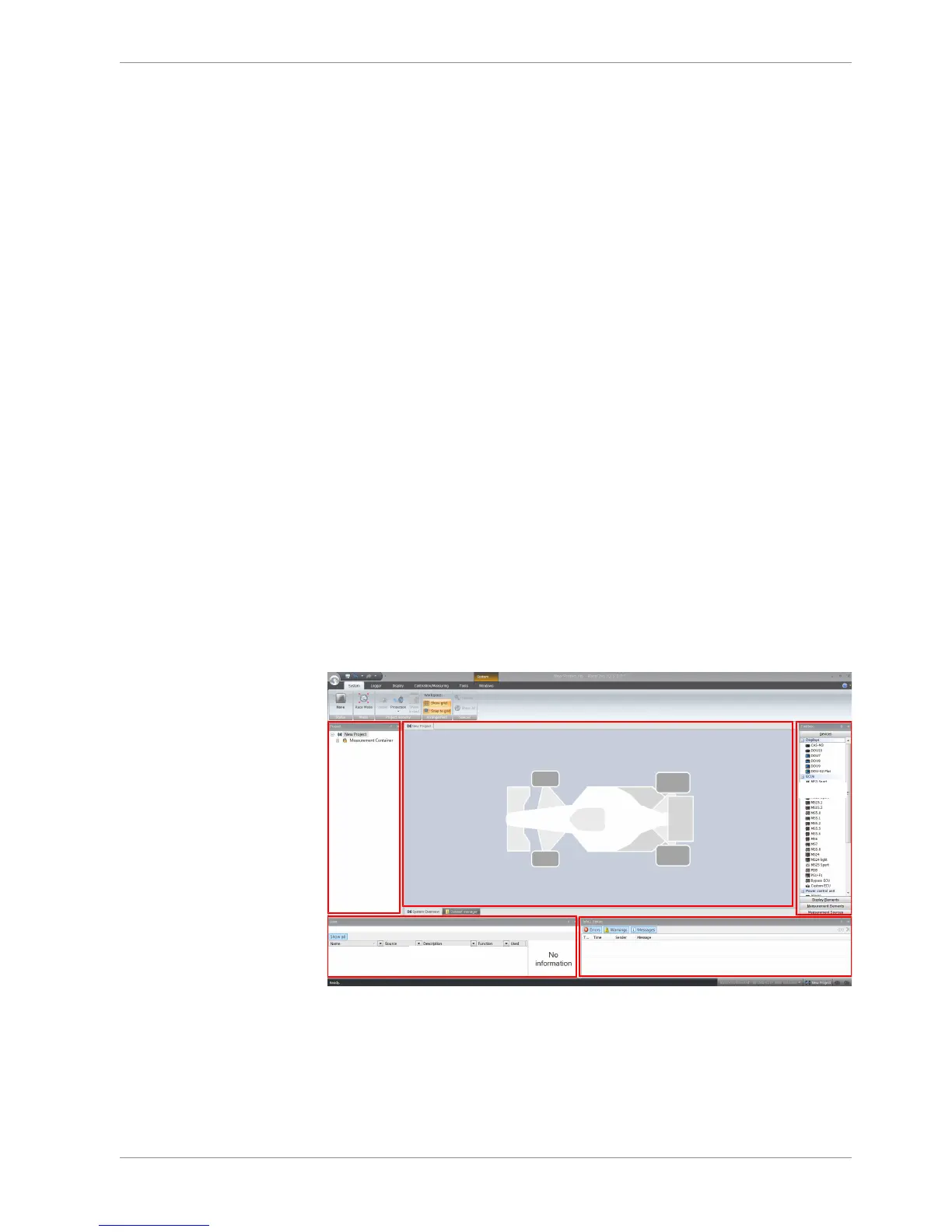
File / New / RaceCon Project opens a new project in RaceCon.
To create a new vehicle configuration, the devices can be pushed via drag & drop from
the toolbox to the vehicle. Then they are part of the project and can be configured.
Select an ECU model MS 6 from the Toolbox / Devices / ECUs.
Drag the ECU icon with pressed left mouse click on the vehicle view, then a dialog opens.



 To Next Page