5 | ECU plus Data Logger
48/76 Engine_Control_Unit_MS_6.x_Manual Bosch Motorsport
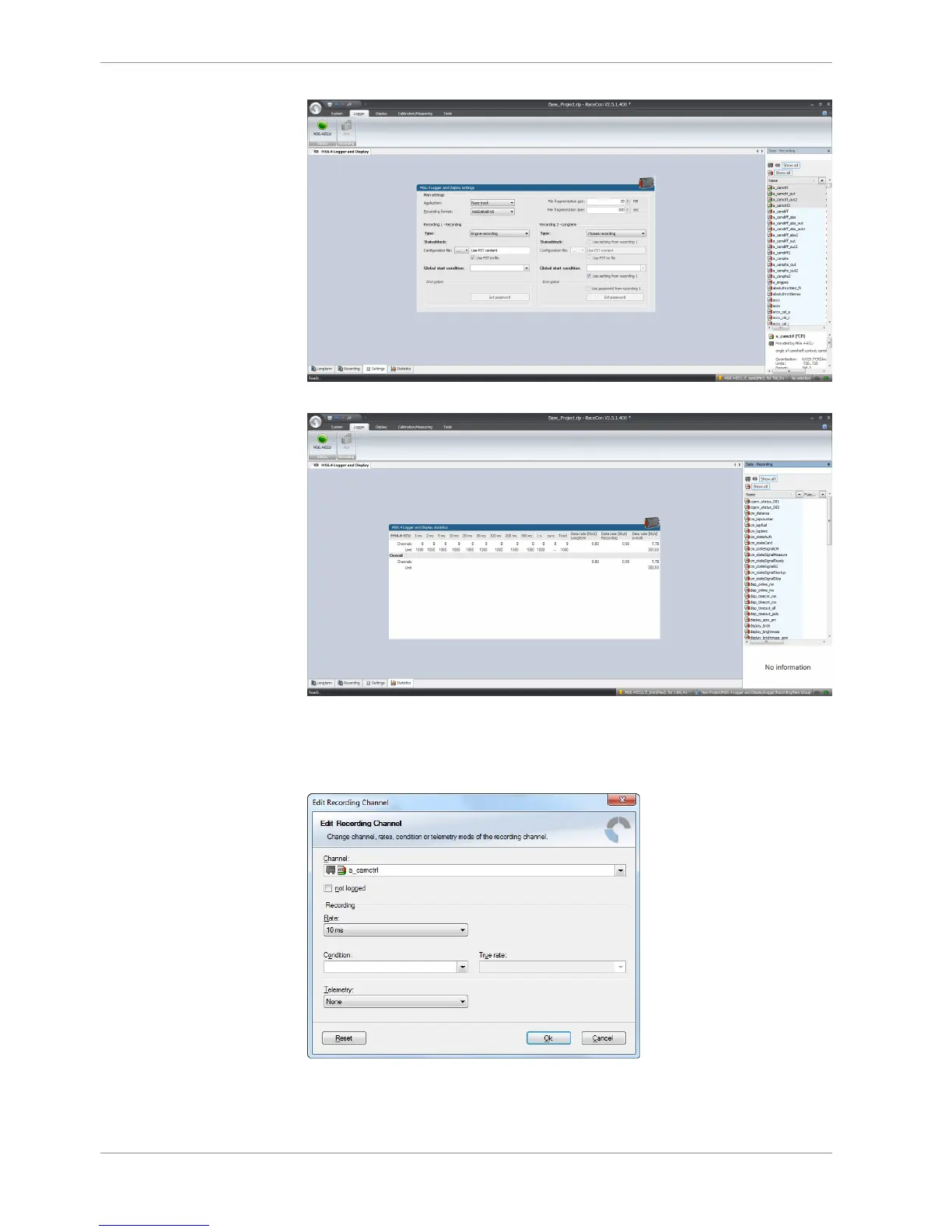
>statistics< check the selection to ensure the system limits are respected.
>group< to separate measure channels into different groups, referring to customer- or
functional structures
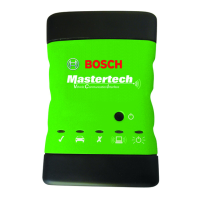
>edit recording channel< right mouse button to one or a selection of recorded channels
opens the option to modify the sampling rate and/or the selection for online telemetry
>Project Window / MS 6 Logger / right mouse button / download configuration
>download configuration< Send your configuration to the device, the recording will start
within the defined limits (without defined condition, the recording will start immediately).



 To Next Page